 PluginStats
SmartShot: Screenshot Capture users statistics
Capture full pages, smart elements, or custom areas instantly.
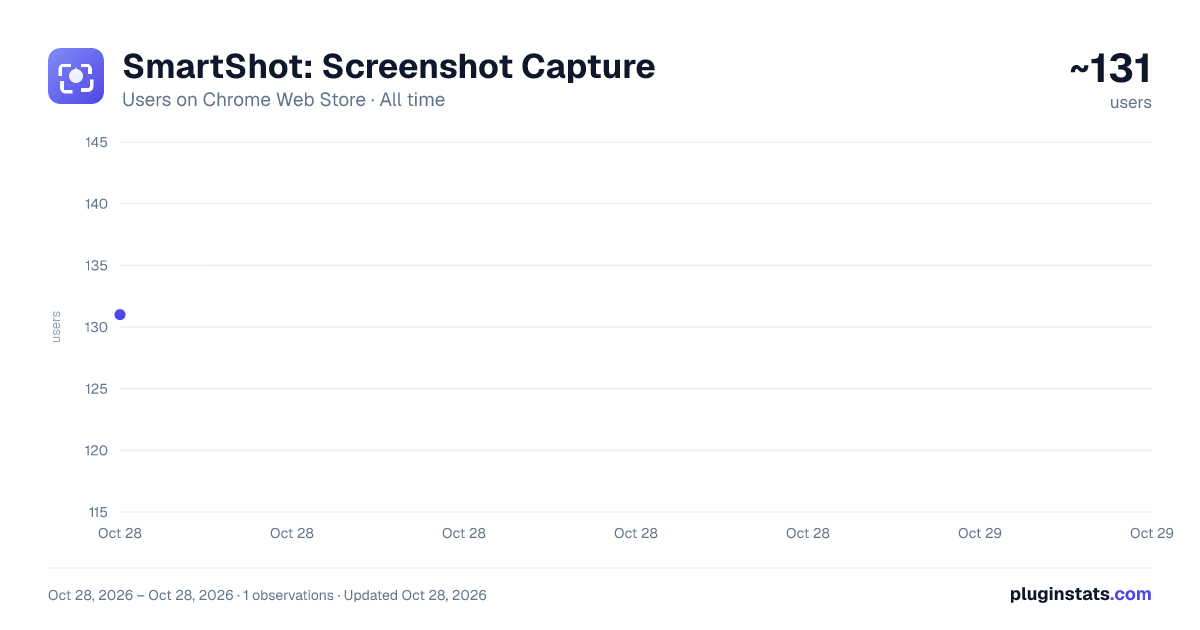
SmartShot: Screenshot Capture has approximately 131 recorded users on Chrome Web Store, ranking #4362 of 4,880 tracked listings.
About SmartShot: Screenshot Capture
Capture full pages, smart elements, or custom areas instantly.
Take beautiful, high-resolution screenshots in Chrome — full page, scrolling, smart element, or area — with keyboard shortcuts.
No login. No watermark. No cloud. Everything happens locally in your browser.
SmartShot is a fast, privacy-first screenshot extension for Chrome, Edge, Brave, and other Chromium browsers. Capture what you need in one click, style it with padding, rounded corners, and custom backgrounds, and save it straight to your Downloads folder as PNG, JPEG, or WebP.
Built on Chrome's modern Manifest V3 platform and available in 30 languages.
━━━━━━━━━━━━━━━━━━━━━━━━━━━━━━━━━━━━ 🔵 FOUR CAPTURE MODES ━━━━━━━━━━━━━━━━━━━━━━━━━━━━━━━━━━━━ 📸 Visible Area — Alt + V Capture exactly what's on screen right now. Zero delay. Output is rendered at physical device resolution, so captures stay razor-sharp on Retina, 4K, and scaled displays.
📜 Full Page (Scrolling) — Alt + F Scroll and stitch entire webpages — long articles, dashboards, landing pages, technical documentation. Handles lazy-loaded images, fixed headers, sticky sidebars, and cookie banners automatically so you get one clean image without duplicated bars across every tile.
A progress toast shows tile 3/12 as it captures, and Esc cancels any time. Very tall pages that exceed Chrome's 32,767-pixel canvas limit are split into multiple files automatically — you never lose the bottom half of a long article again.
✨ Smart Element — Alt + S Hover any element on the page — an image, a table, a card, a code block, a section — and SmartShot detects its true boundaries and highlights the exact area. Click to capture it with pixel-perfect edges. No manual cropping, no zooming in, no fiddling with rectangles.
Optional "Full Element" mode scrolls inside long elements (like a chat thread or a comment section) and captures the whole thing.
✂️ Area / Crop — Alt + A Drag to select any rectangle on the page for a precise, cropped screenshot. Perfect for grabbing a specific chart, a code snippet, or a UI detail.
⚡ Batch Mode Toggle Batch in the popup, then choose Smart Select or Area. The capture tool stays armed after every shot — snap 5, 20, 50 elements in a row without reopening anything. Press Esc to stop.
Ideal for documenting a whole UI, grabbing every step of a tutorial, or building a reference sheet.
━━━━━━━━━━━━━━━━━━━━━━━━━━━━━━━━━━━━ 🟣 BEAUTIFUL BY DEFAULT ━━━━━━━━━━━━━━━━━━━━━━━━━━━━━━━━━━━━ Skip the image editor. Every screenshot can be wrapped in a clean, professional canvas at capture time:
✅ Padding from 0–128 px — from flush edges to breathable frames
✅ Border radius from 0–64 px — sharp corners to smooth pill shapes
✅ Background fill — transparent, white, black, or any custom HEX color to match your brand or presentation deck
✅ Format — PNG, JPEG, or WebP, with an adjustable quality slider (10–100%) for JPEG/WebP compression
✅ Output at physical device resolution — no blurry downscales on Retina and 4K displays
Everything renders on your machine using the browser's native canvas — no server round-trip, no perceptible delay.
━━━━━━━━━━━━━━━━━━━━━━━━━━━━━━━━━━━━ 🟠 SMART FILE ORGANIZATION ━━━━━━━━━━━━━━━━━━━━━━━━━━━━━━━━━━━━ Screenshots save silently — no "Save As" pop-up interrupting your flow. Filenames always include the website, date, and time, so you can find any capture instantly by searching Downloads.
Choose how files are grouped:
✅ Smart filename, no folders (default) Downloads/example.com_2026-07-19_14-30-12.png
✅ Folder per website — automatic per-site organization Downloads/SmartShot/example.com/2026-07-19_14-30-12.png
✅ Folder per date — daily work logs and research journals Downloads/SmartShot/2026-07-19/example.com_14-30-12.png
✅ Project folder — name your project once, group everything Downloads/SmartShot/ClientRedesign/example.com_...png
Also: turn on "Copy to clipboard" in the popup and every capture also lands on your clipboard, ready to paste into Slack, Notion, Figma, Jira, Linear, an email — anywhere that accepts an image.
━━━━━━━━━━━━━━━━━━━━━━━━━━━━━━━━━━━━ 🟢 PRIVACY-FIRST, BY DESIGN ━━━━━━━━━━━━━━━━━━━━━━━━━━━━━━━━━━━━ Your screenshots never leave your machine. Everything runs locally in your browser — capture, scroll-and-stitch, styling, saving, clipboard.
No accounts. No sign-in. No cloud storage. No analytics. No tracking. No telemetry. No third-party requests. It works completely offline.
SmartShot uses only the minimum Chrome permissions required:
✅ activeTab — capture the tab you're currently on
✅ storage — remember your settings
✅ downloads — save screenshots to your Downloads folder
✅ clipboardWrite — copy captures to your clipboard (opt-in)
✅ contextMenus — right-click capture entries
No "debugger" permission. No host access to arbitrary URLs beyond what your active tab needs. No background network activity.
━━━━━━━━━━━━━━━━━━━━━━━━━━━━━━━━━━━━ 🟡 MADE FOR EVERYONE WHO WORKS ON THE WEB ━━━━━━━━━━━━━━━━━━━━━━━━━━━━━━━━━━━━ ✅ Designers & UX teams — capture component states, hover interactions, and full design references. Style with padding and rounded corners before sharing in Figma or Slack.
✅ Developers & QA testers — screenshot bugs with clean visual context. Batch a whole UI in seconds. Attach directly to Jira, Linear, or GitHub issues without any post-processing.
✅ Marketers & growth teams — grab competitor ads, landing pages, and social posts. Wrap them in on-brand backgrounds for reports and decks.
✅ Content creators & writers — capture references, UI examples, and social assets with transparent or custom-colored backgrounds, ready to publish without touching Photoshop.
✅ Product managers — document flows, capture user journey screens for PRDs, batch every step of an onboarding sequence.
✅ Students & researchers — save lecture slides, papers, diagrams, and citations locally — no cloud service in the loop with your notes.…
Description from the Chrome Web Store listing.
README badge
Show your rank in a README or on your website. The badge updates automatically.
Charts
Images: 30d · 1y · all time · 1600×900 dark
Adoption over time
7/30/90-day growth
Ranking history
Ratings over time
Listing placement
Listing placement
Filled points are observed values; hollow points come from Internet Archive snapshots of the listing page. Dashed segments span periods with no observations — values between points are not interpolated.
Each band is one page of 20. Users on a linear scale. Placement is projected from users, so it can differ from the marketplace's own sort order. Hover a dot to see the listing.
Recent observations
Full history (1)Similar Chrome Web Store Tools plugins
All 20 SmartShot: Screenshot Capture alternatives



Data source
Covers every Chrome Web Store extension with at least 100 users, found through the store's public sitemap. User counts are read from public listing pages. The 10% most-used extensions are refreshed daily, the next 40% weekly and the next 40% monthly; the least-used 10% are not refreshed. Google displays rounded user counts (and caps the display at 10,000,000+), so small changes may not be visible. Rating counts above 1,000 are rounded (e.g. 1.6K).
Listing: https://chromewebstore.google.com/detail/smartshot-screenshot-capt/nmngoggcedjnfcjfjkedmhlnnkpjdocf. First seen Oct 28, 2026; last successful collection Oct 28, 2026. See the methodology.