 PluginStats
TrueScreen Browser Extension - Web Page Certifier users statistics
Capture any web page as a screenshot or a video recording: forensic evidence with certified date, integrity and report.
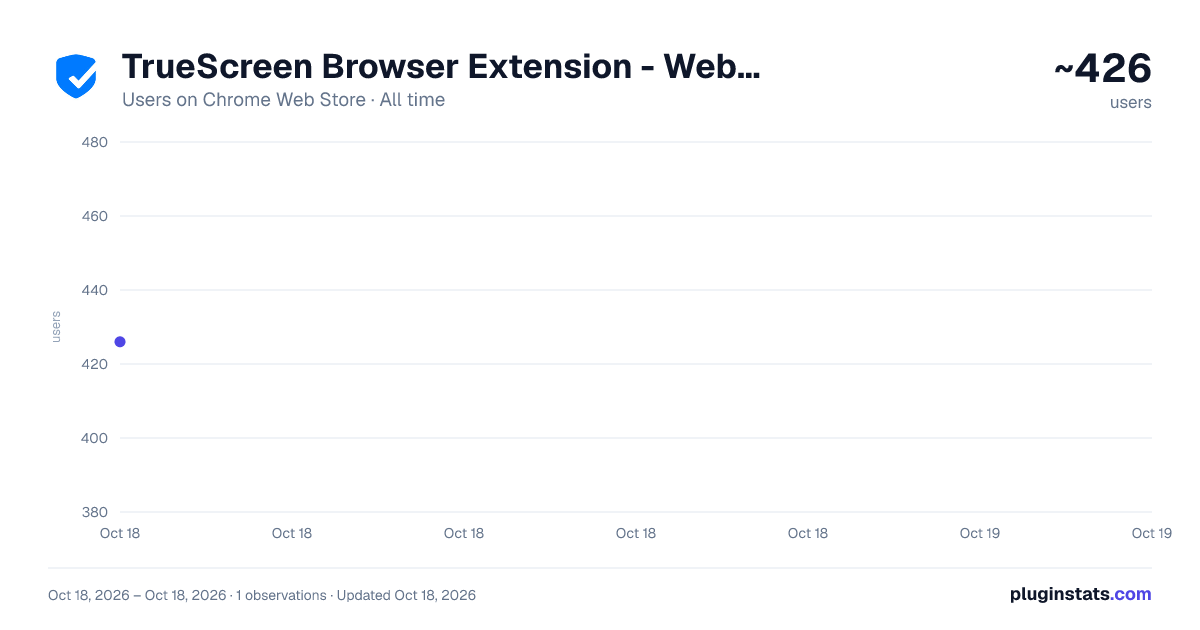
TrueScreen Browser Extension - Web Page Certifier has approximately 426 recorded users on Chrome Web Store, ranking #1099 of 2,033 tracked listings.
Rating: 5.00 / 5 from 2 ratings
About TrueScreen Browser Extension - Web Page Certifier
Capture any web page as a screenshot or a video recording: forensic evidence with certified date, integrity and report.
TrueScreen turns any web page into evidence that holds up when someone disputes it.
Capture what you are looking at, as a screenshot or as a video recording of your browsing, and receive a certification you can hand to a client, a lawyer or a court.
WHAT YOU CAN CAPTURE
- The visible area of the page, or the entire page from top to bottom
- A video recording of your browsing session, with every page load archived along the way and an activity log of what happened on screen
WHAT IS IN THE EVIDENCE PACKAGE
- The screenshot (PNG) or the recording (WebM)
- A web archive (MHTML) of the page as it was served to you
- Page metadata: address, title, capture time, time zone, HTTP status, HTTPS state
- Forensic data: integrity hash of the page content, loaded resources, security state
- A report that states what was captured, how, and what the capture time is worth
HOW IT WORKS
- Open the page you want to certify
- Click the TrueScreen icon and choose screenshot or recording
- Review what was captured and name the certification
- Confirm: the package is sealed and filed, and you receive a shareable report
WHY IT IS DIFFERENT The authenticity of a capture comes from how it is taken, not from a stamp added afterwards. TrueScreen captures the page from outside the document, without injecting anything into it, records the technical state of the page at that moment, and verifies its own clock against the network instead of trusting the computer it runs on. The package is then sealed with an official digital seal and a qualified timestamp, recognised internationally, and the report states the accuracy of the time it declares.
WHAT YOU NEED
- A TrueScreen account, free to create
- Available certification credits
Available in English, Italian, German, Spanish, French and Portuguese.
Learn more: www.truescreen.io Privacy Policy: truescreen.io/privacy-policy/ Terms of Service: truescreen.io/tos/
Description from the Chrome Web Store listing.
README badge
Show your rank in a README or on your website. The badge updates automatically.
Charts
Images: 30d · 1y · all time · 1600×900 dark
Adoption over time
7/30/90-day growth
Ranking history
Ratings over time
Listing placement
Listing placement
Filled points are observed values; hollow points come from Internet Archive snapshots of the listing page. Dashed segments span periods with no observations — values between points are not interpolated.
Each band is one page of 20. Users on a linear scale. Placement is projected from users, so it can differ from the marketplace's own sort order. Hover a dot to see the listing.
Recent observations
Full history (1)Similar Chrome Web Store Tools plugins
All 20 TrueScreen Browser Extension - Web Page Certifier alternatives



Data source
Covers every Chrome Web Store extension with at least 100 users, found through the store's public sitemap. User counts are read from public listing pages. The 10% most-used extensions are refreshed daily, the next 40% weekly and the next 40% monthly; the least-used 10% are not refreshed. Google displays rounded user counts (and caps the display at 10,000,000+), so small changes may not be visible. Rating counts above 1,000 are rounded (e.g. 1.6K).
Listing: https://chromewebstore.google.com/detail/truescreen-browser-extens/nplgfbneacdkgojlcaofnggjddfacnaj. First seen Oct 18, 2026; last successful collection Oct 18, 2026. See the methodology.