 PluginStats
Searchable Select users statistics
By izll · Chrome Web Store · Functionality & UI
Transforms classic HTML select elements into searchable dropdowns. Works only with native <select> tags.
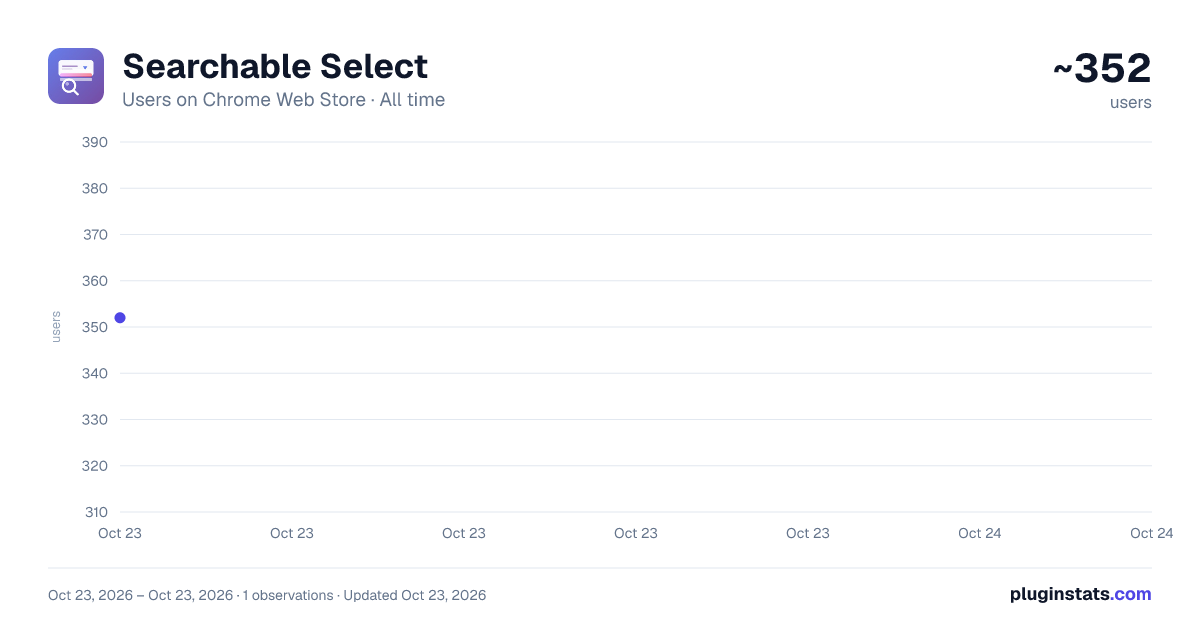
Searchable Select has approximately 352 recorded users on Chrome Web Store, ranking #2249 of 3,853 tracked listings.
About Searchable Select
Transforms classic HTML select elements into searchable dropdowns. Works only with native <select> tags.
Make Classic HTML Dropdowns Searchable - Find Options Instantly!
Tired of scrolling through long dropdown lists? Searchable Select automatically transforms classic HTML <select> elements on any website into powerful, searchable dropdowns with instant filtering.
Important: This extension works with traditional HTML select boxes (the standard <select> tag). It does not modify custom-built dropdown components created with divs, JavaScript libraries, or CSS-only solutions.
✨ Key Features
🔍 Instant Search
- Type to search in any dropdown menu
- Real-time filtering as you type
- Keyboard navigation support
- Works with unlimited options
🌐 Universal Compatibility
- Automatically works on ALL websites with standard HTML select elements
- Handles dynamic content and AJAX-loaded select boxes
- Supports iframes and nested elements
- Works with native
<select>tags only - No configuration needed
⚙️ Customizable Settings
- Enable/disable on specific domains
- Domain whitelist/blacklist support
- Debug mode for developers
- Clean, intuitive settings page
🌍 Multilingual Support Fully translated into 10+ languages:
- English
- Magyar (Hungarian)
- Deutsch (German)
- Français (French)
- Español (Spanish)
- Italiano (Italian)
- Português (Portuguese)
- Русский (Russian)
- 日本語 (Japanese)
- 中文 (Chinese)
🎯 Perfect For
- Form Filling: Quickly find your country, state, or city in long lists
- E-commerce: Select product options, sizes, and variants faster
- Admin Panels: Navigate through large datasets with ease
- Web Development: Test and use dropdown menus efficiently
- Accessibility: Keyboard-friendly navigation for all users
🚀 How It Works
- Install the extension
- Visit any website with standard HTML select dropdowns
- Click on a
<select>element - it's now searchable! - Start typing to filter options instantly
- Use arrow keys to navigate, Enter to select
No configuration needed - it just works! The extension automatically detects and enhances all native HTML <select> elements on every page you visit.
Note: The extension specifically targets classic HTML select boxes. Custom dropdowns built with JavaScript frameworks (like React Select, Vue Select, etc.) or pure CSS solutions won't be affected, as they already have their own functionality.
🔒 Privacy & Security
- No Data Collection: We don't collect, store, or transmit any of your data
- Lightweight: Minimal performance impact
- Open Source: Transparent code you can review
- Offline Functionality: Works without internet connection
- No External Requests: Everything runs locally in your browser
💡 Use Cases Daily Scenarios:
- Booking flights: Find your departure city in seconds
- Shopping online: Quickly select your country for shipping
- Government forms: Search for your state or municipality
- Date pickers: Find the right month/year without scrolling
- Language selectors: Switch languages with ease
Professional Use:
- Admin dashboards with hundreds of options
- CRM systems with long customer lists
- ERP software with complex category selections
- Database management interfaces
- Content management systems
⚡ Technical Highlights
- Built with SlimSelect v3.2.0 for reliable functionality
- Works exclusively with native HTML
<select>elements - Manifest V3 compatible
- Performance optimized with debouncing
- MutationObserver for dynamic content detection
- Cross-frame support for iframes
- Custom styling that respects website design
- Does not interfere with custom dropdown libraries
🎨 User Experience
- Smooth animations and transitions
- Intuitive search placeholder text
- "No results" feedback when search yields nothing
- Maintains original select element values
- Preserves form functionality and validation
- Mobile-friendly responsive design
📊 Statistics
- Works on 99%+ of websites
- Handles select lists with 1000+ options smoothly
- Used by thousands of satisfied users
- Regular updates and improvements
- Active support and bug fixes
🛠️ Settings & Configuration Access settings by clicking the extension icon:
- Language Selection: Choose your preferred interface language
- Domain Filtering: Enable on all sites or specific domains only
- Debug Mode: Enable console logging for troubleshooting
- Wildcard Support: Use patterns like .example.com
🆘 Support Having issues or suggestions?
- Check our documentation
- Report bugs on our issue tracker
- Contact developer
📝 Recent Updates (v1.0.2)
- 🎨 Customizable selection color in settings
- 📐 Width mode option (auto/original width)
- 🔧 Improved AJAX/JSF compatibility
- 🐛 Fixed select elements hiding after dynamic refresh
- 🌍 10+ language support
- ⚙ Domain filtering options
⭐ Why Choose Searchable Select? Unlike other extensions:
- Zero configuration - Works immediately after install
- Universal - Supports ALL websites, not just specific ones
- Lightweight - No bloat, just the features you need
- Privacy-focused - Your data stays on your device
- Actively maintained - Regular updates and improvements
- Free forever - No premium tiers or subscriptions
🤝 Support Development If you find this extension useful, consider:
- ⭐ Leaving a 5-star review
- 💰 Supporting via PayPal (link in settings page)
- 📢 Sharing with friends and colleagues
- 🐛 Reporting bugs to help improve
Description from the Chrome Web Store listing.
README badge
Show your rank in a README or on your website. The badge updates automatically.
Charts
Images: 30d · 1y · all time · 1600×900 dark
Adoption over time
7/30/90-day growth
Ranking history
Ratings over time
Listing placement
Listing placement
Filled points are observed values; hollow points come from Internet Archive snapshots of the listing page. Dashed segments span periods with no observations — values between points are not interpolated.
Each band is one page of 20. Users on a linear scale. Placement is projected from users, so it can differ from the marketplace's own sort order. Hover a dot to see the listing.
Recent observations
Full history (1)Similar Chrome Web Store Functionality & UI plugins
All 20 Searchable Select alternatives



Data source
Covers every Chrome Web Store extension with at least 100 users, found through the store's public sitemap. User counts are read from public listing pages. The 10% most-used extensions are refreshed daily, the next 40% weekly and the next 40% monthly; the least-used 10% are not refreshed. Google displays rounded user counts (and caps the display at 10,000,000+), so small changes may not be visible. Rating counts above 1,000 are rounded (e.g. 1.6K).
Listing: https://chromewebstore.google.com/detail/searchable-select/gccaknidlhpekkppcoijpiapldnpegpd. First seen Oct 23, 2026; last successful collection Oct 23, 2026. See the methodology.