 PluginStats
Picture in Picture works with Paramount [QVI] users statistics
By ToopExt (2 listings) · Chrome Web Store · Entertainment
Independent software not affiliated with Paramount. Watch Paramount+ in a floating always-on-top window.
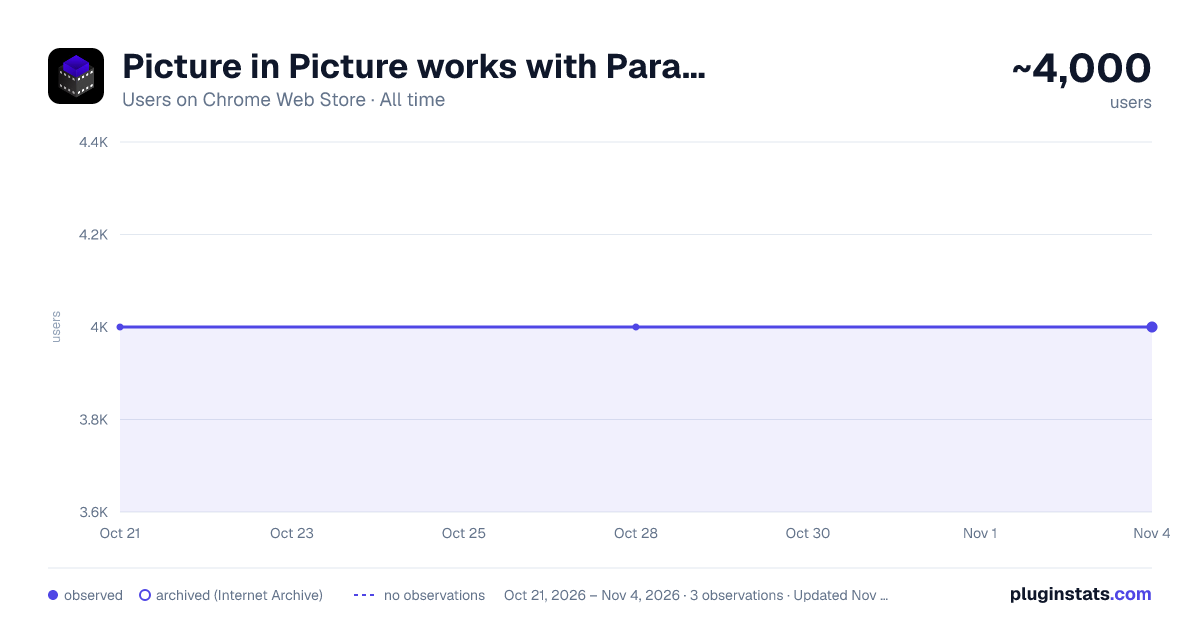
Picture in Picture works with Paramount [QVI] has approximately 4,000 recorded users on Chrome Web Store, ranking #737 of 3,853 tracked listings.
Rating: 3.80 / 5 from 16 ratings
About Picture in Picture works with Paramount [QVI]
Independent software not affiliated with Paramount. Watch Paramount+ in a floating always-on-top window.
Picture in Picture for use with Paramount streaming - Floating video window
⚠️ Independent software - not affiliated with, endorsed by, or sponsored by Paramount Global or Paramount+. Paramount and Paramount+ are trademarks of their respective owners.
Looking for a tool to watch Paramount Plus in a convenient always-on-top window? You are in the right place. Focus on other tasks while watching your favorite series.
Picture in Picture is perfect for multitasking, having something on in the background, or even working from home. No need to juggle multiple tabs or extra screens - this extension solves it.
How does it work? Picture in Picture for Paramount allows you to play video content in a floating window pinned always on top, so you can use the rest of your screen for other tasks.
This extension adds an extra control button among the viewing options (such as full-screen). Just click to launch a separate window with your chosen show and place it wherever you want - whether you are browsing your feed or preparing a presentation.
All you need to do is add the Picture in Picture extension for Paramount, and enjoy your favorite series in the background. It is as simple as that.
This extension is part of the Quality Viewership Initiative, a collaborative effort to enhance the understanding of audience engagement. It collects anonymous, aggregated viewing insights to support creators and studios in improving the quality of their content. You can stop sharing your information at any time by switching the toggle on the options page.
Description from the Chrome Web Store listing.
README badge
Show your rank in a README or on your website. The badge updates automatically.
Charts
Images: 30d · 1y · all time · 1600×900 dark
Adoption over time
7/30/90-day growth
Ranking history
Ratings over time
Listing placement
Listing placement
Filled points are observed values; hollow points come from Internet Archive snapshots of the listing page. Dashed segments span periods with no observations — values between points are not interpolated.
Each band is one page of 20. Users on a linear scale. Placement is projected from users, so it can differ from the marketplace's own sort order. Hover a dot to see the listing.
Recent observations
Full history (1)Similar Chrome Web Store Entertainment plugins
All 20 Picture in Picture works with Paramount [QVI] alternatives



Data source
Covers every Chrome Web Store extension with at least 100 users, found through the store's public sitemap. User counts are read from public listing pages. The 10% most-used extensions are refreshed daily, the next 40% weekly and the next 40% monthly; the least-used 10% are not refreshed. Google displays rounded user counts (and caps the display at 10,000,000+), so small changes may not be visible. Rating counts above 1,000 are rounded (e.g. 1.6K).
Listing: https://chromewebstore.google.com/detail/picture-in-picture-works/eooonhdnoajpgfgoamgklfdipljeckai. First seen Oct 21, 2026; last successful collection Oct 21, 2026. See the methodology.