Skip to content
PluginStats

Take Full Page Screenshot users statistics

Chrome Web Store · Tools

Take full-page, full-screen, or selected-area screenshots and save them as PNG, JPEG, WebP, or PDF.

View on Chrome Web Store Stale · Oct 18, 2026

Take Full Page Screenshot has approximately 168 recorded users on Chrome Web Store, ranking #2370 of 2,952 tracked listings.

Users
~168
Public listing page · Oct 18, 2026
7-day growth
—
Insufficient history
30-day growth
—
Insufficient history
90-day growth
—
Insufficient history
Rank
#2370
Among tracked Chrome Web Store listings

Rating: 5.00 / 5 from 1 ratings

About Take Full Page Screenshot

Take full-page, full-screen, or selected-area screenshots and save them as PNG, JPEG, WebP, or PDF.

Easily take a full pages screenshot, or a specific area or the whole screen.

Also works on dynamic websites like reddit and facebook which keeps generating content.

Also can save in any format like png, jpeg,webp or pdf.

No account, no ads, fully private.

Description from the Chrome Web Store listing.

README badge

Show your rank in a README or on your website. The badge updates automatically.

Charts

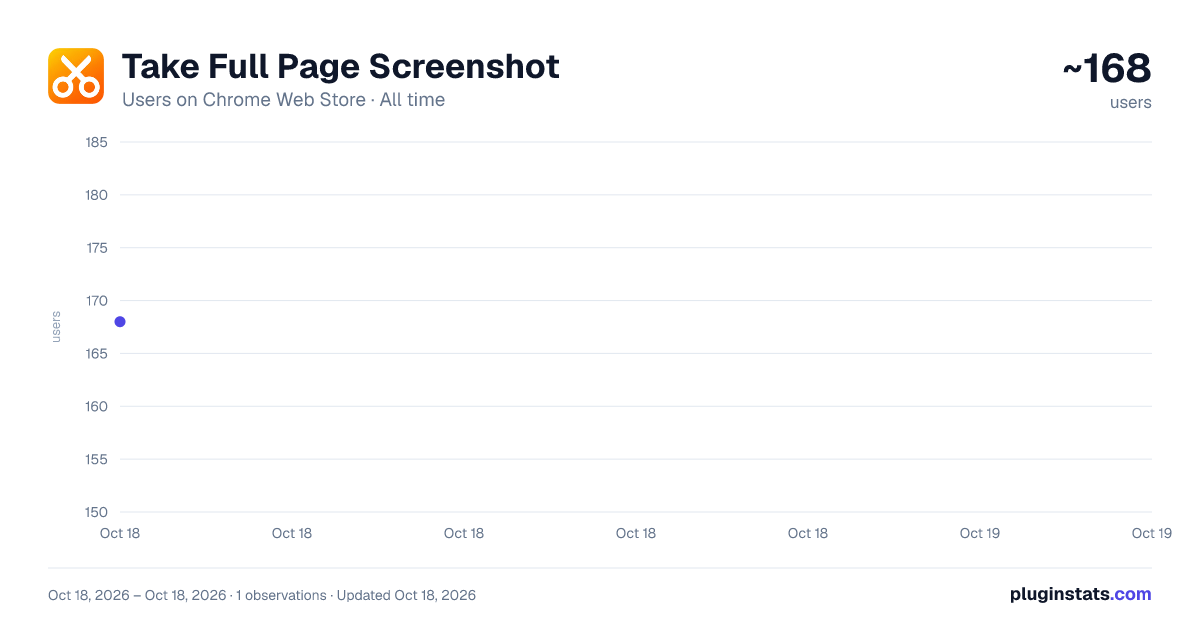
Images: 30d · 1y · all time · 1600×900 dark

Adoption over time

Take Full Page Screenshot users on Chrome Web Store, last 90 days: 168 users as of Oct 18, 2026.Take Full Page ScreenshotUsers on Chrome Web Store · Last 90 days~168users150155160165170175180185Jul 20Aug 4Aug 19Sep 3Sep 18Oct 3Oct 18usersOct 18, 2026 – Oct 18, 2026 · 1 observations · Updated Oct 18, 2026pluginstats.com
Take Full Page Screenshot users on Chrome Web Store, last 90 days: 168 users as of Oct 18, 2026.

7/30/90-day growth

Take Full Page Screenshot users growth on Chrome Web Store: 7-day growth unavailable, 30-day growth unavailable, 90-day growth unavailable.Take Full Page ScreenshotUsers growth on Chrome Web Store168users now7-day growthinsufficient historyInsufficient history30-day growthinsufficient historyInsufficient history90-day growthinsufficient historyInsufficient historyGrowth vs. nearest observation to each baseline date · Updated Oct 18, 2026pluginstats.com
Take Full Page Screenshot users growth on Chrome Web Store: 7-day growth unavailable, 30-day growth unavailable, 90-day growth unavailable.

Ranking history

Take Full Page Screenshot Chrome Web Store ranking history: currently #2370 (by users).Take Full Page ScreenshotChrome Web Store ranking · by users · Last 90 days#2370current rank#1200#1400#1600#1800#2000#2200#2400Jul 23Aug 7Aug 22Sep 6Sep 21Oct 6Oct 21rankOct 18, 2026 – Oct 21, 2026 · 4 observations · Updated Oct 18, 2026pluginstats.com
Take Full Page Screenshot Chrome Web Store ranking history: currently #2370 (by users).

Ratings over time

Take Full Page Screenshot ratings on Chrome Web Store, last 90 days: 1 ratings as of Oct 18, 2026.Take Full Page ScreenshotRatings on Chrome Web Store · Last 90 days1ratings0.9111.11.1Jul 20Aug 4Aug 19Sep 3Sep 18Oct 3Oct 18ratingsOct 18, 2026 – Oct 18, 2026 · 1 observations · Updated Oct 18, 2026pluginstats.com
Take Full Page Screenshot ratings on Chrome Web Store, last 90 days: 1 ratings as of Oct 18, 2026.

Listing placement

All Chrome Web Store2,951 listings · 148 pages · 1,477 shown · page 119, #10 (overall #2,370)
All Chrome Web Store: every listing in users order

Listing placement

Tools821 listings · 42 pages · page 32, #20 (overall #640)
Tools: every listing in users order

Filled points are observed values; hollow points come from Internet Archive snapshots of the listing page. Dashed segments span periods with no observations — values between points are not interpolated.

Each band is one page of 20. Users on a linear scale. Placement is projected from users, so it can differ from the marketplace's own sort order. Hover a dot to see the listing.

Recent observations

Full history (1)
Recent users observations for Take Full Page Screenshot
Date (UTC)UsersChange vs. previous
168—

Similar Chrome Web Store Tools plugins

All 20 Take Full Page Screenshot alternatives

Data source

Covers every Chrome Web Store extension with at least 100 users, found through the store's public sitemap. User counts are read from public listing pages. The 10% most-used extensions are refreshed daily, the next 40% weekly and the next 40% monthly; the least-used 10% are not refreshed. Google displays rounded user counts (and caps the display at 10,000,000+), so small changes may not be visible. Rating counts above 1,000 are rounded (e.g. 1.6K).

Listing: https://chromewebstore.google.com/detail/take-full-page-screenshot/mpmpjojdooghlfaeeajfnpmfkfafplbj. First seen Oct 18, 2026; last successful collection Oct 18, 2026. See the methodology.