 PluginStats
Open With Download Manager users statistics
By Muyor · Chrome Web Store · Tools
Open and download desired links with internet download manager.
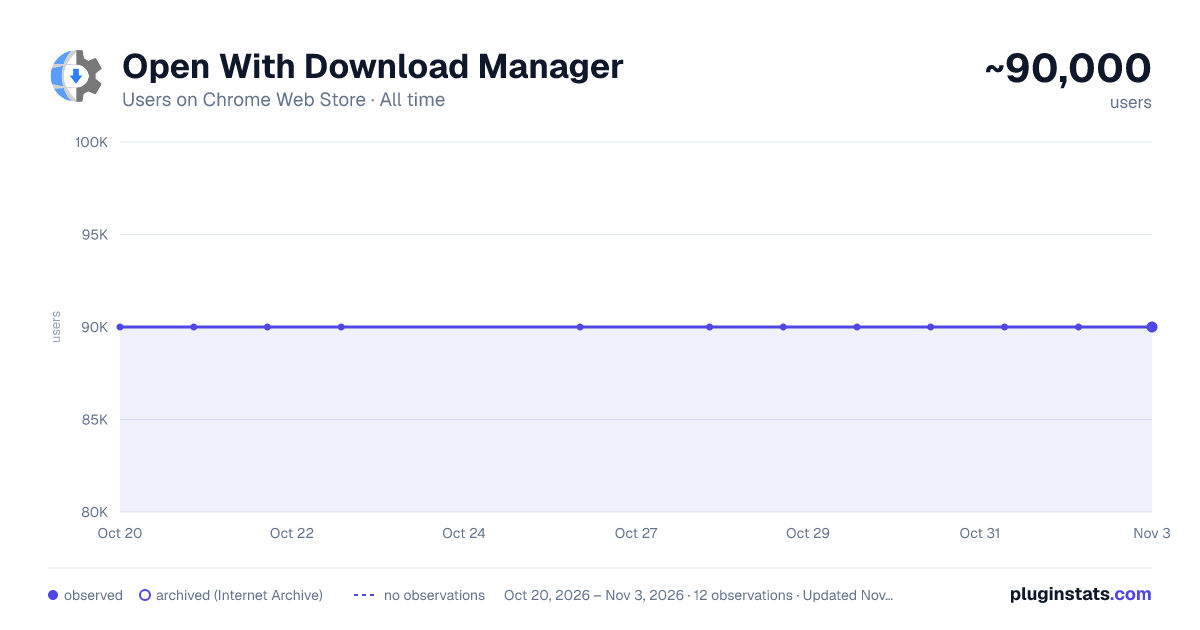
Open With Download Manager has approximately 90,000 recorded users on Chrome Web Store, ranking #132 of 3,853 tracked listings.
Rating: 2.30 / 5 from 324 ratings
About Open With Download Manager
Open and download desired links with internet download manager.
Open With Download Manager is a browser extension that enables you to open and download a desired item with the Internet Download Manager application.
Important note: Open With Download Manager extension does NOT belong or relate to IDM and has NO affiliations with Internet Download Manager or IDM at all. It is an unofficial extension that is developed and maintained independently by its author.
To operate with this addon you need a native-client patch to connect your browser with the native IDM application in your OS. Please read the following to get more info on how to install native-client and operate with this add-on.
-
after installing the add-on, you need to connect it with native applications (i.e. IDM) on your machine. If you do not have IDM, please head to (internetdownloadmanager.com/download.html) and install IDM on your machine. Once you have IDM, you need to make the connection between IDM and your browser.
-
to make this connection, a separate patch is provided on GitHub. Please download and install this patch from: https://github.com/alexmarcoo/open-in-native-client/releases
Follow the instruction in the above GitHub repo to download and install the related patch to your system. After installing, the "Open With Download Manager" add-on, your browser can communicate with IDM on your machine (i.e. Windows OS).
- before using the add-on, please open the option's page and make sure the path to IDM is correct based on your operating system. For example, the path to IDM in Windows 10 is: C:\Program Files (x86)\Internet Download Manager\IDMan.exe Next, please follow the below steps to open and download desired links in IDM.
a. Right-click on a download link and then click on the - Download With IDM - from the context menu. b. IDM has several input arguments to enhance downloading desired files. The default argument for downloading is: /d. To get more info about other arguments please open the add-on option's page and read section arguments. Please note that you need to add parameters comma separated, for example, to automatically download a file write: "/d,/n" in the designated area. c. you can set the IDM path in your machine from the options page.
To report any bug, please fill out the bug report form on the add-on's homepage (https://mybrowseraddon.com/open-with-dm.html).
Description from the Chrome Web Store listing.
README badge
Show your rank in a README or on your website. The badge updates automatically.
Charts
Images: 30d · 1y · all time · 1600×900 dark
Adoption over time
7/30/90-day growth
Ranking history
Ratings over time
Listing placement
Listing placement
Filled points are observed values; hollow points come from Internet Archive snapshots of the listing page. Dashed segments span periods with no observations — values between points are not interpolated.
Each band is one page of 20. Users on a linear scale. Placement is projected from users, so it can differ from the marketplace's own sort order. Hover a dot to see the listing.
Recent observations
Full history (4)Similar Chrome Web Store Tools plugins
All 20 Open With Download Manager alternatives



Data source
Covers every Chrome Web Store extension with at least 100 users, found through the store's public sitemap. User counts are read from public listing pages. The 10% most-used extensions are refreshed daily, the next 40% weekly and the next 40% monthly; the least-used 10% are not refreshed. Google displays rounded user counts (and caps the display at 10,000,000+), so small changes may not be visible. Rating counts above 1,000 are rounded (e.g. 1.6K).
Listing: https://chromewebstore.google.com/detail/open-with-download-manage/epgilldoipfbdlneomlmegekaoonchcj. First seen Oct 20, 2026; last successful collection Oct 23, 2026. See the methodology.