 PluginStats
Royal Offer Hub Importer users statistics
Review Club Royale offers, compare sailings, build back-to-back cruises and track casino points with Royal Offer Hub.
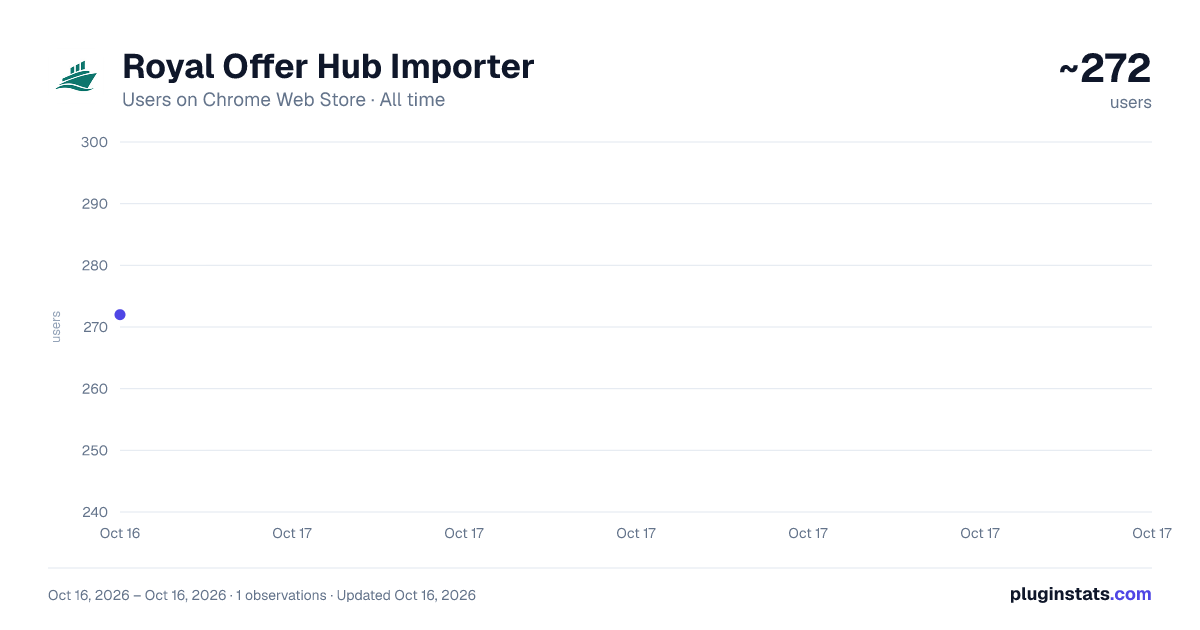
Royal Offer Hub Importer has approximately 272 recorded users on Chrome Web Store, ranking #1927 of 2,952 tracked listings.
About Royal Offer Hub Importer
Review Club Royale offers, compare sailings, build back-to-back cruises and track casino points with Royal Offer Hub.
Your Club Royale offers, sailings and casino year in one workspace.
Scan your offers from your signed-in Royal Caribbean page, explore eligible departures, compare offer benefits and organize the cruises you want to take. Version 1.0.0 brings a sailing calendar, a back-to-back cruise builder and casino points tracking to the extension.
EXPLORE YOUR SAILINGS Switch between a sailing list, calendar and highlights. Filter by offer, ship, cabin, departure port, dates, nights and guests. Shortlist departures you want to revisit.
BUILD YOUR NEXT BACK-TO-BACK CRUISE Start with an offer sailing or an imported booked cruise. Find departures before or after your trip, including same-port and supported nearby-port connections. Filter for the same ship or cabin category, review connection gaps and see why each option fits. The builder respects available offer-code uses. Your unfinished plan stays in this browser; Captain members can save complete plans to OfferHub.
COMPARE OFFERS SIDE BY SIDE Compare two to four scanned offers by included cabin, guests, freeplay, onboard credit, discounts, eligible sailings and booking deadlines. Changed terms are highlighted so you can see the differences.
TRACK YOUR CASINO YEAR Review casino points and sailing history by the April 1–March 31 earning period. See progress toward Prime, Signature and Masters, plus an estimated points-per-sailed-day figure. Enter points for each sailing, review captured balance changes and confirm or split a change between sailings. The estimate uses available history and is not Royal Caribbean's official ADT calculation or an offer qualification promise.
KEEP YOUR OFFER VAULT CURRENT Connect OfferHub, select the correct traveler and review which offers are new, saved or ready for an update. Save selected offers or enable optional automatic saving with an eligible Cruiser or Captain membership. Connected favorites sync to your website shortlist; private sailing points and history back up to the selected traveler. Pending private saves retry automatically without starting a new Royal scan.
MAKE IT YOUR WORKSPACE Use light, dark or system appearance, choose your date format and table density, and keep your review available when you close and reopen the window.
SCANS START WITH YOU Royal scans run only when you choose Scan Royal offers. Automatic saving follows a scan you start. The extension does not book cruises, redeem offers or run scheduled Royal scans. Confirm availability, offer eligibility and transfers directly with the cruise line.
ACCOUNT REQUIREMENTS Requires Chrome 120 or later and a signed-in Royal Caribbean account with accessible Club Royale offers. An OfferHub account is needed for private backup and website saving. Free accounts have a five-lifetime-offer allowance. Optional automatic saving requires Cruiser or Captain; complete saved trip plans require Captain. Local review, comparison, calendar, points entry and B2B drafting are available without connecting OfferHub.
DATA AND PRIVACY Each scan contributes normalized offer and sailing details to OfferHub's shared catalog, even without an OfferHub connection. Eligible scans also send non-instant offer codes, earning-period casino point totals, sailed-day counts and a random installation identifier for internal offer and points-per-day research. That research payload excludes names, account/profile identifiers, Royal credentials and individual sailing or booking details. It is separate from connected private points and history backups.
Royal session credentials remain inside the Royal tab and are never sent to OfferHub. Connecting stores a separate OfferHub access token in your browser. Temporary connected scan reports expire after 48 hours; saved offers, points, plans and shared contributions are retained separately. Disconnecting does not delete previously saved records or contributions.
Royal Offer Hub is independent and is not affiliated with or endorsed by Royal Caribbean. Intended for adults.
Privacy: https://royalofferhub.com/privacy Support: support@royalofferhub.com
Description from the Chrome Web Store listing.
README badge
Show your rank in a README or on your website. The badge updates automatically.
Charts
Images: 30d · 1y · all time · 1600×900 dark
Adoption over time
7/30/90-day growth
Ranking history
Ratings over time
Listing placement
Listing placement
Filled points are observed values; hollow points come from Internet Archive snapshots of the listing page. Dashed segments span periods with no observations — values between points are not interpolated.
Each band is one page of 20. Users on a linear scale. Placement is projected from users, so it can differ from the marketplace's own sort order. Hover a dot to see the listing.
Recent observations
Full history (1)Similar Chrome Web Store Tools plugins
All 20 Royal Offer Hub Importer alternatives



Data source
Covers every Chrome Web Store extension with at least 100 users, found through the store's public sitemap. User counts are read from public listing pages. The 10% most-used extensions are refreshed daily, the next 40% weekly and the next 40% monthly; the least-used 10% are not refreshed. Google displays rounded user counts (and caps the display at 10,000,000+), so small changes may not be visible. Rating counts above 1,000 are rounded (e.g. 1.6K).
Listing: https://chromewebstore.google.com/detail/royal-offer-hub-importer/mbliccpdehcbhadnofkldjkdodnckbdc. First seen Oct 16, 2026; last successful collection Oct 16, 2026. See the methodology.