 PluginStats
PDF to Excel Converter users statistics
By vanexuk95 · Chrome Web Store · Tools
Swiftly convert PDF to Excel with perfection! Use our PDF to Excel Converter to turn any PDF document or table into xls/xlsx format.
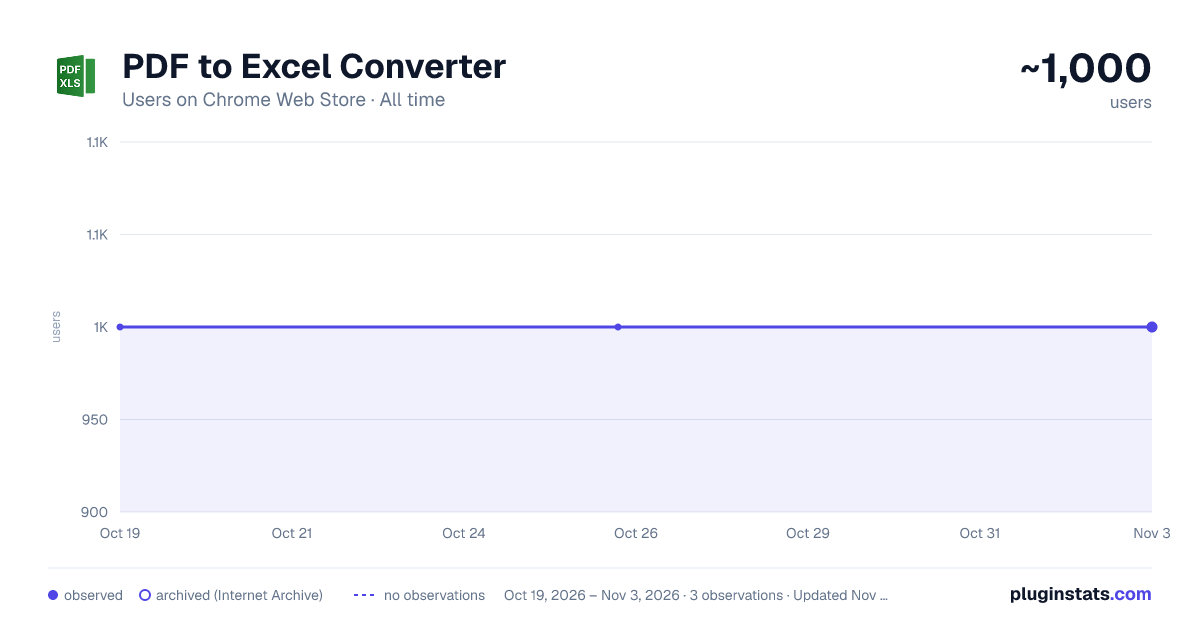
PDF to Excel Converter has approximately 1,000 recorded users on Chrome Web Store, ranking #829 of 2,495 tracked listings.
Rating: 4.20 / 5 from 5 ratings
About PDF to Excel Converter
Swiftly convert PDF to Excel with perfection! Use our PDF to Excel Converter to turn any PDF document or table into xls/xlsx format.
Turn any PDF into a ready-to-edit Excel spreadsheet in seconds. ⚡ This extension extracts tables, cells, and numbers with high accuracy and clean formatting: • ✅ Preserves rows, columns, and headers for clean Excel output. • 🔍 Supports native PDFs and scanned PDFs with OCR for AI-powered table recognition. • 📅 Keeps currency symbols, percentages, and dates consistent. • 🧠 Detects multiple tables per page and across pages automatically. • 🧩 Handles rotated pages and irregular layouts reliably. • 📊 Exports to XLSX for instant use in Excel or Google Sheets.
Work confidently with multi-page reports, bank statements, invoices, receipts, research tables, and price lists. Perfect for finance, ops, sales, and research teams converting pdf to excel at scale.
Finish repetitive copy-paste work in minutes and focus on insights instead. ⏱️ • Fast: convert from pdf to excel without manual ctrl+c ctrl+v • Accurate: convert pdf table to excel with clean columns and rows • Flexible: either convert pdf to xls to use in Excel, or use it in Google Sheets
Easy as 1-2-3:
- Click the extension icon in the toolbar
- Drop your PDF file and start conversion to XLSX.
- Download your spreadsheet and start analyzing data immediately.
Key features: 💡 Detects tables automatically across pages and sections. 💡 Preserves rows, columns, and headers. 💡 Maintains currencies, dates, and percentages accurately.
💡 Supports scanned PDFs and images with AI-powered OCR. 💡 Handles rotated pages and irregular layouts reliably. 💡 Processes large files with progressive, stable performance. 💡 Splits or merges detected tables when needed. 💡 Keeps column types clean for formulas and pivots. 💡 Exports results that open perfectly in Google Sheets. 💡 Maps headers consistently for repeat documents. 💡 Receives automatic updates with accuracy improvements.
Add to Chrome and turn locked PDFs into flexible spreadsheets today. 🚀 1️⃣ Save time by converting entire tables in one click. 2️⃣ Improve accuracy and reduce manual errors. 3️⃣ Keep structure intact for pivot tables and formulas. 4️⃣ Standardize data formats for clean analysis.
Your data stays yours, and conversions are designed for safety and reliability. 🔐
▸ In simple mode processing happens solely on your local device, no server upload. ▸ In AI-mode OCR runs on a secure server with latest AI models for speed and precision. Your data is never used for model training. ▸ No sign-up is required to get started. ▸ Clear permissions keep the extension lightweight.
💬 Frequently Asked Questions
❓ Does it work with scanned PDFs and images? 📗 Yes, it uses AI-powered OCR to recognize text and tables in scans, photos, and image-based PDFs.
❓ Will the Excel layout match the original PDF? 📗 Yes, it preserves table structure, headers, and numeric formats wherever possible. It includes the plain text as well. However, the tool is designed for data extraction, so in some cases it sacrifices the original formatting to produce a cleaner result that's easier to edit in Excel.
❓ Is there a file size limit? 📗 Typical conversions handle up to dozens of pages smoothly, and performance depends on table complexity and images.
❓ Do you store my files? 📗 No, files are processed for conversion in the local memory and then discarded, and temporary artifacts are cleared.
❓ How do I open results in Google Sheets? 📗 Download XLSX, then open it in Google Sheets or import it into your preferred spreadsheet app.
❓ What permissions does the extension need? 📗 It requires basic file access to read PDFs and create XLSX output, and it avoids unnecessary permissions.
❓ Does this pdf to excel converter keep table formatting? 📗 Yes. It’s optimized for converting pdf to excel with preserved headers, rows, and numeric types.
❓ Can I convert a pdf to excel offline? 📗 Yes, the conversion happens offline on your local device.
❓ Will it handle multi-page tables and bank statement pdf to excel? 📗 Absolutely. It’s designed to convert pdf table to excel across multiple pages consistently.
❓ What formats can I export to? 📗 Pdf may be converted to xlsx, but then you may open it in Excel, Google Sheets or other office software.
❓ Why is some content missing from my Excel file? 📗 Most likely, some content in your PDF was in image format, not selectable text. This pdf to excel converter only works on text-based PDFs, so images and graphic elements are skipped. For better results, ensure your source PDF is not scanned as a picture.
❓ My resulting Excel file layout looks different from the original PDF. Why? 📗 The main goal of the tool is to extract tabular data efficiently, not to reproduce the original pdf to excel with pixel-level accuracy. This extension is designed to convert pdf table to excel for streamlined analysis, so you can quickly use data in formulas, pivots, and other spreadsheet operations. Minor layout differences are normal when you convert from pdf to excel — focus on clean columns and rows for further processing in Excel or Google Sheets.
❓ I'm not satisfied with conversion quality. What can I do? 📗 Try enabling advanced options before starting the conversion. If your PDF tables are tightly packed or span pages, enable the option “Reduce merging of adjacent elements”, or select “Do not merge multi-page tables”. If your outcome still isn't optimal, reach out — this pdf to excel converter tool is continuously improved based on user feedback.
Use cases
🧑💻 Prefer an excel pdf to excel converter right in your browser for repeated workflows? 📊 Use our pdf to excel format converter to standardize schemas across teams with confidence.
🧳 On the go? Try the online pdf to excel converter and continue work from anywhere. ☁️ From receipts to ledgers, pdf convert to excel in clicks without losing structure.…
Description from the Chrome Web Store listing.
README badge
Show your rank in a README or on your website. The badge updates automatically.
Charts
Images: 30d · 1y · all time · 1600×900 dark
Adoption over time
7/30/90-day growth
Ranking history
Ratings over time
Listing placement
Listing placement
Filled points are observed values; hollow points come from Internet Archive snapshots of the listing page. Dashed segments span periods with no observations — values between points are not interpolated.
Each band is one page of 20. Users on a linear scale. Placement is projected from users, so it can differ from the marketplace's own sort order. Hover a dot to see the listing.
Recent observations
Full history (1)Similar Chrome Web Store Tools plugins
All 20 PDF to Excel Converter alternatives



Data source
Covers every Chrome Web Store extension with at least 100 users, found through the store's public sitemap. User counts are read from public listing pages. The 10% most-used extensions are refreshed daily, the next 40% weekly and the next 40% monthly; the least-used 10% are not refreshed. Google displays rounded user counts (and caps the display at 10,000,000+), so small changes may not be visible. Rating counts above 1,000 are rounded (e.g. 1.6K).
Listing: https://chromewebstore.google.com/detail/pdf-to-excel-converter/oaggnjdgcnhicninfnkheklcimlcmlom. First seen Oct 19, 2026; last successful collection Oct 19, 2026. See the methodology.