 PluginStats
Prism - Rainmeter users statistics
By ThePieMonster · Chrome Web Store · Tools
Fetches AI service usage data and sends it to the Prism Rainmeter widget pack.
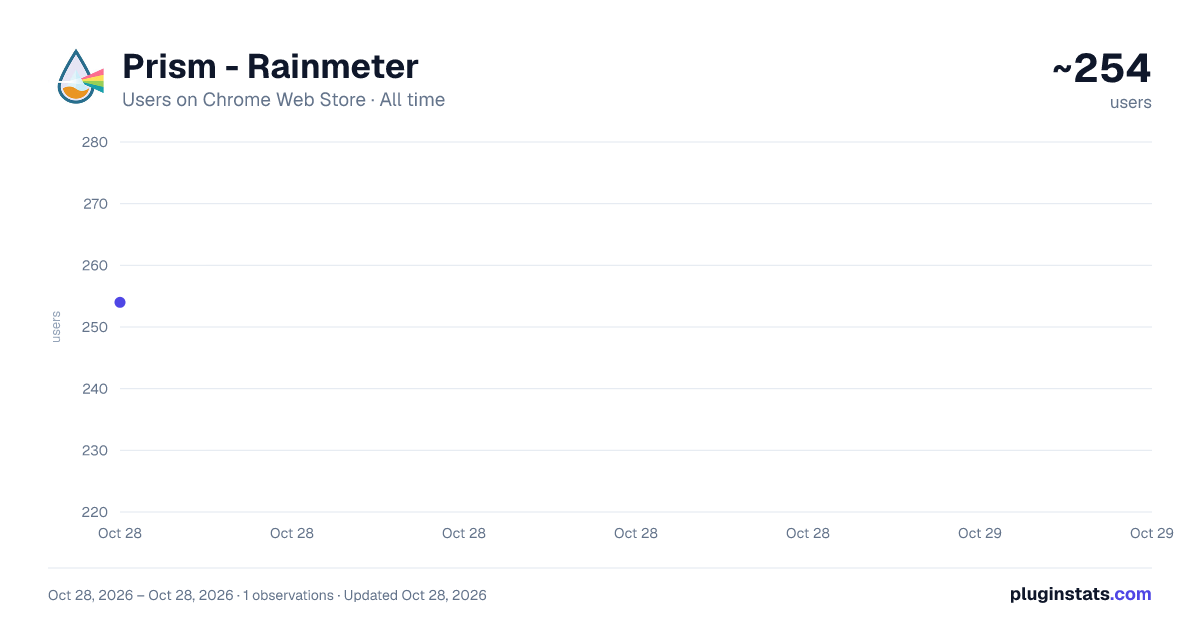
Prism - Rainmeter has approximately 254 recorded users on Chrome Web Store, ranking #3304 of 4,880 tracked listings.
Rating: 5.00 / 5 from 1 ratings
About Prism - Rainmeter
Fetches AI service usage data and sends it to the Prism Rainmeter widget pack.
Companion extension for the Prism Rainmeter widget pack. Tracks your AI service usage and feeds it to desktop widgets, so you can see plan usage limits and API spend at a glance without opening a browser tab.
== What's new in 1.3 ==
- ChatGPT usage tracking: live 5-hour session and weekly limit bars for your Codex usage, the same limits the ChatGPT app shows under "Usage remaining" (shown here as % used). Previously ChatGPT showed plan status only.
- ChatGPT plan detection now reads your active account, fixing paid plans that showed as Free.
- Cleaner popup: every service and setting now fits without scrolling.
== Supported services ==
- ChatGPT (chatgpt.com) - Codex 5-hour and weekly usage limits
- OpenAI Platform / API - month-to-date, today and yesterday spend
- Claude (claude.ai) - session and weekly usage limits
- Claude Console / API - month-to-date, today and yesterday spend
- Gemini (gemini.google.com) - session and weekly usage limits
- Google AI Studio - monthly spend, spend cap and tier
== How it works == The extension uses your existing browser sessions on each service. You stay logged in as normal; the extension reads the same usage data the website shows you and displays it in its popup. If the Prism widget pack is installed, it also hands the data to a small local helper that writes it to a file the Rainmeter widgets read.
== What you need ==
- A signed-in browser session on each service you want to track. That's all you need to see your usage in the extension popup.
- For the Rainmeter desktop widgets: the Prism Rainmeter widget pack and its native messaging host (one-click install via Setup.bat).
== What this extension does NOT do ==
- Your sign-ins are only ever sent to the service they belong to, never to the developer or any third party
- No data is sent to third-party servers
- No tracking, telemetry, or analytics
- Your usage data stays on your machine
Open source under GPL v3. Source code, installation guide, and the full Rainmeter widget pack are on GitHub.
Description from the Chrome Web Store listing.
README badge
Show your rank in a README or on your website. The badge updates automatically.
Charts
Images: 30d · 1y · all time · 1600×900 dark
Adoption over time
7/30/90-day growth
Ranking history
Ratings over time
Listing placement
Listing placement
Filled points are observed values; hollow points come from Internet Archive snapshots of the listing page. Dashed segments span periods with no observations — values between points are not interpolated.
Each band is one page of 20. Users on a linear scale. Placement is projected from users, so it can differ from the marketplace's own sort order. Hover a dot to see the listing.
Recent observations
Full history (1)Similar Chrome Web Store Tools plugins
All 20 Prism - Rainmeter alternatives



Data source
Covers every Chrome Web Store extension with at least 100 users, found through the store's public sitemap. User counts are read from public listing pages. The 10% most-used extensions are refreshed daily, the next 40% weekly and the next 40% monthly; the least-used 10% are not refreshed. Google displays rounded user counts (and caps the display at 10,000,000+), so small changes may not be visible. Rating counts above 1,000 are rounded (e.g. 1.6K).
Listing: https://chromewebstore.google.com/detail/prism-rainmeter/nmlnncddmhjfiahelimfgajdidcobajc. First seen Oct 28, 2026; last successful collection Oct 28, 2026. See the methodology.