 PluginStats
SAML to AWS STS Keys Conversion users statistics
By prolane.org · Chrome Web Store · Developer Tools
Generates file with AWS STS Keys after logging in to AWS webconsole using SSO (SAML 2.0). It leverages 'assumeRoleWithSAML' API.
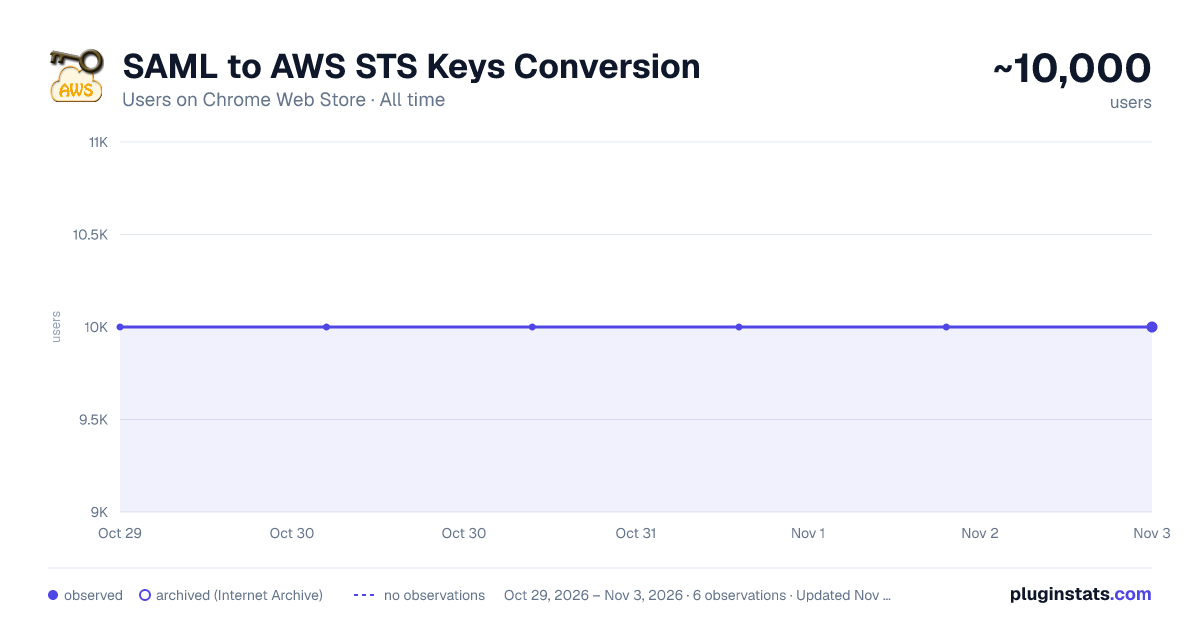
SAML to AWS STS Keys Conversion has approximately 10,000 recorded users on Chrome Web Store, ranking #645 of 5,223 tracked listings.
Rating: 3.80 / 5 from 9 ratings
About SAML to AWS STS Keys Conversion
Generates file with AWS STS Keys after logging in to AWS webconsole using SSO (SAML 2.0). It leverages 'assumeRoleWithSAML' API.
Google Chrome Extension which converts a SAML 2.0 assertion to AWS STS Keys (temporary credentials -> AccessKeyId, SecretAccessKey and SessionToken).
Why this Chrome Extension?
If you don't have any user administration setup within AWS Identity & Access Management (IAM) but instead rely on your corporate user directory, i.e. Microsoft Active Directory. Your company uses a SAML 2.0 Identity Provider (IDP) to log in to the AWS Web Management Console (Single Sign On). Then this Chrome Estension if for you!
You run into trouble as soon as you would like to execute some fancy scripts from your computer which calls the AWS API's. When sending a request to the AWS API's you need credentials, meaning an AccessKey and SecretKey. You can easily generate these keys for each user in AWS IAM. However, since you don't have any users in AWS IAM and don't want to create users just for the sake of having an AccessKey and SecretKey you are screwed. But there is a way to get temporary credentials specifically for your corporate identity.
The Security Token Service (STS) from AWS provides an API action assumeRoleWithSAML. Using the SAML Assertion given by your IDP the Chrome Extension will call this API action to fetch temporary credentials. (AccessKeyId, SecretAccessKey and SessionToken). This way there is no need to create some sort of anonymous user in AWS IAM used for executing scripts. This would be a real security nightmare, since it won't be possible to audit who did what. This Chrome Extension however will make it super easy for you to just use your corporate identity for executing scripts calling AWS API's.
Description from the Chrome Web Store listing.
README badge
Show your rank in a README or on your website. The badge updates automatically.
Charts
Images: 30d · 1y · all time · 1600×900 dark
Adoption over time
7/30/90-day growth
Ranking history
Ratings over time
Listing placement
Listing placement
Filled points are observed values; hollow points come from Internet Archive snapshots of the listing page. Dashed segments span periods with no observations — values between points are not interpolated.
Each band is one page of 20. Users on a linear scale. Placement is projected from users, so it can differ from the marketplace's own sort order. Hover a dot to see the listing.
Recent observations
Full history (1)Similar Chrome Web Store Developer Tools plugins
All 20 SAML to AWS STS Keys Conversion alternatives



Data source
Covers every Chrome Web Store extension with at least 100 users, found through the store's public sitemap. User counts are read from public listing pages. The 10% most-used extensions are refreshed daily, the next 40% weekly and the next 40% monthly; the least-used 10% are not refreshed. Google displays rounded user counts (and caps the display at 10,000,000+), so small changes may not be visible. Rating counts above 1,000 are rounded (e.g. 1.6K).
Listing: https://chromewebstore.google.com/detail/saml-to-aws-sts-keys-conv/ekniobabpcnfjgfbphhcolcinmnbehde. First seen Oct 29, 2026; last successful collection Oct 29, 2026. See the methodology.