 PluginStats
Download Media Tabs users statistics
By Karpfen · Chrome Web Store · Tools
Download all open tabs that are a single media file (image, audio, video, PDF).
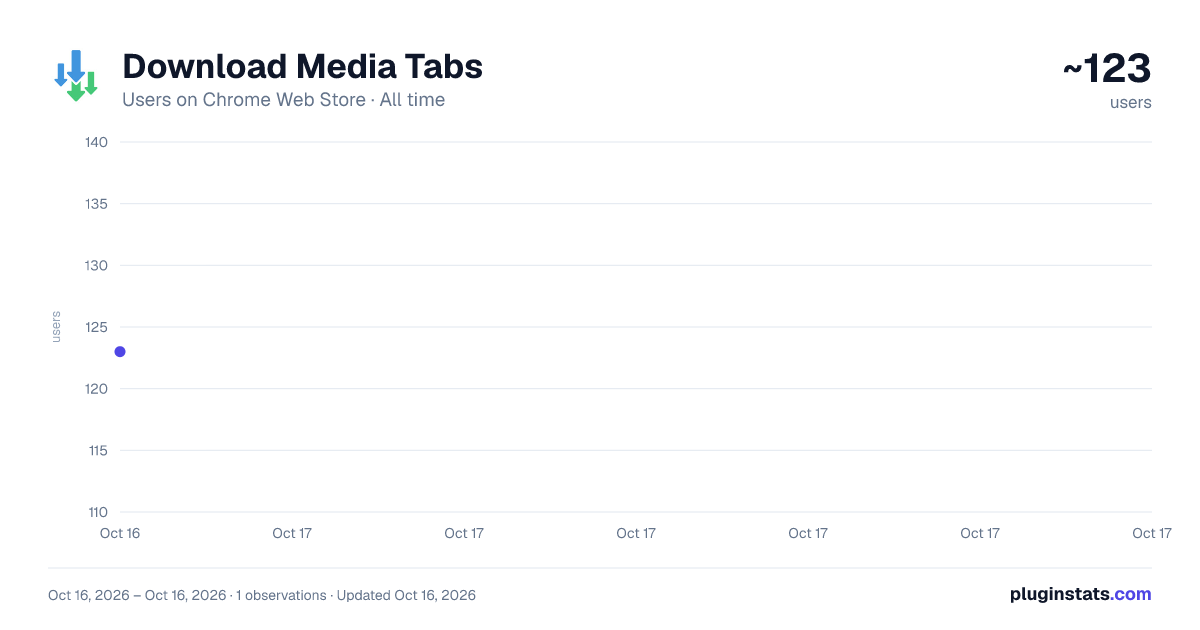
Download Media Tabs has approximately 123 recorded users on Chrome Web Store, ranking #2299 of 2,495 tracked listings.
Rating: 3.70 / 5 from 3 ratings
About Download Media Tabs
Download all open tabs that are a single media file (image, audio, video, PDF).
Download Media Tabs
A Chromium extension that finds downloadable media (images, video, audio, PDFs) across your open tabs and saves them. It can optionally close tabs once their file is downloaded, helping you tidy up bulk media browsing sessions.
The project source code repository can be found here: https://github.com/karpfediem/download-media-tabs
Scope: The extension targets single‑media tabs only — pages that display exactly one piece of content (typically a direct media URL). It does not crawl pages to discover assets and is not an image scraper. There are other tools for that.
Features
- Run on the current window or all windows
- Custom filename patterns (e.g.,
Media Tabs/{YYYYMMDD-HHmmss}/{host}/{basename}) - Filters: media types, file size, image dimensions/megapixels, domain allow/deny, extensions, MIME patterns, URL substrings
- Post‑actions: close tab after download; keep window open if it would close on its last tab
- Tunable probe/download concurrency
How to use
- Click the toolbar button to run with your configured default scope.
- Right‑click the extension toolbar icon for context menu options: current window, all windows, selected tabs, left/right of the active tab, current tab group.
Warning: For silent bulk downloads, disable "Ask where to save each file before downloading" at chrome://settings/downloads. Otherwise Chrome will show a Save dialog for every file.
Permissions
The extension needs access to tabs and to download files. All logic runs locally in your browser; it does not contact external services.
Contributing
Issues and pull requests are welcome. Please keep changes focused and small, but i'm open to discuss feature requests. https://github.com/karpfediem/download-media-tabs
Notes
- Tested on recent Chromium/Chrome versions.
- If you run into rate limits or slowdowns, adjust the probe/download concurrency in Options → Performance.
Description from the Chrome Web Store listing.
README badge
Show your rank in a README or on your website. The badge updates automatically.
Charts
Images: 30d · 1y · all time · 1600×900 dark
Adoption over time
7/30/90-day growth
Ranking history
Ratings over time
Listing placement
Listing placement
Filled points are observed values; hollow points come from Internet Archive snapshots of the listing page. Dashed segments span periods with no observations — values between points are not interpolated.
Each band is one page of 20. Users on a linear scale. Placement is projected from users, so it can differ from the marketplace's own sort order. Hover a dot to see the listing.
Recent observations
Full history (1)Similar Chrome Web Store Tools plugins
All 20 Download Media Tabs alternatives



Data source
Covers every Chrome Web Store extension with at least 100 users, found through the store's public sitemap. User counts are read from public listing pages. The 10% most-used extensions are refreshed daily, the next 40% weekly and the next 40% monthly; the least-used 10% are not refreshed. Google displays rounded user counts (and caps the display at 10,000,000+), so small changes may not be visible. Rating counts above 1,000 are rounded (e.g. 1.6K).
Listing: https://chromewebstore.google.com/detail/download-media-tabs/kkdjlnklhhjabephjddehkpimkngimfc. First seen Oct 16, 2026; last successful collection Oct 16, 2026. See the methodology.