 PluginStats
Canva Bulk Background Remover Pro users statistics
By awais · Chrome Web Store · Tools
Professional bulk background removal tool for Canva. Free and unlimited.
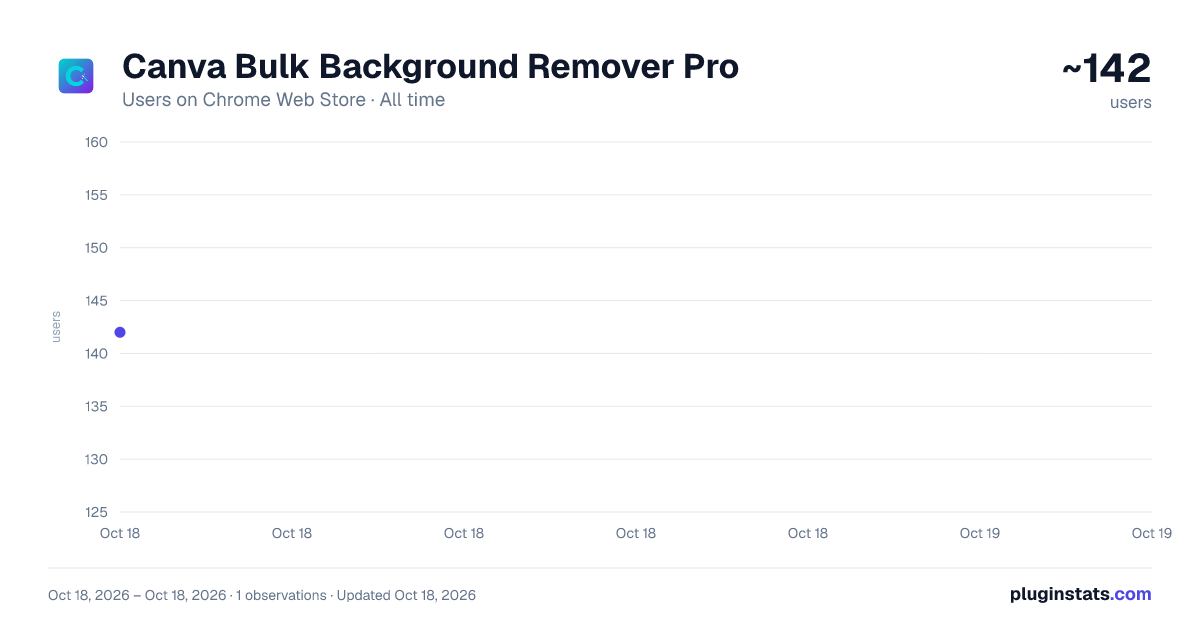
Canva Bulk Background Remover Pro has approximately 142 recorded users on Chrome Web Store.
It ranks #1775 of 2,033 tracked Chrome Web Store listings by users.
It is rated 5.0 out of 5 from 1 ratings.
PluginStats has 1 daily observations since Oct 18, 2026; the latest is from Oct 18, 2026.
Rating: 5.00 / 5 from 1 ratings
About Canva Bulk Background Remover Pro
Professional bulk background removal tool for Canva. Free and unlimited.
Effortlessly remove backgrounds from hundreds of images in Canva with a single click!
Canva Bulk Background Remover Pro is the ultimate productivity tool for designers, e-commerce sellers, and marketers who work with Canva. Say goodbye to manually selecting images one by one, clicking “Edit Photo,” and removing backgrounds. This extension automates the entire workflow—saving you hours of repetitive clicking.
Key Features :
Bulk Automation: Automatically process your entire queue of uploaded images in Canva.
Auto-Download: Instantly downloads processed images with transparent backgrounds into an organized folder.
Auto-Delete (Optional): Keep your Canva storage clean by automatically deleting the original uploads after processing.
Smart Error Handling: Detects and handles issues so every image is processed correctly.
Side Panel Convenience: Runs in a side panel while you continue working.
Free & Unlimited: No limits, no credits—process as many images as you want.
How to Use :
Open Canva in your browser.
go to projects.
Create a new folder .
Add or upload all the images you want to process into that folder.
Click the extension icon in your browser toolbar to open Canva Bulk Background Remover Pro.
Open the extension’s side panel (if not already visible).
Configure your settings (Auto Download, Auto Delete).
Click “Start Processing” and let the extension handle everything automatically.
Why Use This Extension?
E-commerce: Prepare large batches of product photos quickly.
Social Media: Create transparent assets for posts, ads, and reels in bulk.
Designers: Speed up your workflow and focus on creativity instead of repetitive tasks.
Disclaimer :
This extension is not affiliated with, endorsed by, or sponsored by Canva. All trademarks and content belong to their respective owners.
Description from the Chrome Web Store listing.
Where Canva Bulk Background Remover Pro sits in the listing
Each band is one page of 20. Users on a log scale. Placement is projected from users, so it can differ from the marketplace's own sort order. Hover a dot to see the listing.
Charts
Images: 30d · 1y · all time · 1600×900 dark
Adoption over time
7/30/90-day growth
Ranking history
Filled points are observed values; hollow points come from Internet Archive snapshots of the listing page. Dashed segments span periods with no observations — values between points are not interpolated.
Recent observations
Full history (1)Similar Chrome Web Store Tools plugins




Data source
User counts are read from public Chrome Web Store listing pages. Google displays rounded user counts (and caps the display at 10,000,000+), so small changes may not be visible. Rating counts above 1,000 are rounded (e.g. 1.6K).
Listing: https://chromewebstore.google.com/detail/canva-bulk-background-rem/npnfpgihcbldccpapafodoghehahdihk. First seen Oct 18, 2026; last successful collection Oct 18, 2026. See the methodology.