 PluginStats
Typing Test users statistics
By Free Apps (4 listings) · Chrome Web Store · Tools
Measure your words per minute in browser side panel.
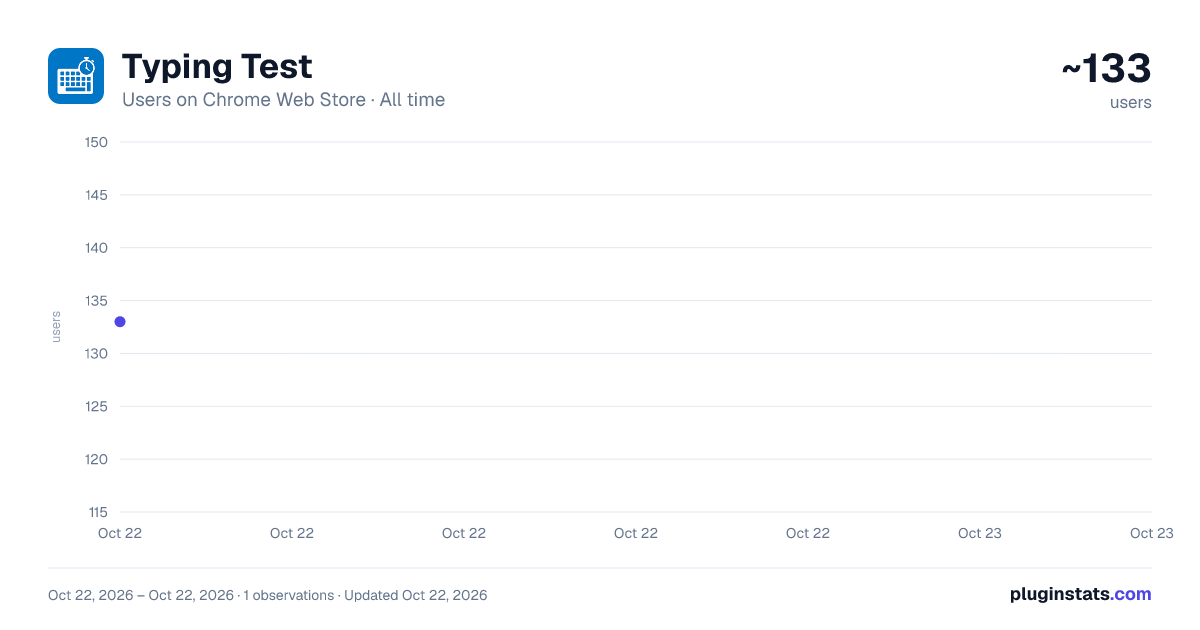
Typing Test has approximately 133 recorded users on Chrome Web Store, ranking #4325 of 4,880 tracked listings.
About Typing Test
Measure your words per minute in browser side panel.
Want to get better at typing? Install a typing test extension and you will naturally get better by typing more and more words.
A higher typing speed paired with good accuracy compounds into saved minutes every day and hours every month. Yet most people never revisit their typing technique after high school. A lightweight typing-test browser extension—always one click away in the toolbar or side panel—solves that problem by turning idle moments into measurable practice. Below are some ways such an extension delivers value to students, professionals, and anyone who wants to communicate faster and with fewer errors.
-
Instant feedback inside your workflow Launching a dedicated typing-test website breaks concentration: you have to open a new tab, wait for ads to load, and perhaps disable a tracker-heavy script blocker. A browser extension lives where you already operate. Click the icon (or press a predefined hotkey) and a compact panel slides in, ready to time your next 60-second burst. The low friction means you’re more likely to test—and therefore improve—regularly.
-
Micro-learning during natural pauses Waiting for a file to download, a video to buffer, or a build pipeline to finish often leaves 30- to 90-second gaps that are too short for deep work but long enough to lose momentum if you open social media. A typing-test extension turns those micro-breaks into targeted skill training. Over a week you might accumulate 20 quick sessions—effectively an extra hour of purposeful practice without scheduling anything extra.
-
Objective measurement of real-world performance Productivity gurus love the maxim “what gets measured gets improved.” Typing speed is one of the simplest knowledge-worker metrics, yet rarely tracked. The extension provides undeniable numbers: words per minute (WPM), gross vs. net speed, accuracy percentage, and sometimes consistency graphs. Seeing progress plotted over days or weeks is intrinsically motivating and highlights plateaus that call for deliberate practice or ergonomic tweaks.
Description from the Chrome Web Store listing.
README badge
Show your rank in a README or on your website. The badge updates automatically.
Charts
Images: 30d · 1y · all time · 1600×900 dark
Adoption over time
7/30/90-day growth
Ranking history
Ratings over time
Listing placement
Listing placement
Filled points are observed values; hollow points come from Internet Archive snapshots of the listing page. Dashed segments span periods with no observations — values between points are not interpolated.
Each band is one page of 20. Users on a linear scale. Placement is projected from users, so it can differ from the marketplace's own sort order. Hover a dot to see the listing.
Recent observations
Full history (1)Similar Chrome Web Store Tools plugins
All 20 Typing Test alternatives



Data source
Covers every Chrome Web Store extension with at least 100 users, found through the store's public sitemap. User counts are read from public listing pages. The 10% most-used extensions are refreshed daily, the next 40% weekly and the next 40% monthly; the least-used 10% are not refreshed. Google displays rounded user counts (and caps the display at 10,000,000+), so small changes may not be visible. Rating counts above 1,000 are rounded (e.g. 1.6K).
Listing: https://chromewebstore.google.com/detail/typing-test/ahmppfmogamkjgeklogclenclhodhnom. First seen Oct 22, 2026; last successful collection Oct 22, 2026. See the methodology.