 PluginStats
WhatsApp Web Privacy Mode users statistics
By Technopartner · Chrome Web Store · Privacy & Security
Blur WhatsApp Web & Telegram Web messages, previews, names, avatars and media until you hover. Toggle with Alt+X.
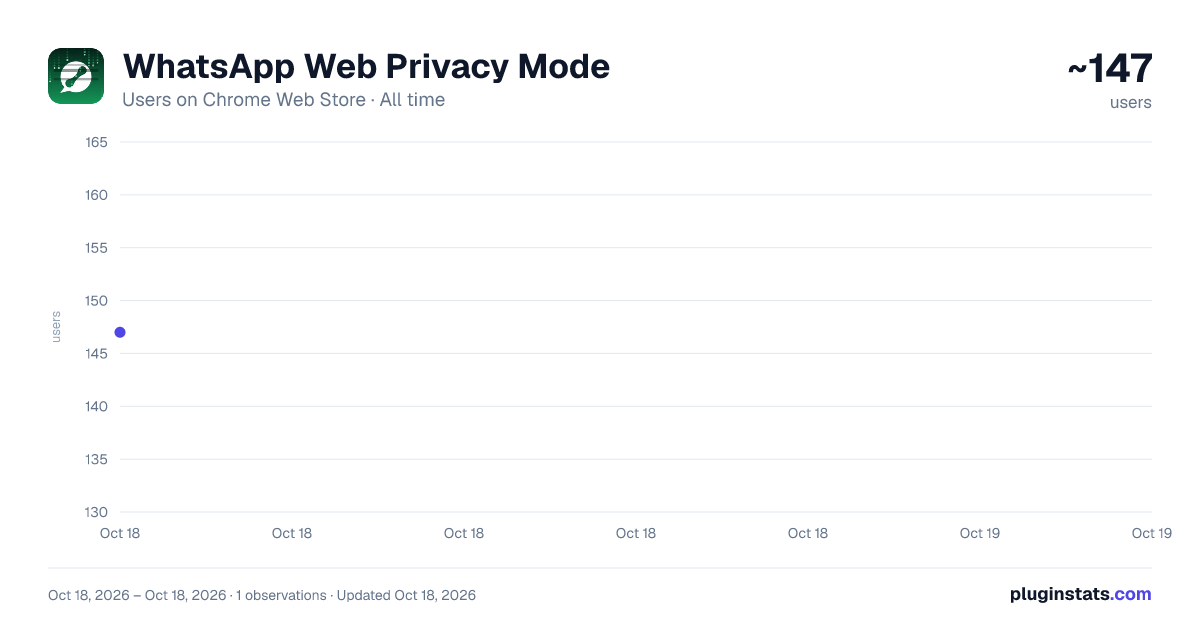
WhatsApp Web Privacy Mode has approximately 147 recorded users on Chrome Web Store, ranking #2141 of 2,495 tracked listings.
About WhatsApp Web Privacy Mode
Blur WhatsApp Web & Telegram Web messages, previews, names, avatars and media until you hover. Toggle with Alt+X.
WhatsApp Web Privacy Mode keeps your conversations private in public, on calls, and while screen-sharing. It blurs sensitive content and reveals it only when you move your mouse over it. Works on both WhatsApp Web and Telegram Web, and each one keeps its own independent settings.
SUPPORTED SITES • WhatsApp Web: web.whatsapp.com • Telegram Web: web.telegram.org (the "A" / web.telegram.org/a/ client)
WHAT IT CAN BLUR (turn each on/off independently, each with its own strength): • Chat messages (text in the open conversation) • Message previews in the chat list: including Archived chats • Contact & group names (chat list and chat header) • Profile pictures / avatars • Media: photos, videos, stickers and GIFs • Link previews for shared URLs (title, description and domain) • Call logs: voice, video and missed calls (WhatsApp) • The message input box (dims what you type)
HOW TO USE • Everything sensitive is blurred. Hover over any item to reveal just that item; move away and it blurs again. No clicks needed. • Click the toolbar icon (or press Alt+C) to open the panel and choose exactly what gets blurred. A WhatsApp / Telegram switcher at the top lets each site keep its own settings. • Press Alt+X to turn Privacy Mode on or off at any time.
MESSAGES TO SHOW (open conversation) Choose which messages stay visible: All · None (hide all) · Mine only · Theirs only · or just the Last N messages.
OPENED DOCUMENTS (WhatsApp) WhatsApp opens PDFs and other attachments in its own viewer. The content opens blurred behind a "Show content" button, while the header above it stays sharp so the file name, Star, Download and Close keep working on a document you have not revealed yet. Reveal it when you are ready; it blurs itself again after a set time (default 60 seconds, adjustable in the panel) and the moment you switch to another tab.
SMART AUTO-BLUR • Blur when idle: blurs the whole app after a few seconds of no activity. • Blur when inactive: blurs everything the moment you switch to another tab or window (great for screen-sharing). • Panic key: press Alt+Z to instantly blur the entire app; press again to restore.
ALLOWED CHATS (trusted exceptions) Exempt specific chats and choose how much of them shows: everything, name + picture only, or only certain messages (mine / theirs / last N). Add a chat instantly with Alt+right-click, or type its exact name.
REDACTION STYLE Pick frosted blur or solid black redaction bars.
TELEGRAM CHAT CLEANUP (Telegram only) Tidy up junk chats in one go. Press "Clean up now" and the add-on finds contact "joined Telegram" notifications and "Deleted Account" chats, shows you a preview, and, only after you confirm, deletes them one at a time (with a Stop button). You review everything before anything is removed, and it never runs on its own.
KEYBOARD SHORTCUTS • Alt+X: turn Privacy Mode on / off • Alt+C: open the settings panel • Alt+Z: panic: blur everything (press again to restore) • Alt+right-click a chat: add / remove it from the allow-list On a Mac, press Option (⌥) instead of Alt: ⌥X, ⌥C, ⌥Z, ⌥+right-click. (Shortcuts work on the open WhatsApp / Telegram tab.)
PRIVACY This add-on runs only on web.whatsapp.com and web.telegram.org. It does not collect, send, sell or store any data. All settings stay in your browser. It only needs "storage" (to remember your preferences) and access to those two sites (to apply the blur). No analytics, no trackers, no remote code.
Not affiliated with or endorsed by WhatsApp, Telegram or Meta.
Description from the Chrome Web Store listing.
README badge
Show your rank in a README or on your website. The badge updates automatically.
Charts
Images: 30d · 1y · all time · 1600×900 dark
Adoption over time
7/30/90-day growth
Ranking history
Ratings over time
Listing placement
Listing placement
Filled points are observed values; hollow points come from Internet Archive snapshots of the listing page. Dashed segments span periods with no observations — values between points are not interpolated.
Each band is one page of 20. Users on a linear scale. Placement is projected from users, so it can differ from the marketplace's own sort order. Hover a dot to see the listing.
Recent observations
Full history (1)Similar Chrome Web Store Privacy & Security plugins
All 20 WhatsApp Web Privacy Mode alternatives



Data source
Covers every Chrome Web Store extension with at least 100 users, found through the store's public sitemap. User counts are read from public listing pages. The 10% most-used extensions are refreshed daily, the next 40% weekly and the next 40% monthly; the least-used 10% are not refreshed. Google displays rounded user counts (and caps the display at 10,000,000+), so small changes may not be visible. Rating counts above 1,000 are rounded (e.g. 1.6K).
Listing: https://chromewebstore.google.com/detail/whatsapp-web-privacy-mode/oadfillldhoeephhnkbhldifjpmlaieg. First seen Oct 18, 2026; last successful collection Oct 18, 2026. See the methodology.