 PluginStats
workspace-tsconfig-paths-webpack-plugin weekly downloads statistics
By w12594822 · npm · Webpack plugins
Webpack resolve plugin that maps tsconfig `paths` per importing file's workspace — the file that issues the import decides which tsconfig (and thus which alias rules) applies. Supports cross-repository `extends` chains with TypeScript-native semantics.
workspace-tsconfig-paths-webpack-plugin has 22 recorded weekly downloads on npm, ranking #2109 of 2,855 tracked listings.
About workspace-tsconfig-paths-webpack-plugin
workspace-tsconfig-paths-webpack-plugin
Webpack resolve 插件:按「发起 import 的文件」所属的 tsconfig 解析 paths 别名,支持跨仓库 extends 链,语义与 TypeScript 对齐。适用于多个独立仓库通过 tsconfig paths 互相引用源码、但不通过 node_modules symlink 建立依赖的场景。
为什么不用 tsconfig-paths-webpack-plugin
它把一份 tsconfig 的 paths 拍平成全局 alias:
- 别名冲突:不同 workspace 各有
@/*指向各自的 src,全局 alias 只能留一个; - 无归属感知:解析时不知道发起 import 的文件属于哪个 workspace,无法按文件选择正确的 paths 规则。
本插件在 enhanced-resolve 的 resolve hook 上拦截每一次解析,取 context.issuer(发起文件),按「最近 tsconfig 就近管辖」找到该文件所属 workspace 的 tsconfig(含 extends 链解析后的最终 paths),命中则把请求改写为绝对路径重新进入解析管线。
用法
// webpack.config.js
const { WorkspaceTsconfigPathsPlugin } = require('workspace-tsconfig-paths-webpack-plugin');

module.exports = {
  resolve: {
    plugins: [
      new WorkspaceTsconfigPathsPlugin({
        workspaces: [
          '/abs/path/to/main-project',
          '/abs/path/to/web-toolkit',
        ],
      }),
    ],
  },
};
注意:放在 resolve.plugins(不是顶层 plugins)。误放到顶层也能工作——插件会把自己转发进 resolve.plugins。
ESM 配置文件同样可用:import { WorkspaceTsconfigPathsPlugin } from 'workspace-tsconfig-paths-webpack-plugin'。
配置项
| 参数 | 必填 | 默认值 | 说明 |
|---|---|---|---|
workspaces | 是 | — | 所有参与跨仓库引用的仓库根目录(绝对路径推荐;相对路径按 process.cwd() 解析) |
tsconfigName | 否 | 'tsconfig.json' | 各目录主 tsconfig 名;缺省时回退 tsconfig.json → 字典序第一个 tsconfig.*.json |
extensions | 否 | ['.ts','.tsx','.js','.jsx','.mjs','.cjs','.json'] | 目标补全扩展名的尝试顺序,建议与 resolve.extensions 一致 |
cache | 否 | true | true:tsconfig 只解析一次,改配置需重启 dev server;false:按 tsconfig 与整个 extends 链的 mtime 失效重解析 |
行为细节
-
扫描:启动时递归扫描每个 workspace(跳过
node_modules、.git、dist/build/out及隐藏目录),每个含 tsconfig 的目录注册为一个「管辖域」。解析时取发起文件路径做最长前缀匹配——等价 tsc 的就近原则。 -
只处理映射类请求:相对/绝对路径、loader 链(
!)、data:一律放行给 webpack 原生解析;node_modules内文件的 import 不做映射;没有任何规则命中的裸模块(如正常的 npm 包)也放行。 -
TS 官方 API 解析 tsconfig:
ts.readConfigFile+ts.parseJsonConfigFileContent原生处理 extends 链、JSONC 注释、paths整体覆盖语义与baseUrl/pathsBasePath基准化。插件只负责把 paths 值按正确基准转成绝对路径:- 有
baseUrl→ 相对 baseUrl(继承场景下已是声明文件所在目录的绝对路径); - 无
baseUrl→ 相对声明 paths 的那个 tsconfig 文件所在目录(TS ≥ 4.1 语义)。
- 有
-
匹配优先级:精确条目优先于通配,通配之间按前缀更长者优先(对齐 TypeScript)。目标目录按
package.json的main/module与index.<ext>落盘。 -
错误信息:命中规则但目标不存在时构建失败,并给出:
[workspace-tsconfig-paths] Cannot resolve '@toolkit/ghost' imported from '/abs/repo-a/src/uses-ghost.ts'.
  The request matched paths pattern '@toolkit/ghost' declared in /abs/repo-a/tsconfig.base.json,
  but none of the mapped targets exist on disk. Tried:
    - /abs/repo-b/packages/ghost/src
通过 extends 继承的规则会指认声明文件(如
tsconfig.paths.json),而不是 extends 它的使用方。
依赖
- peer:
webpack >= 4(4/5 的 resolver 接口在本插件用到的子集上一致;实际验证于 5)、typescript >= 4.1 < 7(TypeScript 7 原生版 npm 包无 JS API)。
不做什么
不做 TS 编译、不改变 tsc 行为、不处理 Node 运行时解析、不解析 exports 字段目标、不处理 project references。
Description from the npm listing.
- webpack
- webpack-plugin
- resolve-plugin
- tsconfig
- paths
- workspaces
- monorepo
- multi-repo
README badge
Show your rank in a README or on your website. The badge updates automatically.
Charts
Images: 30d · 1y · all time · 1600×900 dark


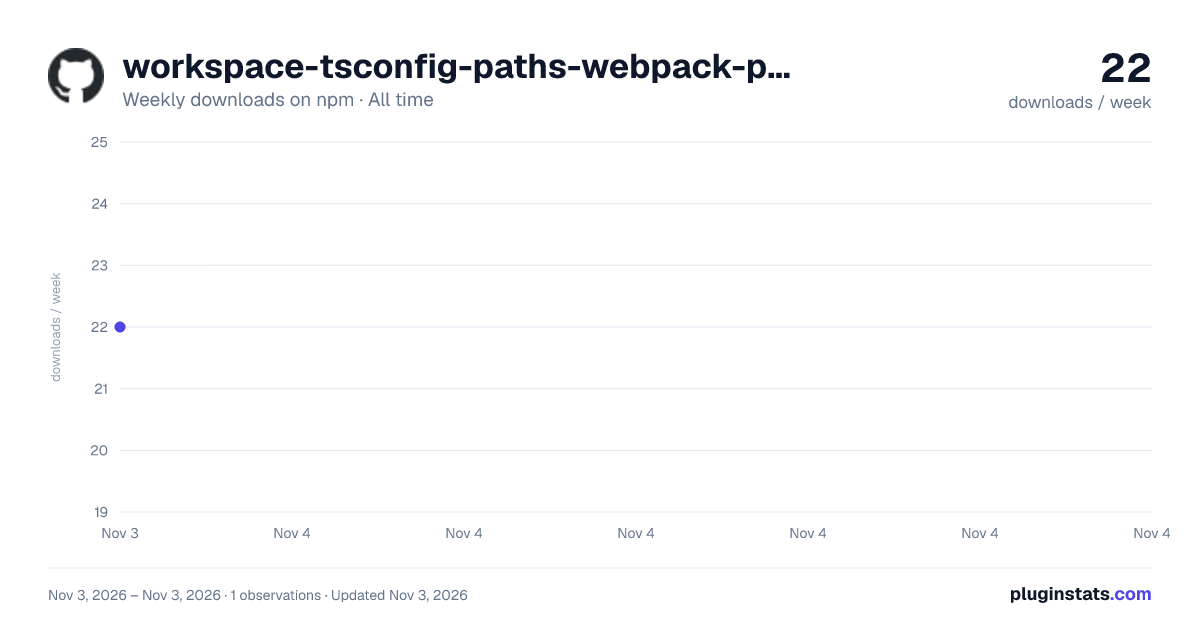

Adoption over time
7/30/90-day growth
Ranking history
Listing placement
Listing placement
Filled points are observed values; hollow points come from Internet Archive snapshots of the listing page. Dashed segments span periods with no observations — values between points are not interpolated.
Each band is one page of 20. Weekly downloads on a linear scale. Placement is projected from weekly downloads, so it can differ from the marketplace's own sort order. Hover a dot to see the listing.
Recent observations
Full history (1)Similar npm Webpack plugins plugins
All 20 workspace-tsconfig-paths-webpack-plugin alternatives- 22 weekly downloads-65.1%
Data source
Weekly downloads (trailing 7 complete days) come from the official npm downloads API. Downloads include CI and mirrors and are not equivalent to installs or users. npm publishes no ratings.
Listing: https://www.npmjs.com/package/workspace-tsconfig-paths-webpack-plugin. First seen Nov 5, 2026; last successful collection Nov 5, 2026. See the methodology.