 PluginStats

YouTube Screenshot users statistics
By Korvel Labs. · Chrome Web Store · Tools
Take a youtube screenshot in one click: capture any video frame in full resolution, save the video screenshot as png or jpg.
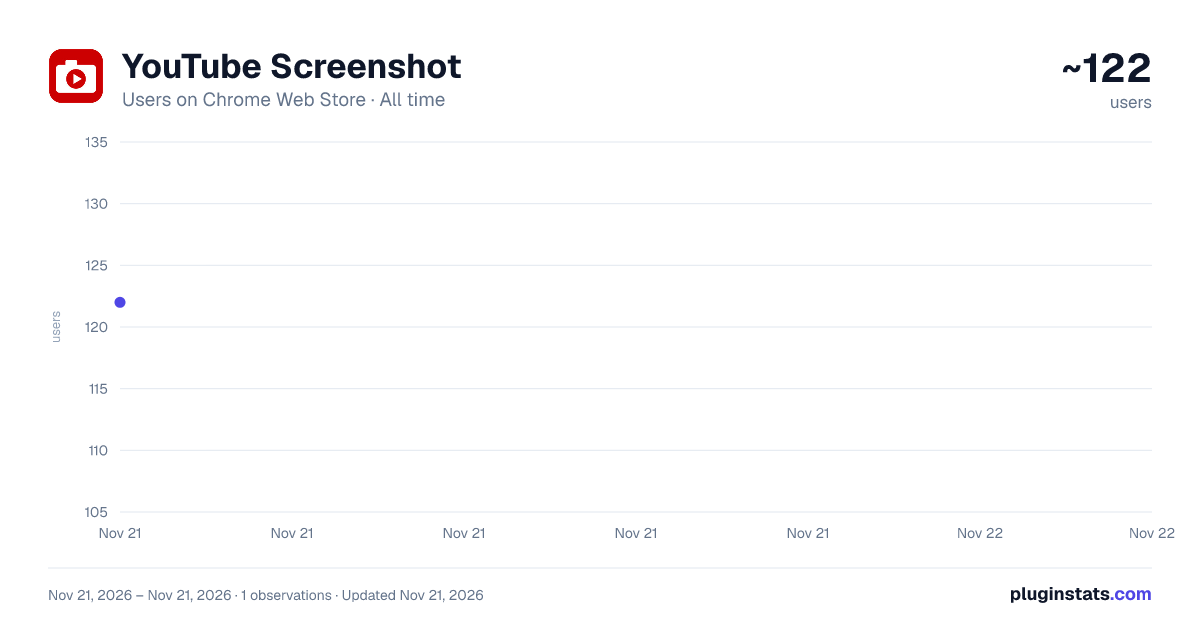
YouTube Screenshot has approximately 122 recorded users on Chrome Web Store, ranking #9505 of 10,388 tracked listings.
Rating: 5.00 / 5 from 2 ratings
About YouTube Screenshot
Take a youtube screenshot in one click: capture any video frame in full resolution, save the video screenshot as png or jpg.
Take a youtube screenshot in one click and keep the exact moment you were watching. The extension adds a camera button straight into the player controls, so a screenshot from youtube video is one click instead of a crop in a graphic editor. 📸
What you get with this youtube screenshot extension:
- the current frame in the native resolution of the source, not in the size of your player window
- a clean image with no player controls, no progress bar and no mouse cursor on it
- the file name already carries the title of the clip and the timestamp
- png or jpg output, whichever your document needs
Why a youtube screenshot is not the same as a system screen capture:
- a system screen capture saves the window, a youtube video screenshot saves the frame itself
- a 4K clip stays 4K, even when the player is a small box in the corner
- no black bars around the picture and no cropping afterwards
- one shortcut instead of capture, paste, crop, export
Three steps, and the still image is yours:
1️⃣ open any video and pause on the moment you need 2️⃣ click the camera in the player, next to the settings gear 3️⃣ the youtube screenshot lands in your downloads folder, ready to use
You can screenshot youtube frame by frame. Step buttons sit next to the camera and move the video a single frame back or forward, so the blurry half-second between two of them is no longer a problem. Frame by frame youtube stepping works with the frame rate you set: 24, 25, 30, 50 or 60 fps.
➤ hit the arrow buttons to walk through youtube frame by frame ➤ pick the sharp still, not the one that happened to be on screen ➤ then take screenshot from youtube video with a single click
Every screenshot with timestamp is named for you, so a folder of captures stays readable a month later. 🗂️
▸ the video title becomes the file name ▸ the position in the clip becomes the timestamp ▸ nothing is overwritten when you capture the same video twice
Prefer to paste instead of save? Switch the youtube screenshot tool to clipboard mode and the youtube screenshot goes straight into your chat, your slide or your ticket.
• save video frame as image on disk • copy to the clipboard and paste the video screenshot anywhere • or do both at once with one press
Who reaches for a screenshot youtube extension every day:
- students and teachers who pull diagrams out of lectures
- designers who collect references from film and motion reels
- support teams who need a video frame capture for a bug report
- writers and bloggers who illustrate a post with a still from a talk
- gamers who save the moment the run went wrong
What people capture most often with this youtube screenshot extension:
▪ a slide from a lecture, a webinar or a conference talk ▪ a chart or a table that flashes by in the middle of a review ▪ a recipe step, a knitting pattern, a repair diagram ▪ a landscape for a wallpaper or a mood board ▪ a scoreboard, a lap time, a final position from a race ▪ the exact second a bug shows up in a screen recording
The youtube screenshot works everywhere the player does:
➤ regular videos in any quality, from 240p up to 4K ➤ live streams and premieres, on the second you are watching ➤ shorts, in their own vertical aspect ratio ➤ playlists, embedded players and channel trailers
Questions people ask before they install 💬
Does the youtube screenshot work on any video? Yes, the youtube screenshot button appears on regular videos, on live streams and on shorts.
Why does a system screen capture give me a black frame? Some protected players block the picture at the driver level. That is the reason youtube detected this screenshot complaints exist at all. A capture taken from the video element inside the page does not run into it on ordinary youtube videos.
Where do the files go? Straight to your downloads folder, under the name of the video. Nothing is uploaded anywhere, so a youtube screenshot never leaves your machine.
Does it work in fullscreen? Yes. The camera stays in the player controls in every mode, theater and fullscreen included, so you take screenshot from youtube video without leaving the picture.
What about 60 fps material? Set the stepping rate to 60 in the panel and one press moves exactly one frame, not a third of a second.
Can I capture video frame images in bulk? Each press gives you one still, which is what a screenshot chrome extension is for. Hold the shortcut and you get a burst of stills in seconds.
Does the quality drop? No. The image is written from the decoded frame, so the video screenshot carries every pixel the stream delivered.
Building a strip of stills out of one clip? Press again and again — you save frame from video moment to moment as fast as you find them, and every capture youtube screenshot keeps the full resolution of the source. 🎞️
A video screenshot extension should stay small, and this one does. It wakes up on a youtube tab, draws the button, and sleeps everywhere else. Nothing is loaded from outside, so the player keeps running as smoothly as it did before.
Coaches, dancers and animators use the step buttons the way an editor does. 🎯 Walk through youtube frame by frame, stop on the exact position of a hand or a foot, and save that still next to the one from last week. A screenshot with timestamp makes the two easy to line up afterwards.
- pause on the moment that matters
- step back until the motion is sharp
- capture, then step forward and capture again
Keyboard shortcuts, if you like your hands on the keys:
- Alt and S to capture a screenshot youtube video frame
- Alt and Left to step one frame back
- Alt and Right to step one frame forward…
Description from the Chrome Web Store listing.
README badge
Show your rank in a README or on your website. The badge updates automatically.
Charts
Images: 30d · 1y · all time · 1600×900 dark
Adoption over time
7/30/90-day growth
Ranking history
Ratings over time
Listing placement
Listing placement
Filled points are observed values; hollow points come from Internet Archive snapshots of the listing page. Dashed segments span periods with no observations — values between points are not interpolated.
Each band is one page of 20. Users on a linear scale. Placement is projected from users, so it can differ from the marketplace's own sort order. Hover a dot to see the listing.
Recent observations
Full history (1)Similar Chrome Web Store Tools plugins
All 20 YouTube Screenshot alternatives



Data source
Covers every Chrome Web Store extension with at least 100 users, found through the store's public sitemap. User counts are read from public listing pages. The 10% most-used extensions are refreshed daily, the next 40% weekly and the next 40% monthly; the least-used 10% are not refreshed. Google displays rounded user counts (and caps the display at 10,000,000+), so small changes may not be visible. Rating counts above 1,000 are rounded (e.g. 1.6K).
Listing: https://chromewebstore.google.com/detail/youtube-screenshot/empimldinhjbekkhjfaphdncfebhpcic. First seen Nov 21, 2026; last successful collection Nov 21, 2026. See the methodology.