 PluginStats

Delete All Chats for ChatGPT™ users statistics
Delete All Chats for ChatGPT™: bulk delete multiple chats, clear history and keep your ChatGPT clean.
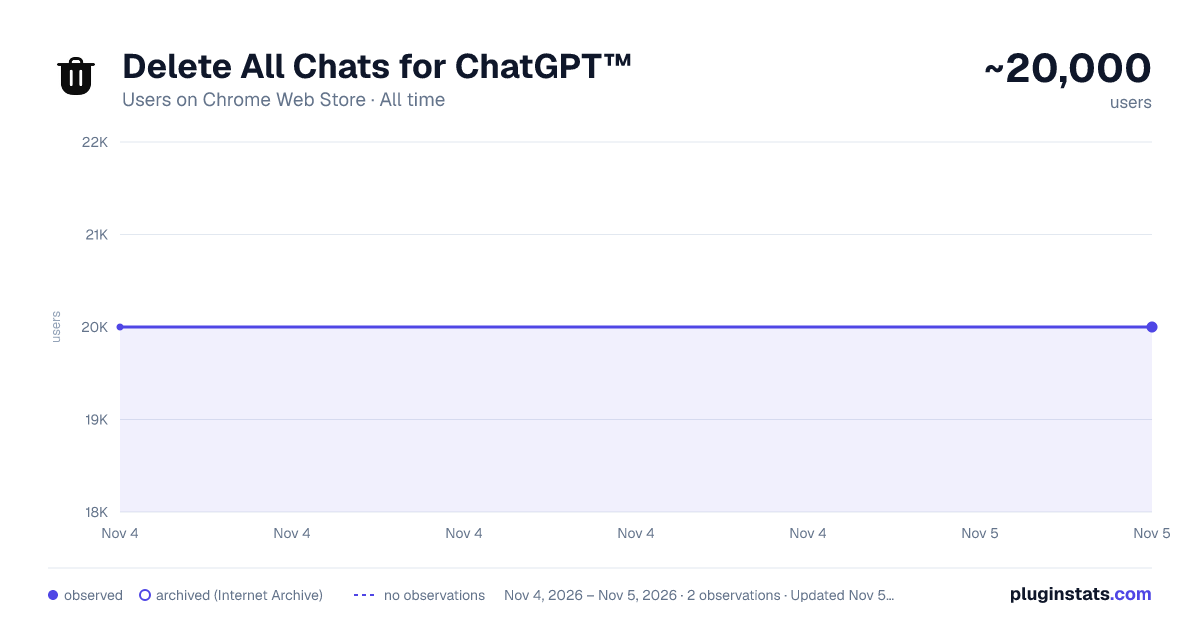
Delete All Chats for ChatGPT™ has approximately 20,000 recorded users on Chrome Web Store, ranking #569 of 7,342 tracked listings.
Rating: 3.60 / 5 from 334 ratings
About Delete All Chats for ChatGPT™
Delete All Chats for ChatGPT™: bulk delete multiple chats, clear history and keep your ChatGPT clean.
Delete All Chats for ChatGPT extension makes it easy to clean your ChatGPT history.
Features: 🗑️ Bulk delete chats: Remove all unnecessary conversations in GPT with one click. 📦 Bulk archiving: Move multiple dialogues to the ChatGPT archive with ease. ✅ Multi-select chats for bulk actions: Choose conversations and apply actions in seconds.
Quick start: 1️⃣ Install extension Delete All Chats for ChatGPT by clicking “Add to Chrome”. 2️⃣ Open ChatGPT with the plugin ready to use. 3️⃣ Turn on the Multi-select actions toggle. 4️⃣ Select the chats to delete or archive. 5️⃣ Delete them all with one click.
5 Reasons to Choose this extension: ▪️ Simple chatgpt history clean ▪️ Integrated directly into interface ▪️ Easy-to-use, intuitive design ▪️ No ads, no distractions ▪️ Respects your privacy
⏳ Time-saving Bulk delete chats allow you to manage history at once.
🧹 Order and cleanliness Clear your chatgpt history and focus on important conversations.
🗜️ Flexibility Keep conversations archived for easy access whenever needed.
Who is it for? 🌐 Active GPT Users: Keep your dialogues history tidy without the hassle of manual management. 🎓 Students and Researchers: Simplify your research by keeping only relevant conversations, archiving or removing old dialogues. 👨💼 Professionals: Manage hundreds of chat gpt sessions with ease, archiving or deleting unnecessary conversations with a single click.
Frequently Asked Questions:
📌 How to delete all chats? 💡 Open your ChatGPT, enable the Multi-select actions toggle, press the Select All button, and remove them with a single click.
📌 How to clear ChatGPT history? 💡 Simply open gpt in your chrome, enable toggle, select all dialogues, and delete or archive them with a single click.
📌 Can I archive all conversations? 💡 Yes, you can easily archive multiple conversations using the bulk action feature.
📌 Is my privacy secure with Delete All Chats for ChatGPT? 💡 The extension does not collect your email or the content of your chats. It sends only a randomly generated identifier plus basic technical data — extension version, browser language and approximate country — used to identify your installation. This data is not shared with anyone.
🚀 Keep your ChatGPT history clean with Delete All Chats today!
Description from the Chrome Web Store listing.
README badge
Show your rank in a README or on your website. The badge updates automatically.
Charts
Images: 30d · 1y · all time · 1600×900 dark
Adoption over time
7/30/90-day growth
Ranking history
Ratings over time
Listing placement
Listing placement
Filled points are observed values; hollow points come from Internet Archive snapshots of the listing page. Dashed segments span periods with no observations — values between points are not interpolated.
Each band is one page of 20. Users on a linear scale. Placement is projected from users, so it can differ from the marketplace's own sort order. Hover a dot to see the listing.
Recent observations
Full history (2)Similar Chrome Web Store Tools plugins
All 20 Delete All Chats for ChatGPT™ alternatives



Data source
Covers every Chrome Web Store extension with at least 100 users, found through the store's public sitemap. User counts are read from public listing pages. The 10% most-used extensions are refreshed daily, the next 40% weekly and the next 40% monthly; the least-used 10% are not refreshed. Google displays rounded user counts (and caps the display at 10,000,000+), so small changes may not be visible. Rating counts above 1,000 are rounded (e.g. 1.6K).
Listing: https://chromewebstore.google.com/detail/delete-all-chats-for-chat/daipnaolfenpglcjgjkgeaandppiabgn. First seen Nov 4, 2026; last successful collection Nov 5, 2026. See the methodology.