 PluginStats
Tab Muter users statistics
By tabsuspenderplugin · Chrome Web Store · Tools
Activate this extension to instantly mute tab sounds in your google chrome browser
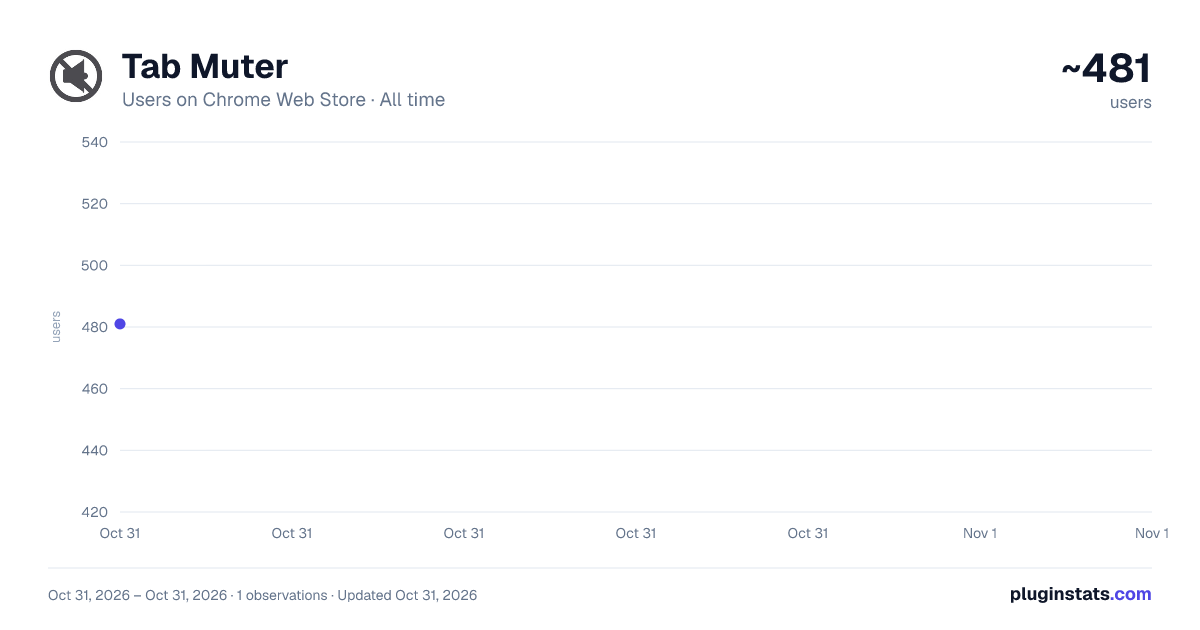
Tab Muter has approximately 481 recorded users on Chrome Web Store, ranking #3028 of 5,946 tracked listings.
Rating: 5.00 / 5 from 2 ratings
About Tab Muter
Activate this extension to instantly mute tab sounds in your google chrome browser
Tired of disruptive sounds coming from Chrome tabs? Tab Muter is here to help! This Google Chrome extension allows you to mute individual tabs instantly, without the hassle of adjusting your system volume. Whether it's auto-playing videos, ads, or background audio, Tab Muter gives you control to make your browsing experience quieter and more focused.
Key Features
One-Click Mute: Quickly mute or unmute tabs without switching windows.
Tab-Specific Control: Silence only the active tab while other tabs remain unaffected.
Mute All Tabs: Option to mute all open tabs at once for uninterrupted browsing.
Lightweight & Fast: Won’t slow down your browser like other extensions.
How to Use in Simple Steps
Install the Extension: Visit the Chrome Web Store, search for "Tab Muter," click "Add to Chrome," and follow the prompts.
Activate Tab Muter: After installation, the Tab Muter icon will appear in the Chrome toolbar. Click the icon to enable it.
Mute a Tab: Click the Tab Muter icon to choose "Mute Tab" or "Mute All Tabs." To unmute a specific tab, navigate to that tab and click the icon again.
Unmute When Needed: To restore sound, click the icon, and audio playback will resume instantly.
Why It Is Useful
Tab Muter is especially useful when working with tabs that have sound. Whether you’re on a call, studying, or casually browsing, it lets you silence a specific tab without muting everything. It helps eliminate distractions during online meetings, classes, or other productivity tasks.
Who It Is Useful For
This tool is ideal for professionals in meetings, students in online classes, or anyone who needs to stay focused. It provides precise sound control, making it a must-have for anyone who manages multiple audio-enabled tabs.
Description from the Chrome Web Store listing.
README badge
Show your rank in a README or on your website. The badge updates automatically.
Charts
Images: 30d · 1y · all time · 1600×900 dark
Adoption over time
7/30/90-day growth
Ranking history
Ratings over time
Listing placement
Listing placement
Filled points are observed values; hollow points come from Internet Archive snapshots of the listing page. Dashed segments span periods with no observations — values between points are not interpolated.
Each band is one page of 20. Users on a linear scale. Placement is projected from users, so it can differ from the marketplace's own sort order. Hover a dot to see the listing.
Recent observations
Full history (1)Similar Chrome Web Store Tools plugins
All 20 Tab Muter alternatives



Data source
Covers every Chrome Web Store extension with at least 100 users, found through the store's public sitemap. User counts are read from public listing pages. The 10% most-used extensions are refreshed daily, the next 40% weekly and the next 40% monthly; the least-used 10% are not refreshed. Google displays rounded user counts (and caps the display at 10,000,000+), so small changes may not be visible. Rating counts above 1,000 are rounded (e.g. 1.6K).
Listing: https://chromewebstore.google.com/detail/tab-muter/kmmhcihlklcaopfcnfecbacihnabefoi. First seen Oct 31, 2026; last successful collection Oct 31, 2026. See the methodology.