 PluginStats

InterviewBuddy - AI Interview Assistant users statistics
By varun · Chrome Web Store · Tools
Real-time AI interview assistant. Instant expert answers with syntax-highlighted code, tailored to your role and experience.
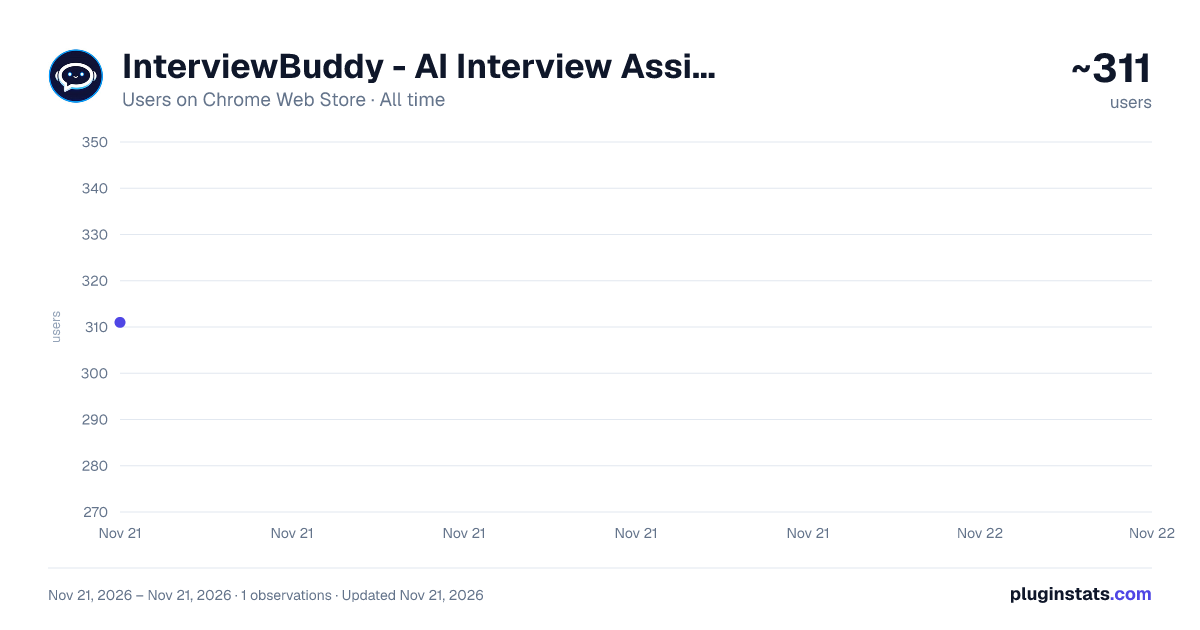
InterviewBuddy - AI Interview Assistant has approximately 311 recorded users on Chrome Web Store, ranking #6456 of 10,388 tracked listings.
Rating: 4.80 / 5 from 9 ratings
About InterviewBuddy - AI Interview Assistant
Real-time AI interview assistant. Instant expert answers with syntax-highlighted code, tailored to your role and experience.
InterviewBuddy is an AI interview assistant for online interviews.
Run a mock interview on Zoom, Google Meet or Microsoft Teams and InterviewBuddy listens along, recognises each question as it is asked, and streams an expert-level reference answer onto a floating card beside your call. You rehearse against real questions, in real time, and walk into the real interview having already said the words out loud.
Built for interview preparation — practice rounds, self-study, and mock interviews with a friend or coach.
━━━━━━━━━━━━━━━━━━━━━━━━━━━━━━ HOW IT WORKS ━━━━━━━━━━━━━━━━━━━━━━━━━━━━━━
-
START A PRACTICE SESSION Open your mock interview on any browser-based platform. Click the InterviewBuddy icon, or press Alt+Shift+I to open the side panel. No extra software, no separate app.
-
INTERVIEWBUDDY LISTENS IN Press Start and it transcribes the conversation live, telling the interviewer's voice apart from your own so it only answers what is actually being asked of you.
-
REFERENCE ANSWERS APPEAR INSTANTLY Structured, expert-level answers stream in word by word — on a floating card over your call and in the side panel. Code arrives syntax-highlighted and readable.
-
REVIEW AND SHARPEN Every session ends with written notes on what was asked and how it was answered. Come back, re-read, run it again. Delivery compounds with every round.
━━━━━━━━━━━━━━━━━━━━━━━━━━━━━━ WHAT YOU GET ━━━━━━━━━━━━━━━━━━━━━━━━━━━━━━
▸ REAL-TIME QUESTION DETECTION Captures questions as they are spoken, including rephrasings and short follow-ups like "and why?" that only make sense next to what came before. It waits for a sentence to finish rather than cutting in halfway.
▸ INSTANT STREAMING ANSWERS Answers begin appearing in seconds and stream word by word, so you can read along at speaking pace instead of waiting for a wall of text.
▸ FLOATING ANSWER CARD A draggable, resizable card that sits over your meeting. Make it yours: background colour, opacity, blur, border, corner radius, padding, text and accent colours, font size, width, height, and where it parks on screen. Swipe to dismiss. Alt+Shift+H hides it instantly.
▸ PRACTICE STUDIO Full mock interview rounds run by the AI. It asks, you answer out loud, it records you and comes back with feedback on your actual delivery. Progress is tracked across rounds so you can see what is improving.
▸ SESSION NOTES Every practice run is summarised when it ends — the questions, the answers, the ground you covered. Download them as a PDF or email them to yourself for later review.
▸ YOUTUBE & WEB PAGE NOTES Studying from a video or an article? Press the notes button above the message box — or right-click any page — and InterviewBuddy writes it up: structured study notes, interview prep with the questions that material could be asked about, or a one-minute summary. On YouTube it reads the video's own captions and every timestamp in the notes takes you back to that moment; on a web page it reads the article you are on, or just the part you selected. The notes arrive in your conversation, so you can ask follow-up questions about what you just read or watched. Works in any of the supported languages and saves as a PDF.
▸ REMINDERS An interview, a recruiter call, a team meeting, a take-home deadline, an offer that expires — set the date and time and get an email before it, ten minutes ahead by default or up to an hour. In your own time zone, with no calendar account to connect.
▸ SCREEN AWARENESS Press Alt+Shift+S and InterviewBuddy reads what is on your screen — a coding problem, a system design prompt, a shared document — and answers about it, using the last stretch of conversation as context.
▸ FOLLOW-UP RADAR While you read one answer, it works out what is most likely to be asked next and prepares those answers in advance, so the common follow-ups land instantly.
▸ SPEAKING COACH (PRO) While you answer, the floating card shows your pace, filler words, a live confidence score and your tone, with a short tip when one would help: slow down, speak up, stay positive, close with the result. It coaches only your own voice, in Interview and Conversation mode, and your session notes show how you sounded overall.
▸ WRITE ASSIST (PRO) A small button inside the text boxes on the job and email sites you choose. It drafts application answers, recruiter replies and cover letters from your own resume, or improves, shortens and fixes what you have typed — short, medium or long. Chrome asks before it can appear on each site.
▸ TONE DETECTOR & UNDERLINES (PRO) As you type in Write Assist, a badge shows how you come across — confident, unsure, too casual, apologetic or vague — and weak phrases are underlined with a one-click fix. Worked out on your device; nothing is sent while you type.
▸ RIGHT-CLICK REWRITE (PRO) On any other website, right-click inside a text box and choose Rewrite with InterviewBuddy to improve it, fix the grammar, or make it more confident, shorter or more formal.
▸ WEEKLY INSIGHTS (PRO) A short Monday email with your week: sessions, questions answered, practice score, speaking confidence and your goals for next week. Quiet weeks send nothing.
▸ ASK BUDDY Type any question straight into the side panel, or attach a file — a job description, a spec, a problem statement — and ask about it. Works whether or not a session is running.
▸ CONVERSATION MODE Not every call is an interview. Conversation mode follows a meeting, a lecture or a discussion and takes running notes on both sides instead of answering questions put to you.
▸ YOUR STORY Upload your resume — free, no subscription — and answers are grounded in your actual projects and numbers rather than generic advice. Add the job description with Pro and you also get a map of what to prepare before the round.…
Description from the Chrome Web Store listing.
README badge
Show your rank in a README or on your website. The badge updates automatically.
Charts
Images: 30d · 1y · all time · 1600×900 dark
Adoption over time
7/30/90-day growth
Ranking history
Ratings over time
Listing placement
Listing placement
Filled points are observed values; hollow points come from Internet Archive snapshots of the listing page. Dashed segments span periods with no observations — values between points are not interpolated.
Each band is one page of 20. Users on a linear scale. Placement is projected from users, so it can differ from the marketplace's own sort order. Hover a dot to see the listing.
Recent observations
Full history (1)Similar Chrome Web Store Tools plugins
All 20 InterviewBuddy - AI Interview Assistant alternatives



Data source
Covers every Chrome Web Store extension with at least 100 users, found through the store's public sitemap. User counts are read from public listing pages. The 10% most-used extensions are refreshed daily, the next 40% weekly and the next 40% monthly; the least-used 10% are not refreshed. Google displays rounded user counts (and caps the display at 10,000,000+), so small changes may not be visible. Rating counts above 1,000 are rounded (e.g. 1.6K).
Listing: https://chromewebstore.google.com/detail/interviewbuddy-ai-intervi/ofbkkhnpelgmalldijoejdcgmdljckfg. First seen Nov 21, 2026; last successful collection Nov 21, 2026. See the methodology.