 PluginStats

Chromium users statistics
A simple browser sidebar agent that helps you with summarizing web pages or performing simple automation tasks.
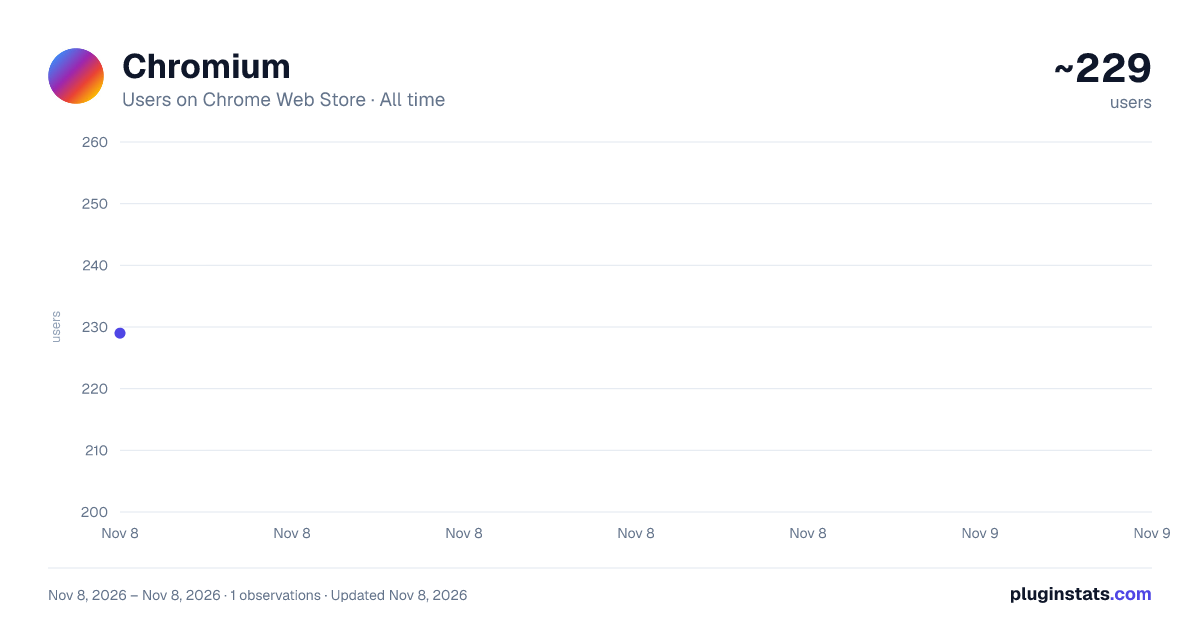
Chromium has approximately 229 recorded users on Chrome Web Store, ranking #5794 of 8,189 tracked listings.
About Chromium
A simple browser sidebar agent that helps you with summarizing web pages or performing simple automation tasks.
Chromium is a simple browser sidebar agent that helps you with summarizing web pages or performing simple automation tasks. The assistant supports the following atomic actions:
Click: {"type":"click","selector":"button.submit-btn"} Ctrl+Click: {"type":"click","selector":"a.result","modifiers":["ctrl"]} Double-click: {"type":"double_click","selector":".editable-cell"} Right-click: {"type":"right_click","selector":".item"} Type: {"type":"type","selector":"input[name='q']","text":"search content"} Select: {"type":"select","selector":"select#category","value":"option"} Press Key: {"type":"key","key":"Enter"} Key on Element: {"type":"key","selector":".dropdown","key":"ArrowDown"} Navigate: {"type":"navigate","url":"https://example.com"} Scroll: {"type":"scroll","y":300} Hover: {"type":"hover","selector":".menu-item"} Clear: {"type":"clear","selector":"input#search"}
By customizing Skills, you can orchestrate these atomic actions to handle more complex workflows. For example, I use it to clean up my incredibly messy bookmarks.
Other Use Cases
- General Q&A: Chat directly with the LLM.
- Page Summarization: Summarize web pages or online documentation.
- Auto-Login: Use Skills to store credentials and log into websites that frequently log you out.
- Smart Navigation: Jump to websites when you can only vaguely remember their features.
- Testing Automation: Fill in fixed mock data during product regression testing.
- ...and whatever else you can dream up!
More features are waiting for you to develop. Feel free to submit bug reports and optimization suggestions!
⚠️ Notes & Limitations
-
Token Consumption: When analyzing a page, the assistant sends the complete HTML file, which can be quite token-heavy.
-
Scope of Control: The extension can manipulate elements within the webpage. However, it currently does not support browser-level operations (e.g., right-click context menus, switching tabs, opening native bookmarks) or tool-dependent actions (e.g., reading images, Word documents, or performing web searches).
💡 Tips & Tricks
- Choosing the Right Model:
- If you have GitHub Copilot, you can bind it to call Copilot models—at least one of them usually offers unlimited usage.
- If you prefer paid APIs, DeepSeek API is highly recommended. It's incredibly fast and extremely budget-friendly.
-
Local Models: Ollama is the easiest way to run locally deployed models. However, smaller models (like Qwen-0.6B) often struggle to follow complex instructions reliably.
-
Prompt & Workflow Optimization: Sometimes, a clever combination of prompts, chat history length, and action delays can work wonders.
- Token-Saving Tip: When sorting bookmarks, step-by-step execution drains tokens fast. Instead, ask the LLM to generate actions in batches and execute them sequentially. This saves massive token overhead by avoiding re-sending the HTML page.
- Identifying Elements: If you're unsure how to target a specific element, you can right-click and use "Inspect Element" to check its attributes (name, class, etc.). Alternatively, you can let the model run a few steps first, copy its generated JSON actions, and paste them directly into your prompt for future fixed workflows.
- Handling "Over-Enthusiastic" Models: Some models get a bit too eager. If you give a vague prompt and the model doesn't know what the "completion criteria" looks like, it might get stuck in an endless Agent loop.
- Example: If you say, "Where was that Google AI Studio billing page again? Help me jump there," you might just want it to land on the homepage. However, the model (looking at you, GitHub Copilot gpt-5-mini) might keep frantically clicking and guessing trying to reach your personal invoice page, even if it has no idea what the next step actually is.
Support: GitHub: https://github.com/chen-1912/Browser-Copilot Issues: https://github.com/chen-1912/Browser-Copilot/issues
Description from the Chrome Web Store listing.
README badge
Show your rank in a README or on your website. The badge updates automatically.
Charts
Images: 30d · 1y · all time · 1600×900 dark
Adoption over time
7/30/90-day growth
Ranking history
Ratings over time
Listing placement
Listing placement
Filled points are observed values; hollow points come from Internet Archive snapshots of the listing page. Dashed segments span periods with no observations — values between points are not interpolated.
Each band is one page of 20. Users on a linear scale. Placement is projected from users, so it can differ from the marketplace's own sort order. Hover a dot to see the listing.
Recent observations
Full history (1)Similar Chrome Web Store Tools plugins
All 20 Chromium alternatives



Data source
Covers every Chrome Web Store extension with at least 100 users, found through the store's public sitemap. User counts are read from public listing pages. The 10% most-used extensions are refreshed daily, the next 40% weekly and the next 40% monthly; the least-used 10% are not refreshed. Google displays rounded user counts (and caps the display at 10,000,000+), so small changes may not be visible. Rating counts above 1,000 are rounded (e.g. 1.6K).
Listing: https://chromewebstore.google.com/detail/chromium/anncaniihafnodljglnfmehlfcdnmpmd. First seen Nov 8, 2026; last successful collection Nov 8, 2026. See the methodology.