 PluginStats
HTTP-TRACKER users statistics
By Venu Madhav · Chrome Web Store · Developer Tools
Inspect HTTP request headers, cookies, data, response Headers, cookies and add/modify request headers before sending requests
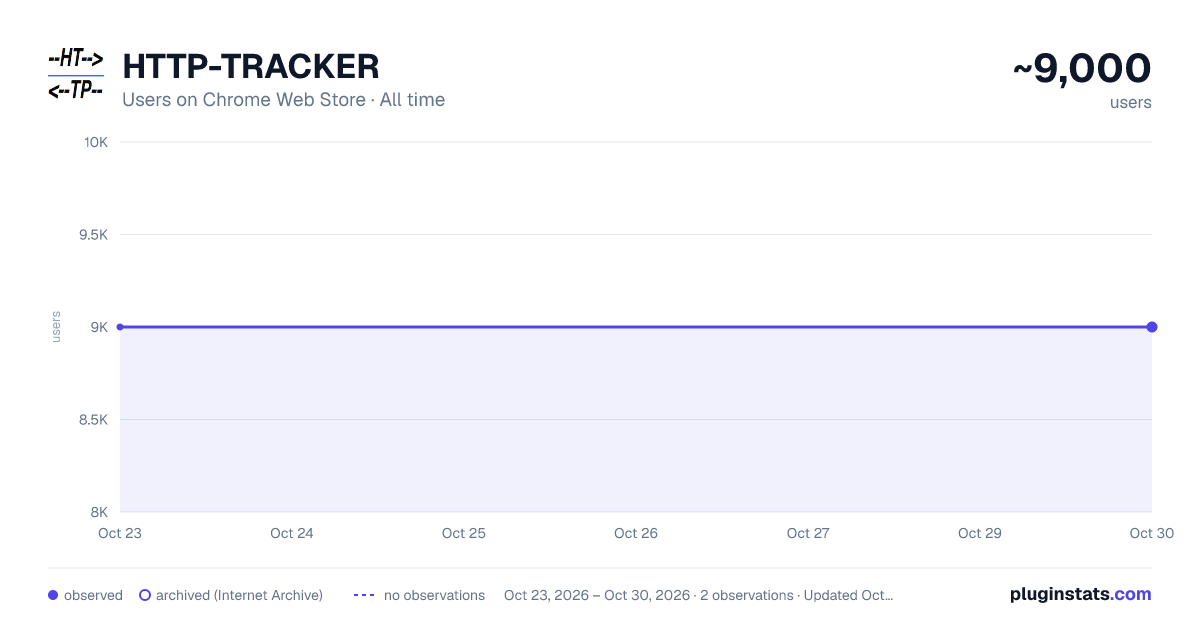
HTTP-TRACKER has approximately 9,000 recorded users on Chrome Web Store, ranking #526 of 3,853 tracked listings.
Rating: 5.00 / 5 from 36 ratings
About HTTP-TRACKER
Inspect HTTP request headers, cookies, data, response Headers, cookies and add/modify request headers before sending requests
🌐 Monitors browser network for all tabs and pages in a single extension window. Track network traffic including request headers, cookies sent from each tab, and corresponding response headers and cookies. Filter and capture only required requests, exclude unwanted ones, or block specific requests entirely. A powerful network monitor and HTTP inspector for developers — inspect headers, edit cookies, intercept requests, and modify outgoing headers without leaving the browser.
From the captured data, you can filter requests to view based on various attributes, clear all captured data, compare with previous/different requests, single page to see all the traffic in a centralized place instead of each tab.
✏️ Add/modify the request headers before sending the request — for all requests, a domain, or a single URL (supports Cookie, Referer, Origin, Host, and custom headers). 🍪 Delete all cookies for the selected domain, or for a domain of your choice.
✨ Features: 🪟 Single instance extension — Always loads a single instance popup/tab which gets activated on further clicks 🚀 Non-blocking (async) monitoring of browser traffic, with no additional delay to actual requests 🔗 Request-response pairing ✅ Capture only required URLs containing particular pattern(s) 🚫 Exclude all unwanted URLs containing particular pattern(s) 🛑 Block request URLs containing particular pattern(s) to simulate a 404 behavior 🛡️ Retain metadata for blocked requests — Preserves Method, URL, and Initiator even when requests are blocked early by ad-blockers or rules 🎭 Mask data in form fields containing particular pattern(s) 🔍 Filter URLs to display and analyze 🗑️ Delete complete captured data ❌ Delete single URL which was captured 🧹 Delete all the filtered data 🔄 Compare request and responses between sessions and incognito (requires incognito access) 📋 Capture form data only if needed 💾 Use preferences page to store settings in the browser storage to avoid repeated entry of patterns ⚡ Template-driven UI — Ultra-fast rendering with native browser HTML templates 💡 Tooltips on the page to give an understanding of each UI element ⏸️ Pause and resume the tracker ✏️ Add or modify request headers before sending requests 🍪 Delete all cookies for a domain (either selected event or manually) with RFC 6265 domain normalization 🔎 Find text in details with regex search and text highlighting 🔒 High security ⚡ High performance
🔒 Security: 🎭 Mask form field data like usernames, passwords, etc., providing high security 🕵️ Information about your browsing is never transmitted or disclosed to the extension developers or any other party
⚡ Performance: ⏱️ Works async — near-zero delay to the actual HTTP request 🏎️ Filter results in < 100 ms even when captured results exceed 10K
♿ Accessibility: ⌨️ Easy access: press Ctrl/Cmd + Shift + 1 anytime to open the extension window 🪟 Single instance window
🔗 Links 🌐 Chrome extension: https://chrome.google.com/webstore/detail/http-tracker/fklakbbaaknbgcedidhblbnhclijnhbi 🦊 Firefox add-on: https://addons.mozilla.org/en-US/firefox/addon/http-tracker/
⭐ Reviews / Ratings: ❤️ Please like and rate the extension — a lot of effort has been put into developing it!
Description from the Chrome Web Store listing.
README badge
Show your rank in a README or on your website. The badge updates automatically.
Charts
Images: 30d · 1y · all time · 1600×900 dark
Adoption over time
7/30/90-day growth
Ranking history
Ratings over time
Listing placement
Listing placement
Filled points are observed values; hollow points come from Internet Archive snapshots of the listing page. Dashed segments span periods with no observations — values between points are not interpolated.
Each band is one page of 20. Users on a linear scale. Placement is projected from users, so it can differ from the marketplace's own sort order. Hover a dot to see the listing.
Recent observations
Full history (1)Similar Chrome Web Store Developer Tools plugins
All 20 HTTP-TRACKER alternatives



Data source
Covers every Chrome Web Store extension with at least 100 users, found through the store's public sitemap. User counts are read from public listing pages. The 10% most-used extensions are refreshed daily, the next 40% weekly and the next 40% monthly; the least-used 10% are not refreshed. Google displays rounded user counts (and caps the display at 10,000,000+), so small changes may not be visible. Rating counts above 1,000 are rounded (e.g. 1.6K).
Listing: https://chromewebstore.google.com/detail/http-tracker/fklakbbaaknbgcedidhblbnhclijnhbi. First seen Oct 23, 2026; last successful collection Oct 23, 2026. See the methodology.