 PluginStats

Chatwork Tools users statistics
By erin · Chrome Web Store · Tools
Chatwork の入力をもっと快適に。独自タグのハイライト、アイコンでのタグ・定型文の挿入、@ メンション、長文の折りたたみ、ルーム ID のコピー、ショートカット一覧、画面共有向けのマイページのぼかしなど。
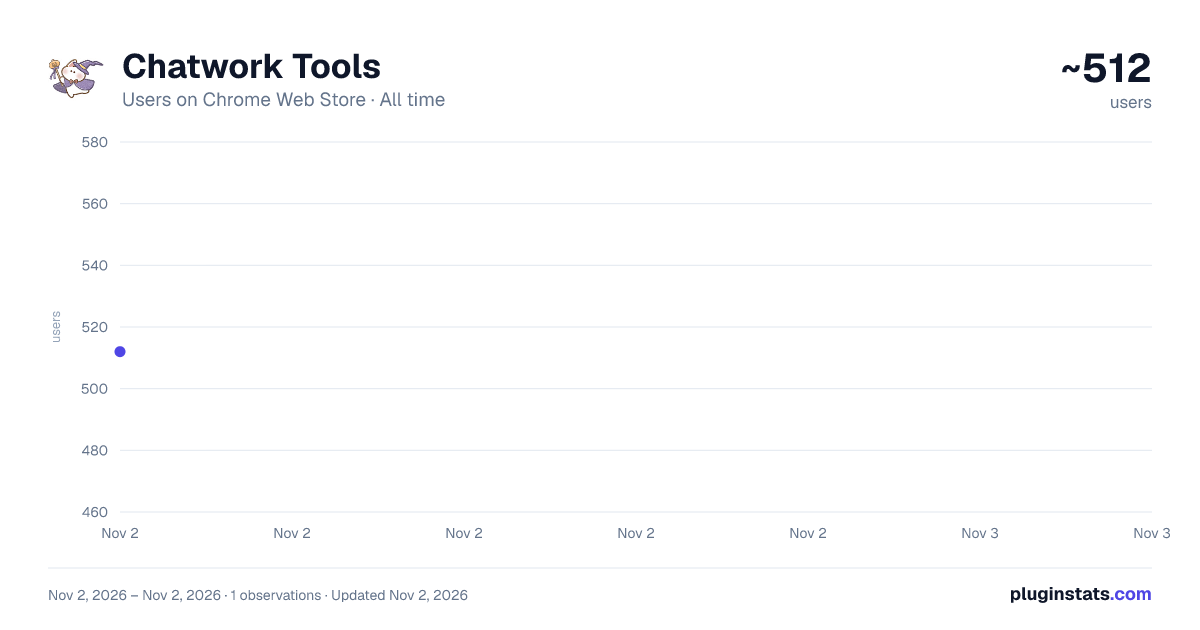
Chatwork Tools has approximately 512 recorded users on Chrome Web Store, ranking #3331 of 6,786 tracked listings.
Rating: 5.00 / 5 from 2 ratings
About Chatwork Tools
Chatwork の入力をもっと快適に。独自タグのハイライト、アイコンでのタグ・定型文の挿入、@ メンション、長文の折りたたみ、ルーム ID のコピー、ショートカット一覧、画面共有向けのマイページのぼかしなど。
Chatwork(www.chatwork.com / KDDI Chatwork)のメッセージ入力や閲覧を便利にする拡張機能です。 入れるだけで使える機能と、設定画面で自分好みにできる機能があります。
◆ 主な機能
-
独自タグのハイライト表示 入力欄の [info]・[title]・[code]・[hr]・[To] などのタグを色分けして表示します。タグの閉じ忘れや入れる位置がひと目でわかります。
-
アイコンでタグ・絵文字・定型文を入れる 入力欄の上のアイコンから、[info]・[info][title]・[code]・[hr] のタグ、よく使う絵文字、登録したカスタムメッセージをワンクリックで入れられます。文字を選んでからタグのアイコンを押すと、選んだ文字をタグで囲みます。
-
^ と @ で候補から選ぶ 入力欄で ^ を打つと登録したカスタムメッセージの候補が、@ を打つとメンション(To)の候補が出ます。続けて文字を打つと絞り込めます。
-
担当者を決めてタスクを追加 よく頼む相手を登録しておくと、アイコンからその人を担当者にしたタスクを追加できます。
-
長いメッセージの折りたたみ 長いメッセージを決まった行数(初期値 10 行、3〜100 行で変更可)で折りたたみ、「続きを読む」「閉じる」で開け閉めできます。タイムラインが見渡しやすくなります。
-
メッセージ本文・リンク・ルーム ID のコピー Shift を押しながらメッセージのリンクアイコンをクリックすると、メッセージへのリンクをコピーできます。メッセージの「…」メニューの「コピー」を Shift+クリックすると、ダイアログを開かずに本文をコピーできます。ルーム名の横のボタンでルーム ID を、Shift+クリックで [rid:ID] ルーム名 をコピーできます。
-
ショートカットと隠し操作のヘルプ 入力欄の外で ? を押すと、この拡張のショートカットと隠し操作の一覧が開きます。Chatwork 本体のショートカット一覧もここから開けます。
-
画面共有向けのマイページのぼかし 設定でオンにすると、マイページ(マイチャット)を開くたびにチャット領域と右側の概要・タスク欄をぼかします。画面共有中に、うっかりマイページの中身を見せてしまうのを防げます。ぼかした部分をクリックするか右上のアイコンを押すと、そのときだけぼかしが外れます。
-
見やすい設定画面 設定はタブとカードで整理してあり、ダークモードにも対応しています。アイコンの設定はその場でプレビューできます。保存した設定は、開いている Chatwork のタブに再読み込みなしで反映されます。設定は JSON でインポート / エクスポートできます。
◆ 1.15.0 の新機能 ・画面共有向けのマイページのぼかし(初期状態はオフ。設定の「ショートカット / 画面共有」タブでオンにできます) ・「…」メニューの「コピー」の Shift+クリックで、メッセージ本文をそのままコピー ・保存した設定が、開いている Chatwork のタブに再読み込みなしで反映されるように ・設定画面に「ショートカット / 画面共有」タブと「タイムライン」タブを追加
◆ 補足 ・AI による文章の校正・変換ボタンも追加できます(任意。使うには各 AI サービスの API キーが必要です。初期状態ではボタンは表示されず、ほかの機能は API キーがなくてもすべて使えます)。
Description from the Chrome Web Store listing.
README badge
Show your rank in a README or on your website. The badge updates automatically.
Charts
Images: 30d · 1y · all time · 1600×900 dark
Adoption over time
7/30/90-day growth
Ranking history
Ratings over time
Listing placement
Listing placement
Filled points are observed values; hollow points come from Internet Archive snapshots of the listing page. Dashed segments span periods with no observations — values between points are not interpolated.
Each band is one page of 20. Users on a linear scale. Placement is projected from users, so it can differ from the marketplace's own sort order. Hover a dot to see the listing.
Recent observations
Full history (1)Similar Chrome Web Store Tools plugins
All 20 Chatwork Tools alternatives



Data source
Covers every Chrome Web Store extension with at least 100 users, found through the store's public sitemap. User counts are read from public listing pages. The 10% most-used extensions are refreshed daily, the next 40% weekly and the next 40% monthly; the least-used 10% are not refreshed. Google displays rounded user counts (and caps the display at 10,000,000+), so small changes may not be visible. Rating counts above 1,000 are rounded (e.g. 1.6K).
Listing: https://chromewebstore.google.com/detail/chatwork-tools/cmclkihkpmlpgfiejpdbgbbajijncnmi. First seen Nov 2, 2026; last successful collection Nov 2, 2026. See the methodology.