 PluginStats

DownPictures - Universal Image Downloader users statistics
Download product images and videos from major e-commerce platforms with one click. Supports Amazon, AliExpress, JD, and more.
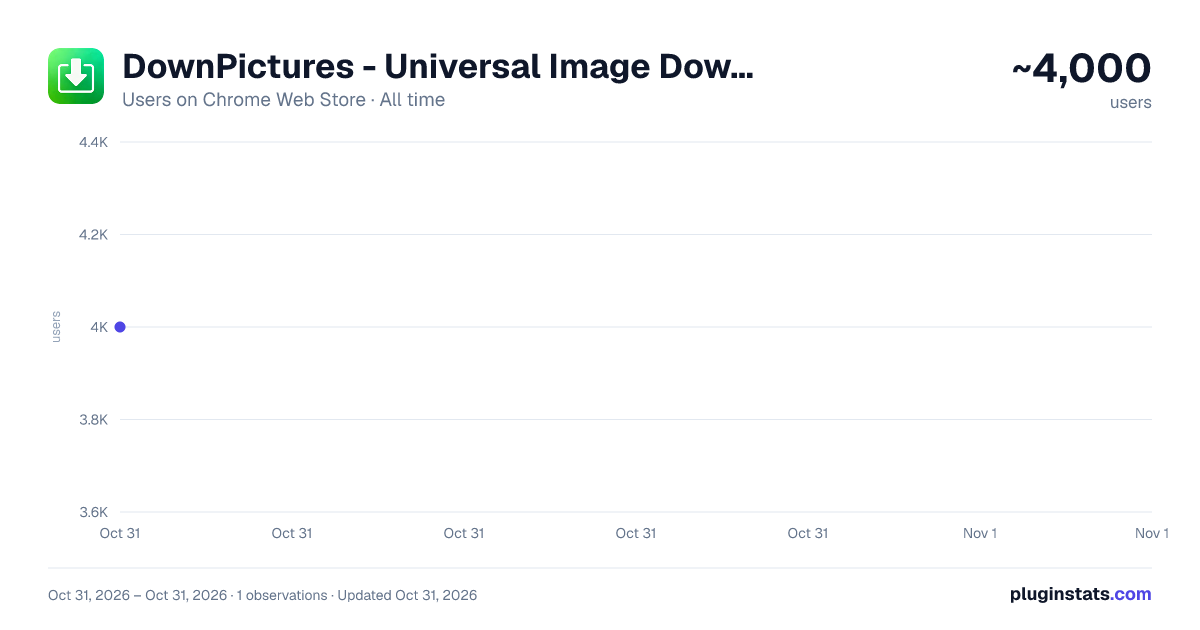
DownPictures - Universal Image Downloader has approximately 4,000 recorded users on Chrome Web Store, ranking #1330 of 7,342 tracked listings.
Rating: 3.90 / 5 from 14 ratings
About DownPictures - Universal Image Downloader
Download product images and videos from major e-commerce platforms with one click. Supports Amazon, AliExpress, JD, and more.
DownPictures - Chrome Store English Description
Short Description
An efficient media asset collection tool for global e-commerce and social platforms. Extract high-definition product images, SKU variants, and videos with one click. Now supporting SHEIN, with optimized watermark-free downloads for social media content.
Detailed Description
DownPictures is a professional resource acquisition expert designed for e-commerce operators, content creators, and global shoppers. Powered by intelligent recognition technology, we provide deep compatibility with major domestic and international platforms. Whether you are managing traditional e-commerce stores, exploring cross-border markets like SHEIN, TEMU, and AliExpress, or seeking inspiration on social media, DownPictures delivers a seamless experience for extracting high-quality original images and videos. We simplify the material collection process, helping you stay ahead in content creation and business competition.
💡 Exclusive Tip: Split Screen / Dual Monitor for Double Efficiency!
Highly Recommended: Use Split Screen (or Dual Monitors) to display the browser window and extension window side-by-side to experience our exclusive Immersive Collection feature.
👇 Mode Illustration:
[ Browser Window ] [ Extension Window ]
┌──────────────────┐ ┌──────────────────┐
│ Browsing Product │ ⚡ │ Auto-Sync Data │
│ (No Clicks Need) │ ──→ │ (Real-time Grab) │
└──────────────────┘ └──────────────────┘
Why is this better? Powered by Smart Real-time Sync Technology, you don't need to repeatedly open and close the extension. Just keep the extension window open. As you switch between different products in the browser, the extension will automatically detect and immediately grab all high-definition assets from the current page. Browse and download simultaneously, saying goodbye to tedious manual operations!
Main Features
📢 Ads Declaration
- This extension may display relevant ads to support development and maintenance
🖼️ Multi-type Image Download
- Product Main Image: Automatically identify and extract product display main images, supporting high-definition original image downloads
- SKU Images: Acquire product images corresponding to different specifications and colors, fully displaying product variants
- Detail Page Images: Capture all images on product detail pages, including description and display images
- Smart Deduplication: Automatically filter duplicate images to ensure downloaded image resources are not redundant
🎥 Video Resource Acquisition
- Main Image Video: Extract video resources from product main image positions
- Detail Video: Acquire video content from detail pages
- Video Information Display: Show video resolution and file size information
📊 Image Information Display
- Size Information: Display pixel dimensions (width × height) for each image
- File Size: Acquire and display image file size, supporting both actual size and estimated values
- Batch Preview: Provide image preview functionality for convenient viewing and selection
🎯 User Experience Optimization
- One-Click Download: Support batch selection and one-click download of all selected images
- Download Management: Real-time display of download progress with support for failure retry
- Smart Classification: Automatically categorize and store by image type for easy management
- History Record: Save browsing history for convenient viewing of image resources from previous pages
Technical Features
🔒 Security & Reliability
- Minimal Permissions: Only request necessary website access permissions without collecting personal privacy information
- Local Processing: All data processing completed locally without uploading to servers
- Compliance Design: Strictly adhere to browser extension development specifications and platform policies
⚡ Efficiency & Intelligence
- Smart Recognition: Automatically adapt to page structure changes across various platforms for stable extraction
- Lazy Loading Processing: Optimized for modern web page lazy loading techniques to ensure complete image acquisition
- Performance Optimization: Utilize efficient resource acquisition and processing methods without affecting normal web browsing
🌐 Strong Compatibility
- Multi-Platform Support: Perfectly adapt to mainstream e-commerce platforms
- Browser Compatibility: Support mainstream browsers such as Chrome and Edge
- Responsive Design: Interface adapts to different screen sizes for consistent user experience
Usage Scenarios
👩💼 Merchant Applications
- Competitive Analysis: Collect competitor product images for market analysis
- Material Organization: Quickly acquire product materials for promotional and marketing purposes
- Data Backup: Backup your own product images and video resources
🛍️ Buyer Applications
- Product Collection: Save favorite product images for convenient future viewing
- Price Comparison Reference: Collect similar product images for comparative analysis
- Sharing Materials: Acquire high-quality product images for social sharing
How to Use
- Install Extension: Install 当图 DownPictures extension from Chrome Web Store
- Visit Product Pages: Open product detail pages on any e-commerce platform
- Launch Extension: Click the extension icon in the browser toolbar
- Select Resources: View and select required images and videos in the popup interface
- Start Download: Click download button to save selected resources locally
Privacy Statement…
Description from the Chrome Web Store listing.
README badge
Show your rank in a README or on your website. The badge updates automatically.
Charts
Images: 30d · 1y · all time · 1600×900 dark
Adoption over time
7/30/90-day growth
Ranking history
Ratings over time
Listing placement
Listing placement
Filled points are observed values; hollow points come from Internet Archive snapshots of the listing page. Dashed segments span periods with no observations — values between points are not interpolated.
Each band is one page of 20. Users on a linear scale. Placement is projected from users, so it can differ from the marketplace's own sort order. Hover a dot to see the listing.
Recent observations
Full history (1)Similar Chrome Web Store Tools plugins
All 20 DownPictures - Universal Image Downloader alternatives



Data source
Covers every Chrome Web Store extension with at least 100 users, found through the store's public sitemap. User counts are read from public listing pages. The 10% most-used extensions are refreshed daily, the next 40% weekly and the next 40% monthly; the least-used 10% are not refreshed. Google displays rounded user counts (and caps the display at 10,000,000+), so small changes may not be visible. Rating counts above 1,000 are rounded (e.g. 1.6K).
Listing: https://chromewebstore.google.com/detail/downpictures-universal-im/gleocnabcllkbfobbdkibkkghpichebp. First seen Oct 31, 2026; last successful collection Oct 31, 2026. See the methodology.