 PluginStats
PDF Filler users statistics
By patricknovi234 · Chrome Web Store · Tools
Streamline document editing with PDF Filler, a Chrome Extension to effortlessly fill out PDF and fill in PDF forms online.
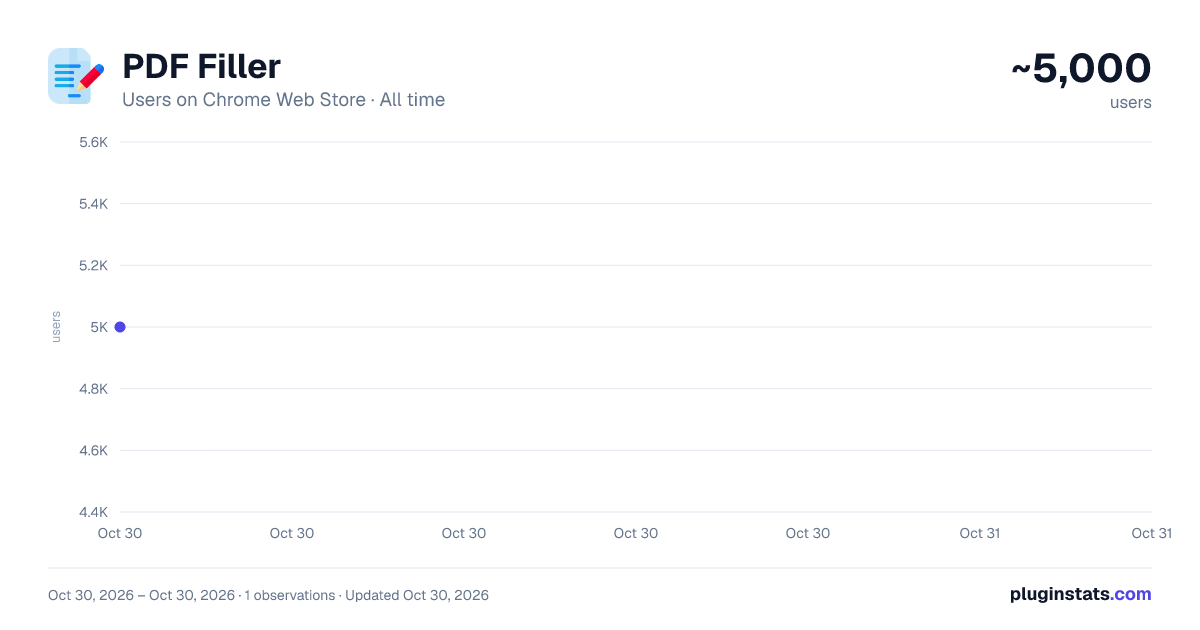
PDF Filler has approximately 5,000 recorded users on Chrome Web Store, ranking #950 of 5,550 tracked listings.
Rating: 3.30 / 5 from 10 ratings
About PDF Filler
Streamline document editing with PDF Filler, a Chrome Extension to effortlessly fill out PDF and fill in PDF forms online.
🎉 Discover PDF Filler, your go-to Chrome extension for all your files management needs. This versatile tool makes it easy to edit, write, fill, and modify PDF documents directly from your browser, no downloads required. Whether you're a professional looking to streamline workflows or a student organizing study materials, tool is designed to enhance your productivity and simplify your digital document handling.
📝 With PDF Filler, editing PDF files is a breeze. Whether you need to add text, remove sections, or rearrange pages, our intuitive interface makes it simple. Use the document editor feature to:
🔹 Modify text 🔹 Insert images
💼 Professional Document Handling Filler allows you to fill out forms with ease, making it perfect for business professionals and anyone who handles forms regularly. The features include:
1️⃣ Auto-fill information 2️⃣ Signature addition 3️⃣ Save forms for later use
✍️ How to Write on a PDF: Wondering how to write on a pdf? With PDF Filler, you can easily add annotations or notes to your documents. This is great for:
- Students making study notes
- Professionals reviewing contracts
- Creatives sharing feedback
🔄 Convert and Modify Turn any document into an editable pdf free with our files modifier online free. This tool is essential for anyone needing to make quick adjustments without converting files back and forth. Perfect for quick edits and updates!
🖊️ Forget about printing and scanning. With our pdf form filler, you can:
❗️ Complete applications ❗️ Free pdf fill ❗️ Submit forms electronically
🎨 Unleash your creativity with the ability to draw on pdf files. This is perfect for:
- Designers sketching ideas
- Teachers marking assignments
- Students highlighting important text
🚀 As an online pdf filler, our extension ensures that you can access your files from anywhere, on any device. This makes it incredibly convenient for:
① Remote workers ② Traveling professionals ③ Students on the go
🔧 Trust PDF text editor to keep your documents safe and secure. We prioritize your privacy and ensure that your data is protected every step of the way:
- Bates numbering
- Watermarking
- Write on docs.
🆓 Enjoy a range of free features with pdf filler free online. This includes basic editing tools and the ability to fill forms without any cost. Free edit a file today and experience efficiency like never before!
👥 Filler supports team collaborations with features that help you and your team edit a pdf online together. Share, review, and manage documents with your team in real-time.
📊 Whether you're in real estate, law, education, or any other field, PDF Filler is tailored to meet your industry-specific requirements. Use document filler tools to handle any form of documents work.
🌟 Choosing PDF Filler means opting for efficiency. With features like editable pdf free, fill in pdf, you're equipped to handle any document task efficiently and effectively.
🚀 How can i fill out a pdf document - ensures that all users can efficiently edit pdf and manage documents regardless of their technical skills. With user-friendly interfaces and supportive tools, you can navigate through your document tasks with ease. This accessibility extends to features such as:
• High-contrast modes for better visibility • Easy navigation layouts
📑 Managing your docs is simpler than ever with our organizational tools. With type on pdf, you can quickly arrange your files and keep track of all your edits. Use our features to:
🔸 Split large files into smaller sections 🔸 Organize pages within a document
🔄 Maximize efficiency with PDF Filler automation capabilities. Automate repetitive tasks such as filling a pdf document or updating forms with pre-saved data. This automation saves you time and reduces the likelihood of errors, making your workflow smoother and more reliable.
📲 How to edit pdf files? - Our platform is fully optimized for mobile devices, allowing you to edit a file online, fill in docs, and even sign documents directly from your phone or tablet. This mobile compatibility ensures that you can continue working on your documents even while on the move, providing:
• Full feature access on any device with editar pdf. • Seamless synchronization across all devices • The ability to start on one device and finish on another
Description from the Chrome Web Store listing.
README badge
Show your rank in a README or on your website. The badge updates automatically.
Charts
Images: 30d · 1y · all time · 1600×900 dark
Adoption over time
7/30/90-day growth
Ranking history
Ratings over time
Listing placement
Listing placement
Filled points are observed values; hollow points come from Internet Archive snapshots of the listing page. Dashed segments span periods with no observations — values between points are not interpolated.
Each band is one page of 20. Users on a linear scale. Placement is projected from users, so it can differ from the marketplace's own sort order. Hover a dot to see the listing.
Recent observations
Full history (1)Similar Chrome Web Store Tools plugins
All 20 PDF Filler alternatives



Data source
Covers every Chrome Web Store extension with at least 100 users, found through the store's public sitemap. User counts are read from public listing pages. The 10% most-used extensions are refreshed daily, the next 40% weekly and the next 40% monthly; the least-used 10% are not refreshed. Google displays rounded user counts (and caps the display at 10,000,000+), so small changes may not be visible. Rating counts above 1,000 are rounded (e.g. 1.6K).
Listing: https://chromewebstore.google.com/detail/pdf-filler/ckekikbobbnplbgbogmiebdmjclgajgp. First seen Oct 30, 2026; last successful collection Oct 30, 2026. See the methodology.