 PluginStats
Big Clock | Minute users statistics
By Rifat Arslan · Chrome Web Store · Tools
It is a add-on that displays the current hour and minute in the toolbar as a large readable add-on icon.
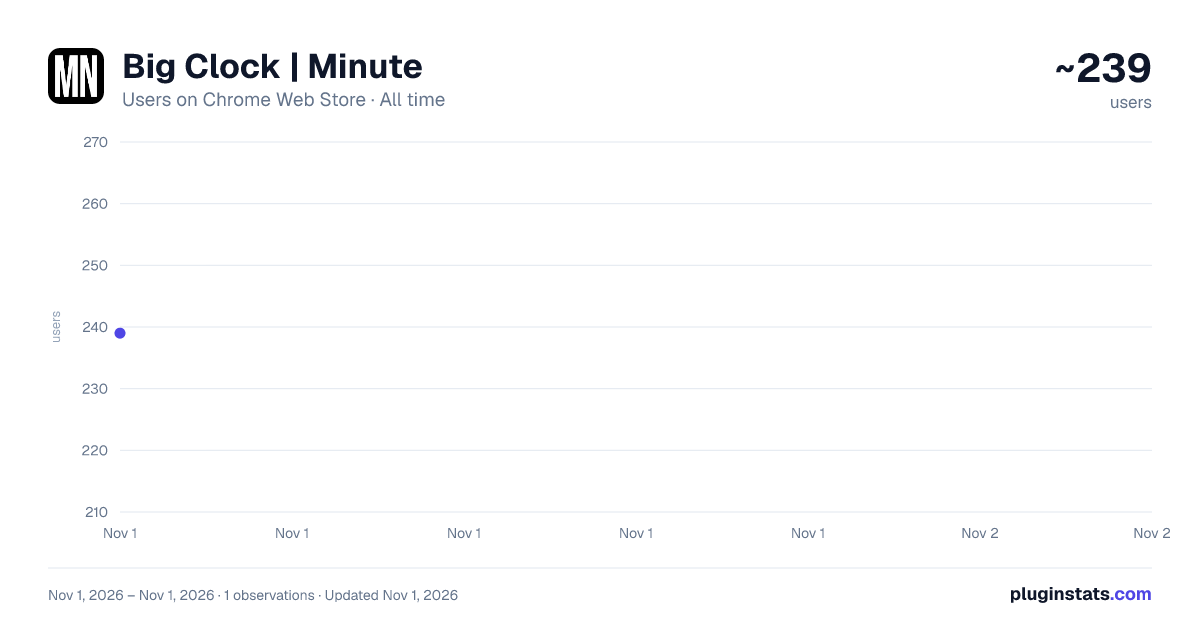
Big Clock | Minute has approximately 239 recorded users on Chrome Web Store, ranking #4367 of 6,300 tracked listings.
Rating: 4.70 / 5 from 3 ratings
About Big Clock | Minute
It is a add-on that displays the current hour and minute in the toolbar as a large readable add-on icon.
Big Clock - Display Hours and Minutes in the Browser Toolbar.
Big Clock is an add-on that provides legible and customizable hour and minute display in the browser toolbar. Available as two separate add-ons, Big Clock | Hour and Big Clock | Minute, this application shows the user the current hour and minute instantly through the toolbar icons.
Features
Dark and Light Mode Support: You can use it in dark or light mode depending on your browser theme.
Colored Icons: The icons are black or white depending on the selected theme color, the toolbar display is always stylish and harmonious.
Clock Display Format: You can set 24h or 12h clock display according to your preference.
Multi-Language Support: The plugin offers multi-language support for use in different languages.
Customizable Design: Customize the text and background color, and add a unique style to your browser with the option of analog or digital clock view.
Popup Page: Keep track of time in more detail with the display of hours, minutes, seconds and current date on the popup page.
Customizable Date Display: Set the date display format according to your preference.
Visual Options: Decorate the popup background or clock background with customizable images. Import images from hard disk or URL.
Clock View in Separate Window: Option to open a separate window to see the clock view in a larger window.
Synchronized Use: Use Big Clock Hour and Big Clock Minute plugins together and settings are synchronized automatically.
Plain and Simple Operation: It offers a simple and straightforward usage experience with its user-friendly interface.
Keep track of time in style in your browser's toolbar with Big Clock. Especially if you use it to hide the taskbar of your operating system, this is for you. Install now for a professional and customizable clock experience!
Supported languages: Deutsch English Español Filipino Français Bahasa Indonesia Italiano Nederlands Polski Português Türkçe Русский Čeština Tiếng Việt ไทย 中文 日本語 한국어 हिन्दी বাংলা العربية فارسی
Description from the Chrome Web Store listing.
README badge
Show your rank in a README or on your website. The badge updates automatically.
Charts
Images: 30d · 1y · all time · 1600×900 dark
Adoption over time
7/30/90-day growth
Ranking history
Ratings over time
Listing placement
Listing placement
Filled points are observed values; hollow points come from Internet Archive snapshots of the listing page. Dashed segments span periods with no observations — values between points are not interpolated.
Each band is one page of 20. Users on a linear scale. Placement is projected from users, so it can differ from the marketplace's own sort order. Hover a dot to see the listing.
Recent observations
Full history (1)Similar Chrome Web Store Tools plugins
All 20 Big Clock | Minute alternatives



Data source
Covers every Chrome Web Store extension with at least 100 users, found through the store's public sitemap. User counts are read from public listing pages. The 10% most-used extensions are refreshed daily, the next 40% weekly and the next 40% monthly; the least-used 10% are not refreshed. Google displays rounded user counts (and caps the display at 10,000,000+), so small changes may not be visible. Rating counts above 1,000 are rounded (e.g. 1.6K).
Listing: https://chromewebstore.google.com/detail/big-clock-minute/cpgehceoalhakjceioddjajneophlfko. First seen Nov 1, 2026; last successful collection Nov 1, 2026. See the methodology.