 PluginStats

Onion Browser Button users statistics
By Sevina (3 listings) · Chrome Web Store · Tools
Easily browse the internet using TOR proxy with just one click!
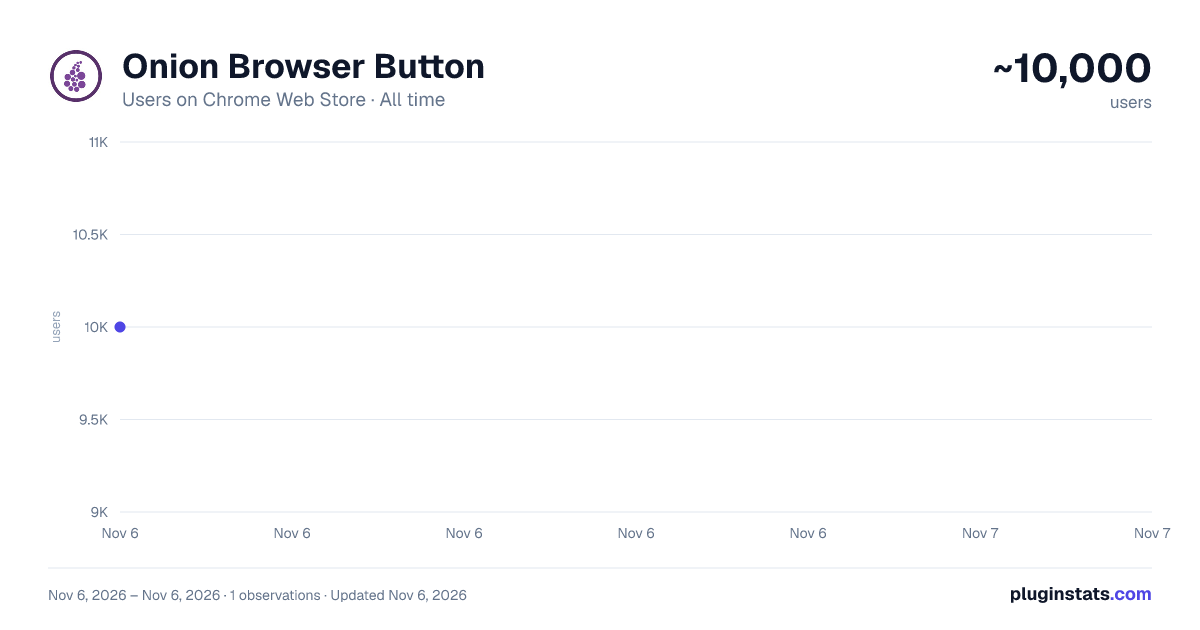
Onion Browser Button has approximately 10,000 recorded users on Chrome Web Store, ranking #893 of 7,624 tracked listings.
Rating: 3.40 / 5 from 45 ratings
About Onion Browser Button
Easily browse the internet using TOR proxy with just one click!
Onion Browser Button is an extension that let you easily connect to TOR network in your browser (browse under TOR proxy).
Important note: this addon does NOT belong or relate to Tor® project and has NO affiliations with Tor® anonymity software or website at all. It is basically an unofficial extension that is developed and maintained independently by its author.
Before using the addon please make sure your computer (PC or MAC) is connected to TOR. If you do NOT know how to connect your PC or MAC to the TOR network please read the following. A separate patch is prepared, to help users easily connect to the TOR network. In order to get the patch please visit this (https://github.com/jeremy-jr-benthum/onion-browser-button/releases) GitHub repo and download (mac.zip) or (win.zip) files.
After downloading the patch to your computer, please follow the below steps to connect your machine to TOR network.
-
If you have Windows machine, please download and unzip "win.zip" file to your computer, and if you have Mac download and unzip "mac.zip".
-
For windows machine, please open downloaded "win" folder and run "run.bat" file within the folder. For Mac please open "win" folder and run "run.sh" file.
-
You will see the screen with 6 options. In order to start TOR connection on your computer, please press 1 on your keyboard, once "Tor is connected successfully!" message is displayed, you can use Tor Browser Button add-on to connect your browser to the TOR network. To stop TOR connection please press 2. In order to get a new TOR identity, please press 5 and to restart TOR connection, please press 6 on your keyboard.
Note: The extension interface supports dark mode. To switch the interface theme to dark, please press the moon icon in the bottom-right toolbar.
To report bugs, please visit the addon's homepage (https://mybrowseraddon.com/tor-button.html) and fill out the bug report form.
Description from the Chrome Web Store listing.
README badge
Show your rank in a README or on your website. The badge updates automatically.
Charts
Images: 30d · 1y · all time · 1600×900 dark
Adoption over time
7/30/90-day growth
Ranking history
Ratings over time
Listing placement
Listing placement
Filled points are observed values; hollow points come from Internet Archive snapshots of the listing page. Dashed segments span periods with no observations — values between points are not interpolated.
Each band is one page of 20. Users on a linear scale. Placement is projected from users, so it can differ from the marketplace's own sort order. Hover a dot to see the listing.
Recent observations
Full history (1)Similar Chrome Web Store Tools plugins
All 20 Onion Browser Button alternatives



Data source
Covers every Chrome Web Store extension with at least 100 users, found through the store's public sitemap. User counts are read from public listing pages. The 10% most-used extensions are refreshed daily, the next 40% weekly and the next 40% monthly; the least-used 10% are not refreshed. Google displays rounded user counts (and caps the display at 10,000,000+), so small changes may not be visible. Rating counts above 1,000 are rounded (e.g. 1.6K).
Listing: https://chromewebstore.google.com/detail/onion-browser-button/fockhhgebmfjljjmjhbdgibcmofjbpca. First seen Nov 6, 2026; last successful collection Nov 6, 2026. See the methodology.