 PluginStats

Maps Scraper & Leads Data Extractor users statistics
One click to extract business names, addresses, photos, coordinates, websites, emails, social media and more from Bing Maps.
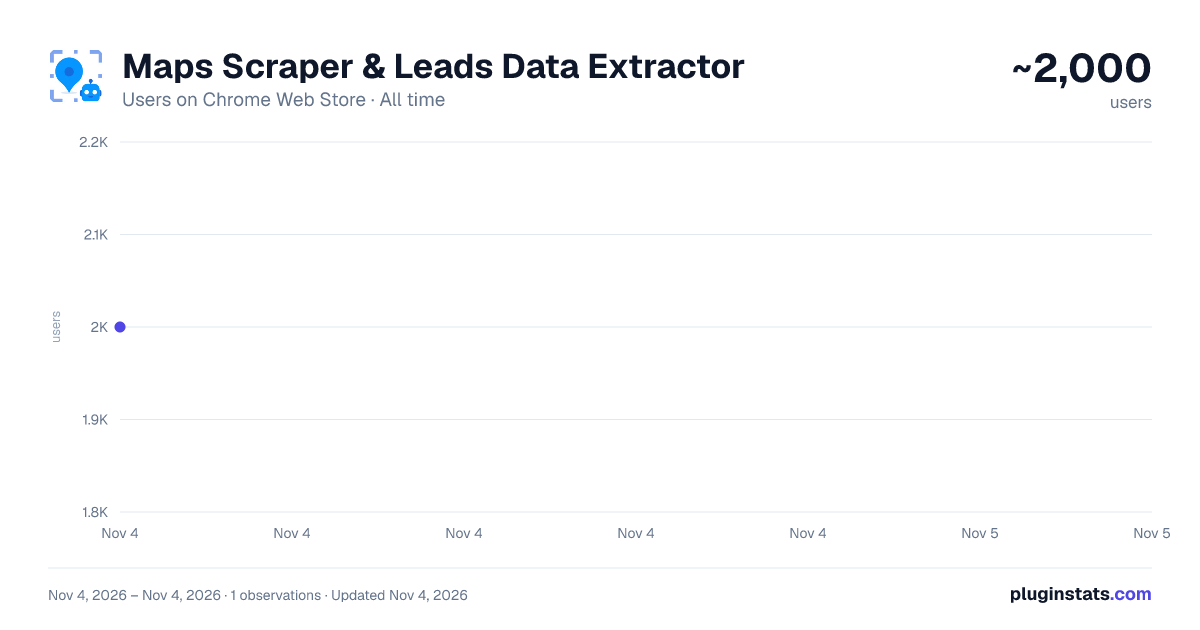
Maps Scraper & Leads Data Extractor has approximately 2,000 recorded users on Chrome Web Store, ranking #1853 of 7,072 tracked listings.
Rating: 4.10 / 5 from 7 ratings
About Maps Scraper & Leads Data Extractor
One click to extract business names, addresses, photos, coordinates, websites, emails, social media and more from Bing Maps.
MapsScraperAI is like a robot for scraping Bing Maps. It provides real and verified leads straight from Maps listings. One click gets local leads with AI power, including business names, addresses, photos, coordinates, websites, emails, social media, and more.
🔹 Why use it Scraping Bing Maps data has many benefits, including lead generation, research and data science, monitoring competition, and obtaining business contact details. It can help businesses understand customer needs, research competitors, and develop new strategies.
🔹 Key Features ✓ Search and extract biz information from maps with the power of AI. ✓ Extract leads including business names, websites, email addresses, and social media profiles. ✓ Export data in Excel or CSV format. ✓ Batch search capability to search for multiple keywords simultaneously.
Manage repetitive tasks efficiently to maximize productivity throughout the day. More efficient than xx,xx,xx,xx
🔹 How does it work MapsScraperAI searches Bing Maps for business information, extracts all the information on each page, copies and pastes, and accesses the actual website for email address, city, country, etc. It finds the customer's location and email address on the last page of Bing Maps and exports it to a xls file.
🔹 How to use it ➤ Open your preferred web browser and install the chrome extension. ➤ Search on map and enter your query. ➤ Open "Maps Scraper AI" extension with a simple mouse click. ➤ Download results in CSV or XLS file, with no limits on the amount of data you can export.
Description from the Chrome Web Store listing.
README badge
Show your rank in a README or on your website. The badge updates automatically.
Charts
Images: 30d · 1y · all time · 1600×900 dark
Adoption over time
7/30/90-day growth
Ranking history
Ratings over time
Listing placement
Listing placement
Filled points are observed values; hollow points come from Internet Archive snapshots of the listing page. Dashed segments span periods with no observations — values between points are not interpolated.
Each band is one page of 20. Users on a linear scale. Placement is projected from users, so it can differ from the marketplace's own sort order. Hover a dot to see the listing.
Recent observations
Full history (1)Similar Chrome Web Store Tools plugins
All 20 Maps Scraper & Leads Data Extractor alternatives



Data source
Covers every Chrome Web Store extension with at least 100 users, found through the store's public sitemap. User counts are read from public listing pages. The 10% most-used extensions are refreshed daily, the next 40% weekly and the next 40% monthly; the least-used 10% are not refreshed. Google displays rounded user counts (and caps the display at 10,000,000+), so small changes may not be visible. Rating counts above 1,000 are rounded (e.g. 1.6K).
Listing: https://chromewebstore.google.com/detail/maps-scraper-leads-data-e/dahoicbehnalbeamhcpghhoelifghbma. First seen Nov 4, 2026; last successful collection Nov 4, 2026. See the methodology.