 PluginStats
Anchrd Tabs - Open Next to Current users statistics
By GriffentTEK · Chrome Web Store · Tools
Open new tabs next to the current one, not at the end of the strip. Per-trigger rules for link clicks, Ctrl+T, and Ctrl+Shift+T.
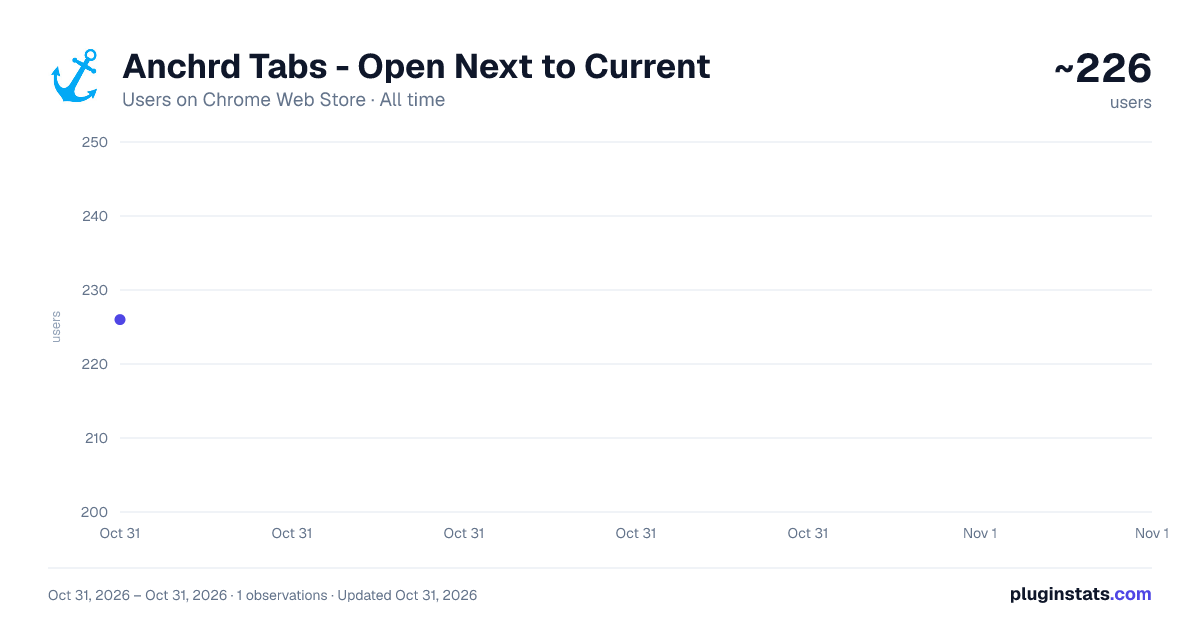
Anchrd Tabs - Open Next to Current has approximately 226 recorded users on Chrome Web Store, ranking #4220 of 5,946 tracked listings.
Rating: 4.50 / 5 from 6 ratings
About Anchrd Tabs - Open Next to Current
Open new tabs next to the current one, not at the end of the strip. Per-trigger rules for link clicks, Ctrl+T, and Ctrl+Shift+T.
Chrome decides for itself where new tabs land - often at the end of the strip, far from what you were reading. Anchrd Tabs puts you back in control.
Set exactly where new tabs open, independently for each way you open them:
- Link clicks (middle-click, Ctrl+click, target=_blank) - open right of the current tab by default
- Blank new tab (Ctrl+T, the + button) - independently configurable
- Reopened tabs (Ctrl+Shift+T) - independently configurable
Each trigger can be set to: Right of current, Left of current, End of strip, Beginning of strip, or Chrome default.
Extra controls, all optional:
-
Focus when opening: decide whether new link-click or blank tabs open in the foreground or background. Useful if you want to queue up links without losing your place.
-
After closing a tab, activate: choose which tab gets focus next - the left neighbour, right neighbour, the tab that opened the closed one (the opener), the last tab you used, or Chrome's default.
-
Join opener's tab group: tabs opened from a link inside a grouped tab automatically join that group.
-
Prevent duplicate tabs: if you open a link that is already open in the window, Anchrd Tabs switches to the existing tab instead of opening a second one - even if that page has since redirected.
Plays nicely with the rest of Chrome
- Split View: a split pair is treated as one unit, so new tabs open beside the pair rather than between its halves.
- Tab groups: tabs Chrome deliberately creates inside a group stay where they are.
- Session restore: when Chrome reopens your previous tabs at startup, Anchrd Tabs leaves their order and groups untouched.
How it works
Anchrd Tabs runs entirely in the background. It has no access to page content - it only reads tab metadata (position, URL, group membership) to decide where to place new tabs. Settings are saved to Chrome Sync, so your preferences follow you across devices.
Privacy
- No data is collected, stored externally, or transmitted anywhere.
- No analytics, no telemetry, no third-party libraries.
- No host permissions - Anchrd Tabs never touches the content of any web page.
- The only permissions declared are tabs, storage and sessions - each used directly for the features described above.
Full privacy policy: https://griffentek.github.io/anchrd/privacy
Known limitations
- Ctrl+N (new window) is not intercepted - Chrome does not give extensions enough information to classify that trigger reliably.
- "Last used" history is kept for the whole browser session. After a full browser restart it is rebuilt from recent tab activity, so the very first close may fall back to Chrome's default.
- Incognito: not enabled by default. You can allow it on the extension's details page at chrome://extensions.
Description from the Chrome Web Store listing.
README badge
Show your rank in a README or on your website. The badge updates automatically.
Charts
Images: 30d · 1y · all time · 1600×900 dark
Adoption over time
7/30/90-day growth
Ranking history
Ratings over time
Listing placement
Listing placement
Filled points are observed values; hollow points come from Internet Archive snapshots of the listing page. Dashed segments span periods with no observations — values between points are not interpolated.
Each band is one page of 20. Users on a linear scale. Placement is projected from users, so it can differ from the marketplace's own sort order. Hover a dot to see the listing.
Recent observations
Full history (1)Similar Chrome Web Store Tools plugins
All 20 Anchrd Tabs - Open Next to Current alternatives



Data source
Covers every Chrome Web Store extension with at least 100 users, found through the store's public sitemap. User counts are read from public listing pages. The 10% most-used extensions are refreshed daily, the next 40% weekly and the next 40% monthly; the least-used 10% are not refreshed. Google displays rounded user counts (and caps the display at 10,000,000+), so small changes may not be visible. Rating counts above 1,000 are rounded (e.g. 1.6K).
Listing: https://chromewebstore.google.com/detail/anchrd-tabs-open-next-to/gleafkjllnfkbndfiecnpcpaifigfnck. First seen Oct 31, 2026; last successful collection Oct 31, 2026. See the methodology.