 PluginStats

quolity.ai - ChatGPT Query Fanouts & AI Insights users statistics
Reveal ChatGPT's hidden data: Query fanout, brand mentions, citations & more
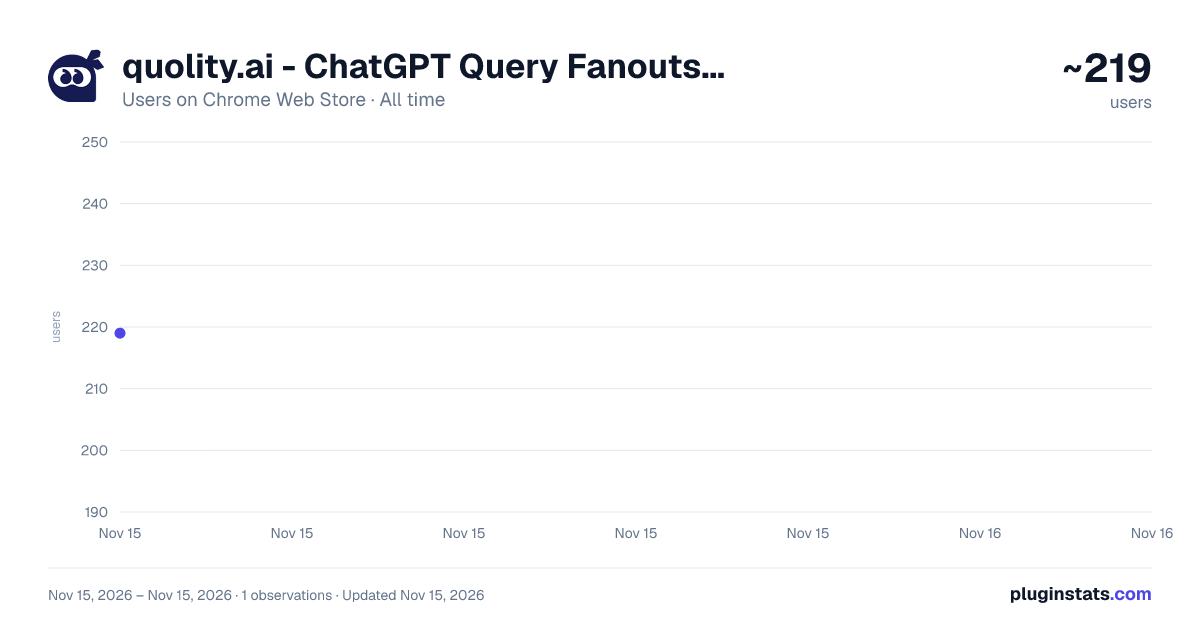
quolity.ai - ChatGPT Query Fanouts & AI Insights has approximately 219 recorded users on Chrome Web Store, ranking #7507 of 10,388 tracked listings.
Rating: 5.00 / 5 from 4 ratings
About quolity.ai - ChatGPT Query Fanouts & AI Insights
Reveal ChatGPT's hidden data: Query fanout, brand mentions, citations & more
quolity.ai - ChatGPT Query Fanouts & AI Insights
Ever wondered what happens behind the scenes when you ask ChatGPT a question?quolity.ai reveals the hidden intelligence layer of ChatGPT — showing you exactly how AI interprets, expands, and responds to your queries. See query fanouts, discover which brands get mentioned, track citations, and gain deeper insights into how AI really works.
🔍 What is a Query Fanout?When you ask ChatGPT a question, it doesn't just answer directly. Behind the scenes, your query gets expanded into multiple related searches and interpretations. These "fanouts" determine what information ChatGPT pulls in to craft its response.With quolity.ai, you can finally see this invisible process — giving you unprecedented visibility into AI behavior.
✨ Key FeaturesQuery Fanout Visualization See how ChatGPT expands and interprets your prompts. Understand which related topics and searches are triggered by your questions.Brand Mention Tracking Discover which brands, companies, and products ChatGPT references in its responses. Essential for marketers, brand managers, and competitive analysts.Citation Analysis Track the sources and references ChatGPT uses. See where information comes from and how it's attributed.
AI Insights Dashboard All your data in one convenient side panel. Monitor patterns across conversations without disrupting your workflow.Real-Time Analysis Insights update as you chat. No need to export, copy, or use external tools.
👥 Who Is This For?SEO & Marketing Professionals Understand how your brand appears in AI-generated responses. Monitor competitor mentions. Optimize your content strategy for the AI era.Brand Managers Track brand visibility and sentiment in AI responses. See how ChatGPT talks about your products compared to competitors.Content Strategists Learn what topics and queries trigger mentions of specific content. Discover gaps and opportunities in AI-generated information.Researchers & Analysts Study AI behavior patterns. Analyze how ChatGPT processes and expands different types of queries.Curious Power Users If you've ever wondered "why did ChatGPT say that?" — now you can find out.
🚀 How It Works
- Install the extension
- Open ChatGPT (chatgpt.com)
- Click the quolity.ai icon or use the keyboard shortcut (Ctrl+Shift+Q / Cmd+Shift+Q)
- Start chatting — insights appear automatically in the side panel
- Explore fanouts, brand mentions, and citations as you go ⌨️ Keyboard ShortcutToggle the quolity.ai sidebar instantly:
Windows/Linux: Ctrl + Shift + Q Mac: Cmd + Shift + Q
Release Notes v1.0.2 – Faster & More Accessible ⚡ Turbocharged performance – Insights load faster than ever 🔓 No login required – Explore AI behavior even when signed out of ChatGPT 🛠️ Stability improvements and bug fixes
v1.0.1 – Leaner & Cleaner 🔒 Streamlined permissions – We removed everything we don't need. Your privacy matters.
v1.0.0 – Hello, World! 🚀 Introducing quolity.ai – See what happens behind the curtain when you chat with ChatGPT. Query fanouts, brand mentions, citation tracking, and AI insights—all in one sleek side panel.
Description from the Chrome Web Store listing.
README badge
Show your rank in a README or on your website. The badge updates automatically.
Charts
Images: 30d · 1y · all time · 1600×900 dark
Adoption over time
7/30/90-day growth
Ranking history
Ratings over time
Listing placement
Listing placement
Filled points are observed values; hollow points come from Internet Archive snapshots of the listing page. Dashed segments span periods with no observations — values between points are not interpolated.
Each band is one page of 20. Users on a linear scale. Placement is projected from users, so it can differ from the marketplace's own sort order. Hover a dot to see the listing.
Recent observations
Full history (1)Similar Chrome Web Store Tools plugins
All 20 quolity.ai - ChatGPT Query Fanouts & AI Insights alternatives



Data source
Covers every Chrome Web Store extension with at least 100 users, found through the store's public sitemap. User counts are read from public listing pages. The 10% most-used extensions are refreshed daily, the next 40% weekly and the next 40% monthly; the least-used 10% are not refreshed. Google displays rounded user counts (and caps the display at 10,000,000+), so small changes may not be visible. Rating counts above 1,000 are rounded (e.g. 1.6K).
Listing: https://chromewebstore.google.com/detail/quolityai-chatgpt-query-f/bmpclfajpaemnfkhjajigfkmckadkffp. First seen Nov 15, 2026; last successful collection Nov 15, 2026. See the methodology.