 PluginStats
PIAX: All-in-one AI assistant users statistics
The all-in-one AI assistant for any webpage. Summarize, translate, chat, generate and edit images, and create videos.
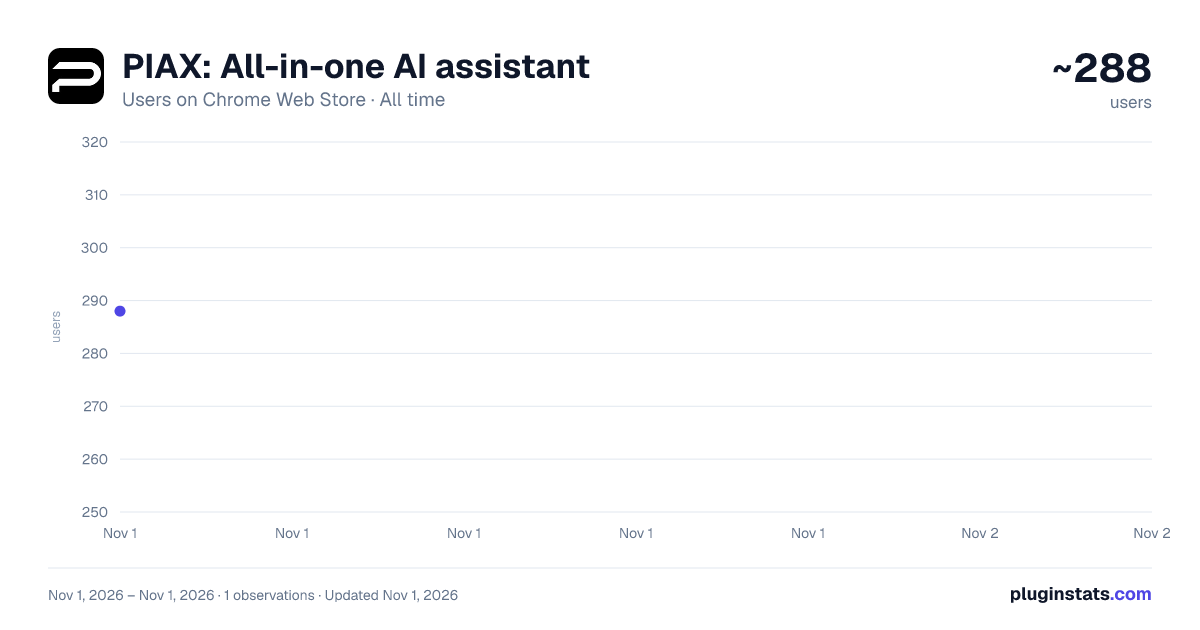
PIAX: All-in-one AI assistant has approximately 288 recorded users on Chrome Web Store, ranking #4029 of 6,300 tracked listings.
Rating: 5.00 / 5 from 1 ratings
About PIAX: All-in-one AI assistant
The all-in-one AI assistant for any webpage. Summarize, translate, chat, generate and edit images, and create videos.
The all-in-one AI assistant for any webpage. Summarize, translate, chat, generate and edit images, and create videos — powered by PIAX One, the Super AI Agent.
🔥 PIAX brings PIAX One to Chrome. Just describe your goal. One handles the rest — without leaving the tab.
Hit the side panel, highlight text, or right-click. One reads the page, selection, image, video, or PDF you pointed at, then plans and delivers finished work: summaries, translations, chats, images, videos, docs, and slides. Not just a wall of text.
💪 Why install PIAX ✔️ In-page, not another tab: stop copying content into ChatGPT. ✔️ Context is built in: the current page, selection, image, video, or PDF goes with your first message. ✔️ One Super AI Agent: describe the outcome; One picks tools and ships the result. ✔️ Models in one sidebar: chat with leading models in PIAX One, including GPT, Claude, Gemini, Kimi, GLM, and more — one PIAX account, no extra ChatGPT / Claude login. ✔️ Stays with you: the side panel stays open while you browse.
👉 Chat with PIAX One ✔️ Side panel chat on any http/https page ✔️ Follow up in the same thread, or start a New chat for a new task ✔️ Switch models before the first message (same pinned One models as piax.org/one) ✔️ Open the same session on piax.org when you need the full workspace
👉 Read & summarize ✔️ Summarize this page from the edge button, right-click menu, or side panel ✔️ Summarize selected text from the highlight toolbar ✔️ Chat with a webpage, PDF, image, or video URL as context ✔️ Explain, expand, rewrite, or explain code from the right-click menu
👉 Translate ✔️ Translate selected text from the highlight toolbar ✔️ Choose the target language (including English, 中文, 日本語, 한국어, Español, Français, Deutsch, and more) ✔️ Translate the page from the right-click menu
👉 Create with One ✔️ Text-to-image and image editing in the side panel ✔️ Describe or edit a picture you right-clicked ✔️ Describe or summarize a video ✔️ Generate video ✔️ Write documents and create slides as artifacts you can open in PIAX
👉 Built for the page you’re on ✔️ Highlight toolbar: Summarize, Translate, More ✔️ Right-click menu on text, images, videos, and pages ✔️ Page-edge PIAX button (hide per visit, per site, or globally) ✔️ Pin PIAX to the Chrome toolbar and open the side panel anytime
💻 How to use 🔸 Click Add to Chrome and pin PIAX. 🔸 Sign in on piax.org — the login tab closes after the handshake. 🔸 Select text for the toolbar, right-click an image / video / page, or open the side panel. 🔸 Describe what you want. Follow up in the same chat, or click New chat for a new task.
❓ FAQ
📌 Do I need a ChatGPT or Claude account? No. Sign in with your PIAX account.
📌 Is it free? Yes, you can start free. Some models and generations use your PIAX plan and credits. Open Pricing from the panel to upgrade.
📌 Does it work on every site? It works on regular http/https pages. Restricted Chrome pages (chrome://, the Chrome Web Store) cannot run content scripts.
📌 Is this the same as ChatGPT in a sidebar? No. PIAX is PIAX One — an agent that can summarize, translate, chat, and produce images, videos, docs, and slides from the page you’re on. Login and billing stay on piax.org.
📌 Can I keep chatting after I close the panel? Closing the side panel starts fresh next time. Use New chat for a new task; follow-ups in an open panel stay in the same thread. Click Open in PIAX to continue that session on the website.
📪 Contact Questions or feedback? Email support@piax.org Website: https://www.piax.org Privacy: https://www.piax.org/privacy-policy
Add to Chrome and use PIAX One on any webpage.
Description from the Chrome Web Store listing.
README badge
Show your rank in a README or on your website. The badge updates automatically.
Charts
Images: 30d · 1y · all time · 1600×900 dark
Adoption over time
7/30/90-day growth
Ranking history
Ratings over time
Listing placement
Listing placement
Filled points are observed values; hollow points come from Internet Archive snapshots of the listing page. Dashed segments span periods with no observations — values between points are not interpolated.
Each band is one page of 20. Users on a linear scale. Placement is projected from users, so it can differ from the marketplace's own sort order. Hover a dot to see the listing.
Recent observations
Full history (1)Similar Chrome Web Store Tools plugins
All 20 PIAX: All-in-one AI assistant alternatives



Data source
Covers every Chrome Web Store extension with at least 100 users, found through the store's public sitemap. User counts are read from public listing pages. The 10% most-used extensions are refreshed daily, the next 40% weekly and the next 40% monthly; the least-used 10% are not refreshed. Google displays rounded user counts (and caps the display at 10,000,000+), so small changes may not be visible. Rating counts above 1,000 are rounded (e.g. 1.6K).
Listing: https://chromewebstore.google.com/detail/piax-all-in-one-ai-assist/emkknepkfjchcjcpbllbfofnjcohknbi. First seen Nov 1, 2026; last successful collection Nov 1, 2026. See the methodology.