 PluginStats

Amazon Quick users statistics
By Amazon Quick · Chrome Web Store · Tools
The official browser extension for Amazon Quick.
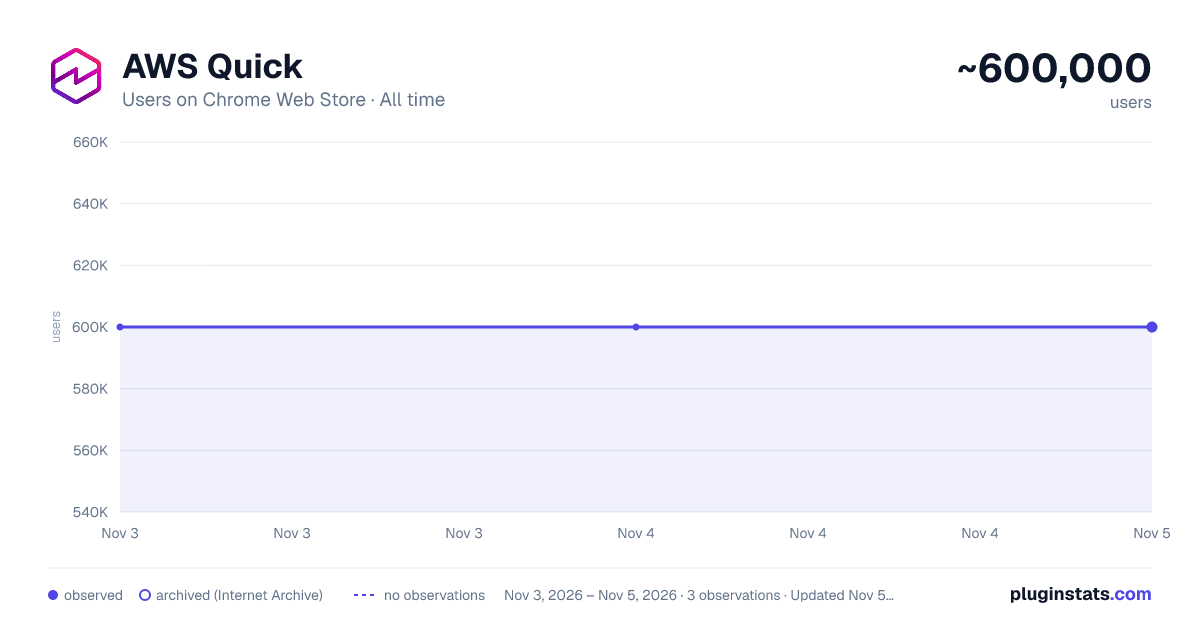
Amazon Quick has approximately 600,000 recorded users on Chrome Web Store, ranking #78 of 6,786 tracked listings.
Rating: 4.10 / 5 from 13 ratings
About Amazon Quick
The official browser extension for Amazon Quick.
Amazon Quick helps business users make better decisions, faster and act on them, by unifying AI agents for research, business insights, and automation into a single experience.
Your AI Assistant, Always Within Reach
The Amazon Quick browser extension brings enterprise AI directly into your browser—no tab switching, no context loss. Get instant insights from web pages, uploaded files, and your organization's knowledge base, and trigger actions and workflows right where you work.
Key Features
Instant Access
- Type @Quick in your address bar to ask questions instantly
- Open the extension from your toolbar anytime you need assistance
Web Page Insights
- Summarize entire web pages with one click
- Right-click any selection in your web page for to chat about with Quick or to get an explanation
- Ask questions about multiple open tabs simultaneously
Enterprise Knowledge at Your Fingertips
- Access your organization's data sources and Spaces on the go
- Switch between specialized agents for curated responses
- Narrow your search scope by selecting specific data sources and apps
Contextual Actions & Workflows
- Perform actions in external applications without leaving your browser (e.g., update ticket status using web page context)
- Run pre-defined Quick Flows directly from the extension with web page context included
Build Your Enterprise Knowledge
- Add web pages directly to your Spaces for future reference
How to Get Started
Quick Access: Type “@Quick” in your browser's address bar and ask any question instantly
Analyze Text: Select text on any web page, right-click, choose Amazon Quick, then select "Explain this selection," "Summarize this selection," or "Send to chat"
Summarize Pages: Open the extension from your toolbar, click "Summarize" or select multiple open tabs, then ask questions about them
Use Flows: Click the Flows icon in the extension, select or search for a flow, and when prompted, select the web page to include as context and confirm
Save to Spaces: Open a web page, launch the extension, select the tab to add to context, click "Add to Space," choose your space, and confirm
Make your browser work smarter with Amazon Quick by bringing your organizations data and actions to every tab.
Description from the Chrome Web Store listing.
README badge
Show your rank in a README or on your website. The badge updates automatically.
Charts
Images: 30d · 1y · all time · 1600×900 dark
Adoption over time
7/30/90-day growth
Ranking history
Ratings over time
Listing placement
Listing placement
Filled points are observed values; hollow points come from Internet Archive snapshots of the listing page. Dashed segments span periods with no observations — values between points are not interpolated.
Each band is one page of 20. Users on a linear scale. Placement is projected from users, so it can differ from the marketplace's own sort order. Hover a dot to see the listing.
Recent observations
Full history (1)Similar Chrome Web Store Tools plugins
All 20 Amazon Quick alternatives



Data source
Covers every Chrome Web Store extension with at least 100 users, found through the store's public sitemap. User counts are read from public listing pages. The 10% most-used extensions are refreshed daily, the next 40% weekly and the next 40% monthly; the least-used 10% are not refreshed. Google displays rounded user counts (and caps the display at 10,000,000+), so small changes may not be visible. Rating counts above 1,000 are rounded (e.g. 1.6K).
Listing: https://chromewebstore.google.com/detail/amazon-quick/innkphffipcmiflfibbeghfnkifiokgo. First seen Nov 3, 2026; last successful collection Nov 3, 2026. See the methodology.