 PluginStats

Fill Out PDF users statistics
Easily fill out, edit, and sign PDF forms. Add text, highlight, and comment — all right in your browser.
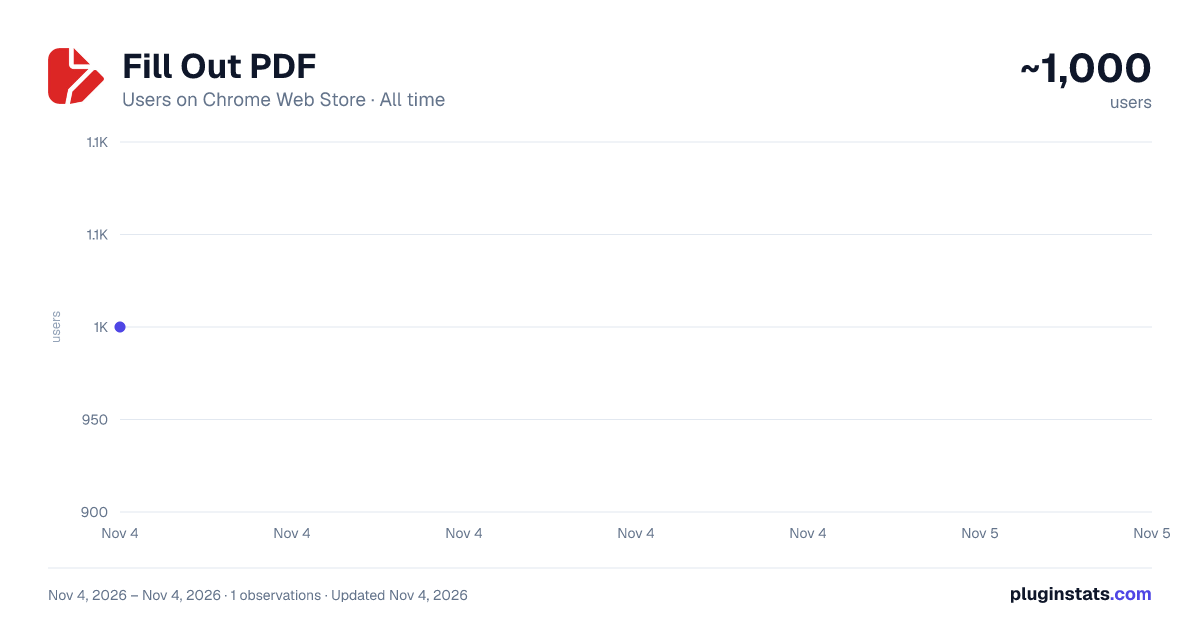
Fill Out PDF has approximately 1,000 recorded users on Chrome Web Store, ranking #2697 of 7,624 tracked listings.
Rating: 5.00 / 5 from 13 ratings
About Fill Out PDF
Easily fill out, edit, and sign PDF forms. Add text, highlight, and comment — all right in your browser.
Boost your productivity with this powerful Chrome extension designed to help you fill out PDF forms instantly. Whether you want to fill out files, this tool simplifies the entire process for work, school, or everyday tasks.
If you have ever wondered how to fill out a pdf form without installing software, this extension provides the fastest solution. It opens directly in your browser, making it easy to edit pdf, and handle documents in seconds.
Enjoy a smooth workflow while filling out a pdf, adding text, making comments, or updating form fields. With our pdffiller, you get everything you need to edit documents right from your Chrome toolbar.
This extension is ideal for anyone searching for how to fill out pdf files in the simplest way possible. It handles interactive fields, typed content, digital signatures, and more.
Our online pdf editor is designed to help you fill out your documents quickly. Whether you are dealing with applications, agreement, surveys, or reports, the process is simple and intuitive.
🔍 Key benefits include:
✅ No software installs —just use a PDF editor right in your browser. ✅ Add text, highlights, and comments with intuitive tools. ✅ Create digital signatures. Perfect for approvals and agreements. ✅ Turn any static file into a fillable document and edit it like a form. ✅ Your files never leave your computer. All editing happens locally for maximum privacy. ✅ Runs directly from the Chrome toolbar and loads documents in seconds.
Perfect for users who work on the go, the extension loads any file fast and lets you fill out your documents online securely. Our integrated pdffiller engine allows you to add or adjust content and finalize forms professionally.
💡Use cases include:
1️⃣ Contracts and professional documents. Perfect for reviewing agreements, proposals, and service contracts. 2️⃣ Student assignments and academic paperwork. Ideal for filling out school forms, research submissions, or annotating documents. 3️⃣ HR internal company forms. Streamline paperwork such as onboarding packets, attendance sheets or performance evaluations. 4️⃣ Client-facing applications. Excellent for industries like finance, insurance, consulting or healthcare. 5️⃣ Approvals and remote collaboration. Useful for anyone who needs to authorize documents, confirm agreements, or approve internal workflows. 6️⃣ Government forms and applications. Complete tax forms, visa applications, and other documents. 7️⃣ Everyday personal tasks. Convenient for filling out rental agreements, medical forms or travel documents.
When searching for how to edit a pdf or how to fill out forms online, this extension provides a complete solution. It gives you powerful edit pdf tools combined with the simplicity of a browser experience.
🔥 Additional features you will appreciate:
🔺 Fill out pdf online with typed text 🔺 Add checkmarks, shapes and highlights 🔺 Edit pdf documents without external apps 🔺 Save filled forms instantly
🧐 Frequently Asked Questions (FAQ)
❓ How do I fill out a PDF form in my browser? 💡You can edit pdf instantly by opening the file with the extension. It launches an online PDF editor where you can type text, add comments, and sign.
❓ How to edit form if it isn’t fillable? 💡If your document doesn't include interactive fields, the extension lets you type anywhere on the page.
❓How can I edit PDF form securely? 💡All editing, signing, and form filling happens on your device. The extension processes files locally, without uploading them to external servers.
❓How do I sign a form? 💡Open your file, select Sign PDF, and draw your signature. Apply it anywhere inside the document, then save the form instantly.
❓Can I edit documents online from my phone? 💡No. The tool allows to fill out your documents online in Chrome browser on your desktop.
For anyone who frequently deals with forms, this is the easiest way to fill pdf files online. You no longer need to print, or scan anything. Whether you need a reliable pdf filler for everyday use, this extension delivers a fast and hassle free experience. It is your all in one assistant for how to fill out pdf files online. Start using the extension now to simplify any workflow, boost your efficiency, and enjoy stress free filling out your forms. Install it today and transform the way you manage documents.
Description from the Chrome Web Store listing.
README badge
Show your rank in a README or on your website. The badge updates automatically.
Charts
Images: 30d · 1y · all time · 1600×900 dark
Adoption over time
7/30/90-day growth
Ranking history
Ratings over time
Listing placement
Listing placement
Filled points are observed values; hollow points come from Internet Archive snapshots of the listing page. Dashed segments span periods with no observations — values between points are not interpolated.
Each band is one page of 20. Users on a linear scale. Placement is projected from users, so it can differ from the marketplace's own sort order. Hover a dot to see the listing.
Recent observations
Full history (1)Similar Chrome Web Store Tools plugins
All 20 Fill Out PDF alternatives



Data source
Covers every Chrome Web Store extension with at least 100 users, found through the store's public sitemap. User counts are read from public listing pages. The 10% most-used extensions are refreshed daily, the next 40% weekly and the next 40% monthly; the least-used 10% are not refreshed. Google displays rounded user counts (and caps the display at 10,000,000+), so small changes may not be visible. Rating counts above 1,000 are rounded (e.g. 1.6K).
Listing: https://chromewebstore.google.com/detail/fill-out-pdf/danljjhmjagcpepjgboijniakfmkmbjp. First seen Nov 4, 2026; last successful collection Nov 4, 2026. See the methodology.