 PluginStats
Google Meet Enhancement Suite users statistics
Chrome Web Store · Workflow & Planning
40 new features for Google Meet such as mute all, remove all, auto admit, emojis, mirror videos, background color, and push to talk!
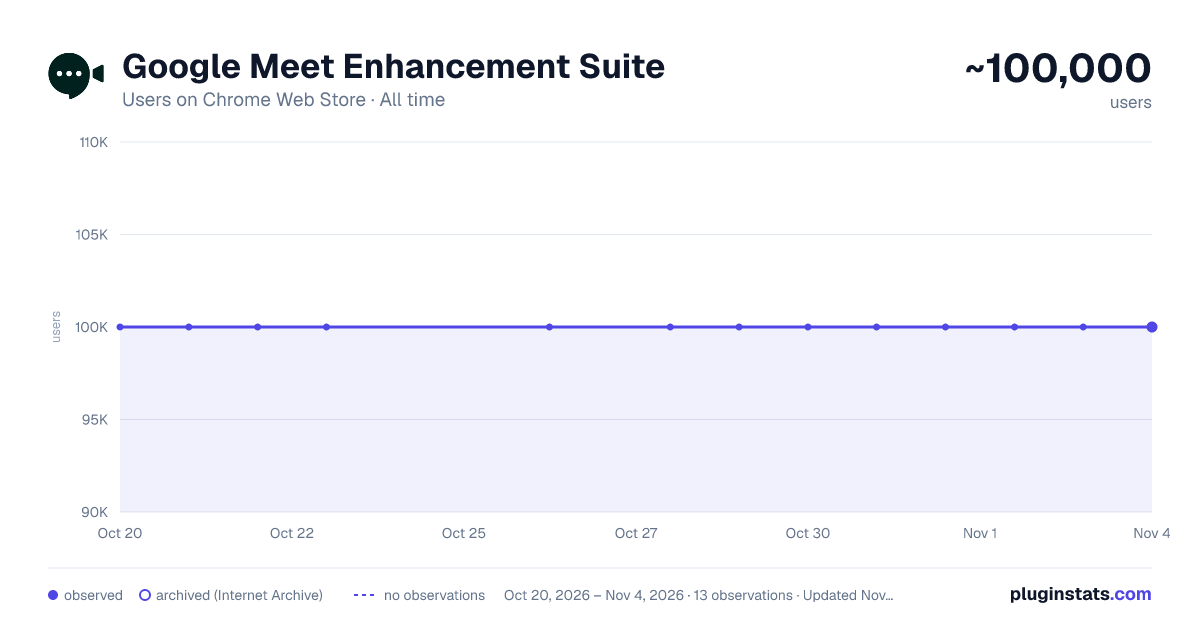
Google Meet Enhancement Suite has approximately 100,000 recorded users on Chrome Web Store, ranking #107 of 3,404 tracked listings.
Rating: 4.40 / 5 from 258 ratings
About Google Meet Enhancement Suite
40 new features for Google Meet such as mute all, remove all, auto admit, emojis, mirror videos, background color, and push to talk!
Meet Enhancement Suite is the best Google Meet extension with a set of over 40 features and smart defaults & now with Google Meet Transcripts & AI summarization. providing insights to help you get the most out of Google Meet.
Join over 200,000 people who are using Meet Enhancement Suite to make their work from home lives easier & meeting recall faster using AI. This chrome extension for Google Meet is packed with features that make it the best Meet extension for teachers, students, and anyone else working remotely.
BASIC FEATURES • Push to Talk: quickly mute and unmute yourself with the press of a key • Auto Join: skip the join screen and get straight to the meeting • Auto Join with Participants: automatically join the Meet only if participants are present • Quick Leave: quickly leave a hangout by pressing Shift + K • Return to home screen on leave: automatically returns you to the Meet home screen after leaving a Meet • Leave Confirmation: asks to confirm when you try to leave a meeting • Auto Ignore Presentation Overlay: auto hide `infinity mirror' alert when presenting • Always Play Chimes: always hear chime sounds when participants join and leave, or a when a new chat message is received • Quick Start: quickly start a new Google Meet with the click of a button • Set Background Color: set custom background color for your Meet • Auto Captions: automatically enable captions on calls • Auto Mute: auto mute microphone on join • Auto Video Off: set video to off on join • Participant Video Style: show or hide participant names and speaking icons
PRO FEATURES • Save, Search, & Summarize Google Meet Transcriptions Using AI • Auto-Minimize video: auto-minimize your video when you join a meet • Adjust Meet Volume: adjust the volume level of the Meet • Auto Record: automatically start recording the Meet when you join (requires Google Workspace plan) • Sort Participant List: adds toggle to sort the participant list by last name • Meet Attendance: collect attendance of participants / students who attended your meeting and export to a CSV • Auto-Unmute: stop others from muting your mic • Speaker Highlight: adds a colored border around speaking participants • Find Active Meet Tab: click the extension icon to find the active Meet tab • Quick Emoji Reactions: adds quick emoji shortcuts to the chat window • Meeting Timer: displays a meeting timer in top menu bar • Toggle Bottom Bar: toggle the bottom control bar to appear or disappear • Mirror Videos: mirror all videos in the Meet • Auto Admit New Entrants: automatically admit all new entrants (see FAQ below for more details) • Auto Deny New Entrants: automatically denies all new entrants (see FAQ below for more details) • Mute All: mute all participants in a Meet with a single click (see FAQ below for more details) • Remove All: remove all participants in a Meet with a single click (see FAQ below for more details) • Do Not Disturb Mode: remain focused by hiding new comments and participant pop-ups • Picture-in-Picture: view a participants video in a hovering video on top of your screen • Dark Mode: give your eyes a rest by turning Google Meet into dark mode. • Hotkey Editing: customize your push-to-talk hotkey • Hide "Add Others" pop-up: hides "Add Others" pop-up when joining a Meet • Auto Pin Chat: automatically open and pin the chat every time you join a Meet • Transparent Bar: make the bottom bar transparent so it doesn't cut off participants videos • Auto Hide Top Bar: hides away the top menu bar when the bottom bar disappear • Auto Copy Meet URL: automatically copy Meet URL to clipboard • Hide Mute Pop-up: hides the "Are you speaking" pop-up from appearing when muted • Display Clock: always display the clock in the top right hand corner of Google Meet
Learn more about Meet Pro on our website: https://www.meetenhancementsuite.com/meetpro/
PRIVACY Please view our privacy policy for more information: https://www.meetenhancementsuite.com/privacy-policy
HOW TO USE
- Install the Chrome extension
- Click our black icon in the top right corner of your browser to configure your settings
- Join a Google Meet and enjoy your new features!
SEARCHING YOUR MEETING TRANSCRIPTS WITH AI Login to our web portal so you can search and summarize meeting notes using AI: https://app.meetenhancementsuite.com/login
FEEDBACK AND FEATURE REQUESTS We'd love to hear your feedback or features requests – head over to https://www.meetenhancementsuite.com/feedback
CHANGELOG Head over to this page to view our change log: https://www.meetenhancementsuite.com/changelog
FAQ Please see our FAQ for answers to our most commonly asked questions: https://www.meetenhancementsuite.com/faq/
DOCS If you need any support please first check out our documentation: https://docs.meetenhancementsuite.com/
Created by AdminRemix LLC
Description from the Chrome Web Store listing.
README badge
Show your rank in a README or on your website. The badge updates automatically.
Charts
Images: 30d · 1y · all time · 1600×900 dark
Adoption over time
7/30/90-day growth
Ranking history
Ratings over time
Listing placement
Listing placement
Filled points are observed values; hollow points come from Internet Archive snapshots of the listing page. Dashed segments span periods with no observations — values between points are not interpolated.
Each band is one page of 20. Users on a linear scale. Placement is projected from users, so it can differ from the marketplace's own sort order. Hover a dot to see the listing.
Recent observations
Full history (3)Similar Chrome Web Store Workflow & Planning plugins
All 20 Google Meet Enhancement Suite alternatives



Data source
Covers every Chrome Web Store extension with at least 100 users, found through the store's public sitemap. User counts are read from public listing pages. The 10% most-used extensions are refreshed daily, the next 40% weekly and the next 40% monthly; the least-used 10% are not refreshed. Google displays rounded user counts (and caps the display at 10,000,000+), so small changes may not be visible. Rating counts above 1,000 are rounded (e.g. 1.6K).
Listing: https://chromewebstore.google.com/detail/google-meet-enhancement-s/ljojmlmdapmnibgflmmminacbjebjpno. First seen Oct 20, 2026; last successful collection Oct 22, 2026. See the methodology.