 PluginStats
QuickLinks New Tab users statistics
By robertoiacono · Chrome Web Store · Tools
Organize your favorite links in customizable columns with drag-and-drop, emojis, and favicons for easy access and management.
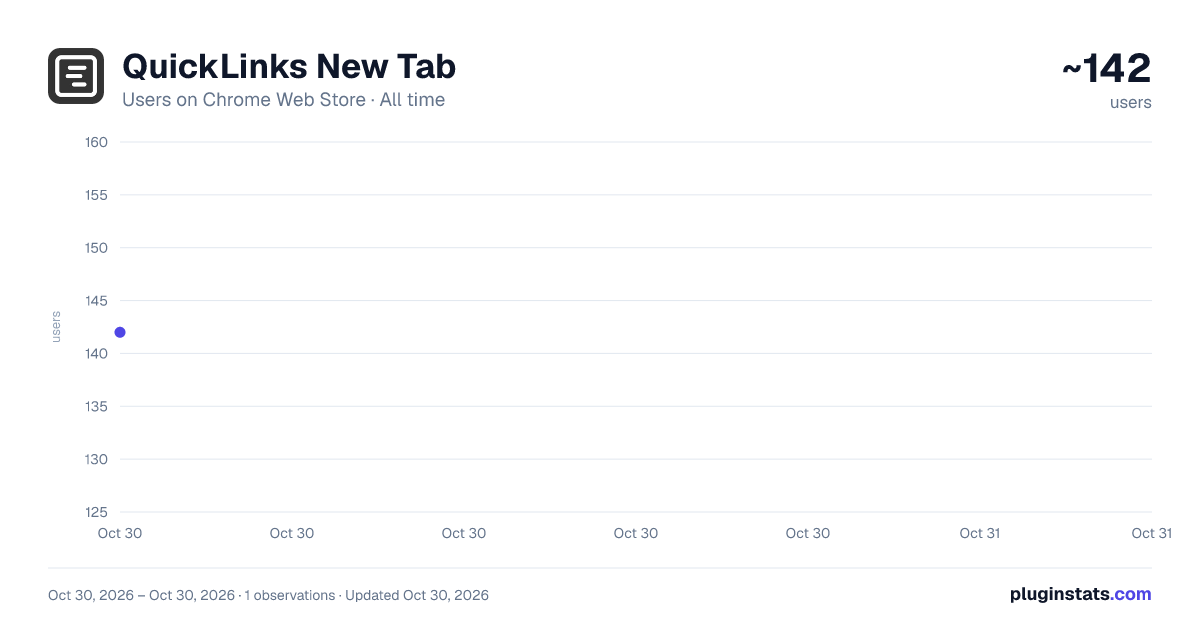
QuickLinks New Tab has approximately 142 recorded users on Chrome Web Store, ranking #4798 of 5,550 tracked listings.
Rating: 5.00 / 5 from 1 ratings
About QuickLinks New Tab
Organize your favorite links in customizable columns with drag-and-drop, emojis, and favicons for easy access and management.
Organize your web links like never before with QuickLinks New Tab!
This extension is designed to streamline your online browsing experience by allowing you to organize, personalize, and access all your favorite links in one place.
Instead of the default Chrome new tab page, see a fully customizable layout of links that saves time and boosts productivity.
Create multiple boxes, add links with custom emojis or websites favicon, and effortlessly arrange everything to suit your needs.
Key Features:
New Tab Link Dashboard Every time you open a new tab, your saved links are displayed, allowing quick and easy access. Say goodbye to a blank new tab screen, and hello to a space optimized for your needs.
Multi-boxes Layout Easily organize links into separate boxes, allowing you to categorize links by project, topic, or personal preference. You can add, remove, and rearrange boxes anytime, keeping everything tidy and accessible.
Customizable Link Icons Each link can be represented with an emoji or the website favicon, so you can visually recognize links at a glance. The extension fetches favicons automatically, but you can always choose your preferred representation.
Drag-and-Drop Functionality Easily reorder links within a box or move them between boxes. You can even drag entire box to customize your layout.
Quick Access Modal Use the "Add Link" button to quickly add a new link. A simple modal allows you to input the URL, title, and select an emoji or favicon to represent the link. The interface is intuitive, making it quick and easy to expand your list of favorites.
Undo Feature Made a mistake? The undo feature allows you to revert recent actions, helping you avoid accidental deletions or reorganizations.
Easy Setup and Preloaded Links First-time the extension loads a preselected list of useful links to get started quickly. Customize this initial setup to make it your own.
Import/Export You can simply mport/export your links.
Why You’ll Love It:
This extension is perfect for anyone who wants a more organized online experience. It’s ideal for:
Productivity Enthusiasts Organize links for work projects, online research, learning resources, and more. Keep everything neatly sorted and accessible without opening numerous tabs.
Curators and Collectors Create thematic collections of links based on your interests or hobbies. Quickly access your go-to resources and never lose track of a link again.
Efficiency Seekers With the customizable icon feature, recognize your most-used links at a glance, saving time and reducing clutter.
User-Friendly Design The interface is intuitive and built for ease of use. Drag-and-drop sorting, simple controls, and an organized layout help you keep all your favorite links at your fingertips.
Privacy and Data Security Your data is stored locally within your Chrome Local Storage, ensuring that your information remains private and secure.
Install now to transform your new tab page into a dynamic, useful link dashboard that saves time and keeps you organized every time you open a new tab!
Description from the Chrome Web Store listing.
README badge
Show your rank in a README or on your website. The badge updates automatically.
Charts
Images: 30d · 1y · all time · 1600×900 dark
Adoption over time
7/30/90-day growth
Ranking history
Ratings over time
Listing placement
Listing placement
Filled points are observed values; hollow points come from Internet Archive snapshots of the listing page. Dashed segments span periods with no observations — values between points are not interpolated.
Each band is one page of 20. Users on a linear scale. Placement is projected from users, so it can differ from the marketplace's own sort order. Hover a dot to see the listing.
Recent observations
Full history (1)Similar Chrome Web Store Tools plugins
All 20 QuickLinks New Tab alternatives



Data source
Covers every Chrome Web Store extension with at least 100 users, found through the store's public sitemap. User counts are read from public listing pages. The 10% most-used extensions are refreshed daily, the next 40% weekly and the next 40% monthly; the least-used 10% are not refreshed. Google displays rounded user counts (and caps the display at 10,000,000+), so small changes may not be visible. Rating counts above 1,000 are rounded (e.g. 1.6K).
Listing: https://chromewebstore.google.com/detail/quicklinks-new-tab/ckjpbndlchpnfkpgnlahcfbbmdmgieip. First seen Oct 30, 2026; last successful collection Oct 30, 2026. See the methodology.