 PluginStats

MangaColorizerPro users statistics
By XODalG · Chrome Web Store · Entertainment
Bring your favorite manga to life! Instantly colorize any manga panel on any website with or without even a single click!
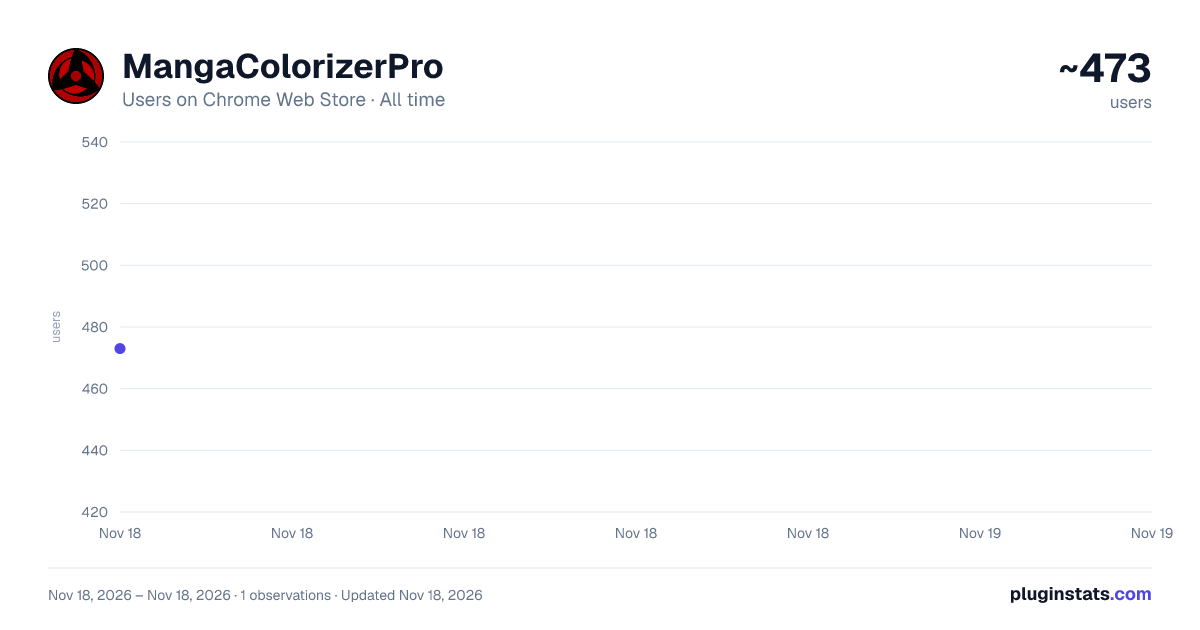
MangaColorizerPro has approximately 473 recorded users on Chrome Web Store, ranking #5342 of 10,388 tracked listings.
Rating: 3.00 / 5 from 3 ratings
About MangaColorizerPro
Bring your favorite manga to life! Instantly colorize any manga panel on any website with or without even a single click!
Bring your favorite manga to life with MangaColorizerPro, the ultimate AI-powered extension for manga enthusiasts!
Tired of seeing your favorite moments in black and white? Wish you could experience classic series and the latest chapters with vibrant, stunning color? Now you can. MangaColorizerPro uses a state-of-the-art artificial intelligence model to instantly and beautifully colorize any manga panel on virtually any website, transforming your reading experience as you go.
🌟 KEY FEATURES 🌟
Seamless, In-Place Colorization: MangaColorizerPro replaces black and white panels with their colorized versions directly on the page. The reading experience is never interrupted. It feels like the manga was colorful from the start!
Intelligent Auto-Colorize: Simply enable the extension for your favorite manga site. Our engine will then automatically find, queue, and colorize panels as you scroll, letting you enjoy a continuous, vibrant reading session.
Interactive On-Panel Controls: A subtle, thematic icon appears on potential manga panels. In manual mode, simply click the icon to start the colorization process. The icon provides real-time status, animating while processing and signaling success or failure.
Side-by-Side Comparison: Want to admire the original line art? A global toggle in the popup allows you to display the original black-and-white panel right next to the new colorized version.
Universal Compatibility: We designed MangaColorizerPro to be compatible with all your favorite online manga readers, aggregators, and publisher websites. If you can view it in your browser, you can colorize it.
High-Resolution Upscaling (Premium): Unlock the full potential of your favorite panels! Our premium plans feature an AI upscaler that increases the resolution and clarity of your colorized images, making them perfect for sharing.
⚙️ HOW IT WORKS ⚙️
Activate: Navigate to a manga website. Click the MangaColorizerPro icon in your toolbar and flip the "Enable on this site" switch.
Choose Your Mode:
Automatic: Turn on "Auto-Colorize" to have the extension process panels for you in the background as you read.
Manual: Leave "Auto-Colorize" off. A subtle icon will appear on valid manga panels. Simply click it to colorize that specific panel on demand.
Watch the Magic: The on-panel icon will animate to show you its processing status.
Enjoy: The colorized version appears directly on the page, ready for you to enjoy. Use the popup settings to toggle between the colorized, original, or a side-by-side view at any time.
💎 PRICING & PLANS 💎
Free Tier: Perfect for getting started! All users receive a generous number of free colorizations to experience the magic of our AI.
Premium Tiers (Fan & Pro): For the true manga aficionado!
Massive Quota: Get a huge number of colorizations for uninterrupted reading.
AI Image Upscaler: Unlock our exclusive high-resolution upscaling feature.
Increased Parallel Processing (Pro Tier): Pro users can adjust a slider to process multiple images simultaneously for the fastest possible experience.
🔒 PRIVACY & PERMISSIONS 🔒
Your privacy is our top priority. Here’s why we ask for the permissions we do:
Read and change all your data on all websites (<all_urls>): This sounds scary, but it's necessary for the extension's core function. It allows our scripts to be available on any website where you might be reading manga, so we can detect and process the images. We DO NOT collect, store, or transmit any of your browsing history or personal data.
Storage: We use this to securely store your account information (so you stay logged in) and your settings for each website.
We are committed to transparency. You can view our full privacy policy here: https://manga-colorizer-pro.vercel.app/privacy
SUPPORT & FEEDBACK
Have a question, a feature request, or found a site where the extension doesn't work perfectly? We want to hear from you! Please contact our support team at glad.bits.dox@gmail.com
Install MangaColorizerPro today and rediscover your favorite manga in a brilliant new light
Description from the Chrome Web Store listing.
README badge
Show your rank in a README or on your website. The badge updates automatically.
Charts
Images: 30d · 1y · all time · 1600×900 dark
Adoption over time
7/30/90-day growth
Ranking history
Ratings over time
Listing placement
Listing placement
Filled points are observed values; hollow points come from Internet Archive snapshots of the listing page. Dashed segments span periods with no observations — values between points are not interpolated.
Each band is one page of 20. Users on a linear scale. Placement is projected from users, so it can differ from the marketplace's own sort order. Hover a dot to see the listing.
Recent observations
Full history (1)Similar Chrome Web Store Entertainment plugins
All 20 MangaColorizerPro alternatives



Data source
Covers every Chrome Web Store extension with at least 100 users, found through the store's public sitemap. User counts are read from public listing pages. The 10% most-used extensions are refreshed daily, the next 40% weekly and the next 40% monthly; the least-used 10% are not refreshed. Google displays rounded user counts (and caps the display at 10,000,000+), so small changes may not be visible. Rating counts above 1,000 are rounded (e.g. 1.6K).
Listing: https://chromewebstore.google.com/detail/mangacolorizerpro/ofeggeimdlfipekkabopihemnefgkapk. First seen Nov 18, 2026; last successful collection Nov 18, 2026. See the methodology.