 PluginStats

ExamClone users statistics
By quizgaisg · Chrome Web Store · Education
Copy and paste exam settings between Examena forms in Brightspace, and pick quiz URLs from the Brightspace quizzes page
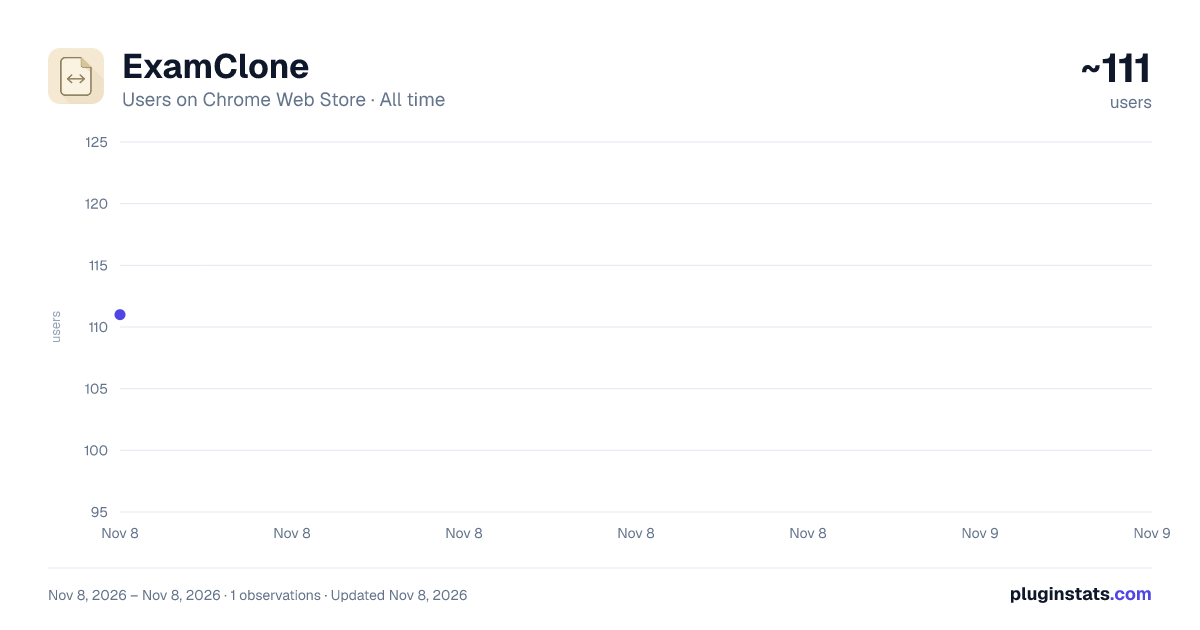
ExamClone has approximately 111 recorded users on Chrome Web Store, ranking #9898 of 10,388 tracked listings.
Rating: 5.00 / 5 from 1 ratings
About ExamClone
Copy and paste exam settings between Examena forms in Brightspace, and pick quiz URLs from the Brightspace quizzes page
ExamClone — Copy Examena exam settings in Brightspace LMS Setting up multiple exams in Examena with D2L Brightspace is tedious: every new exam means re-entering the same settings, re-picking the same proctoring options, reconfiguring the same authorized apps, and hunting down the correct quiz URL from Brightspace. ExamClone eliminates that busywork.
What it does
- Copy & paste exam settings. One click on an already-configured Examena form captures every setting — basic info, proctoring switches, authorized applications, authorized URLs, and more.
- Paste into any new or editable Examena form to reproduce the configuration instantly.
- One-click quiz URL picker. No more switching tabs, copying the URL from Brightspace's quizzes page, and pasting it back. ExamClone pulls the list of quizzes for your current course and lets you pick one from a searchable modal — the "Exam URL for student" field fills itself.
- Draggable floating toolbar. Lives directly on the Examena form, stays out of your way, and remembers where you put it between sessions.
- Smart safeguards. Detects when you're on the wrong tab or about to paste into a locked exam, and asks for confirmation before making changes.
- Edit date / time easily - just type in the text box instead of using the clunky UI
Why install
- Save minutes per exam, multiplied across a whole semester of assessments.
- Reduce configuration errors from retyping settings by hand.
- Keep a consistent proctoring and authorization baseline across every exam you create.
- Zero account setup — works with your existing Brightspace + Examena login.
Who it's for Instructors, exam administrators, and edtech staff who configure Examena exams inside Brightspace / D2L LMS and find themselves repeating the same setup across multiple assessments.
Privacy Runs entirely locally in your browser. Settings are stored in Chrome's local storage — they never leave your device. No external servers, no tracking, no accounts.
History v1.0.5
- Named template library. You can save templates and choose them from a dropdown beside Paste.
- Auto-fill from D2L quiz on Select Quiz After you choose a quiz, you can now pull the title, dates, and attempt limit into Examena automatically, removing manual re-entry of data that already exists elsewhere.
- Access code coordinator. A "Generate & sync code" button can create a strong code, fill it into Examena, copy it, and open the D2L quiz edit page in one click. You can also sync the quiz password into Examena’s ‘access code’.
- Per-course default profiles You can now reuse the same proctoring settings across exams in a course. A "Save as course default" option could apply those settings automatically to each new exam.
- Bulk exam setup. Instructors can choose a template, select a quiz, and define a schedule pattern such as weekly Tuesday 9am slots. The extension would then create multiple Examena exams in sequence.
Description from the Chrome Web Store listing.
README badge
Show your rank in a README or on your website. The badge updates automatically.
Charts
Images: 30d · 1y · all time · 1600×900 dark
Adoption over time
7/30/90-day growth
Ranking history
Ratings over time
Listing placement
Listing placement
Filled points are observed values; hollow points come from Internet Archive snapshots of the listing page. Dashed segments span periods with no observations — values between points are not interpolated.
Each band is one page of 20. Users on a linear scale. Placement is projected from users, so it can differ from the marketplace's own sort order. Hover a dot to see the listing.
Recent observations
Full history (1)Similar Chrome Web Store Education plugins
All 20 ExamClone alternatives



Data source
Covers every Chrome Web Store extension with at least 100 users, found through the store's public sitemap. User counts are read from public listing pages. The 10% most-used extensions are refreshed daily, the next 40% weekly and the next 40% monthly; the least-used 10% are not refreshed. Google displays rounded user counts (and caps the display at 10,000,000+), so small changes may not be visible. Rating counts above 1,000 are rounded (e.g. 1.6K).
Listing: https://chromewebstore.google.com/detail/examclone/pfcdnkhgekkjmglgcmgcceblmdnhmnbn. First seen Nov 8, 2026; last successful collection Nov 8, 2026. See the methodology.