 PluginStats

Newt - A Better New Tab users statistics
By Nothing Special · Chrome Web Store · Tools
A replacement for Google Chrome's 'new tab' page that lets you easily access your favorite bookmarks, apps, and more.
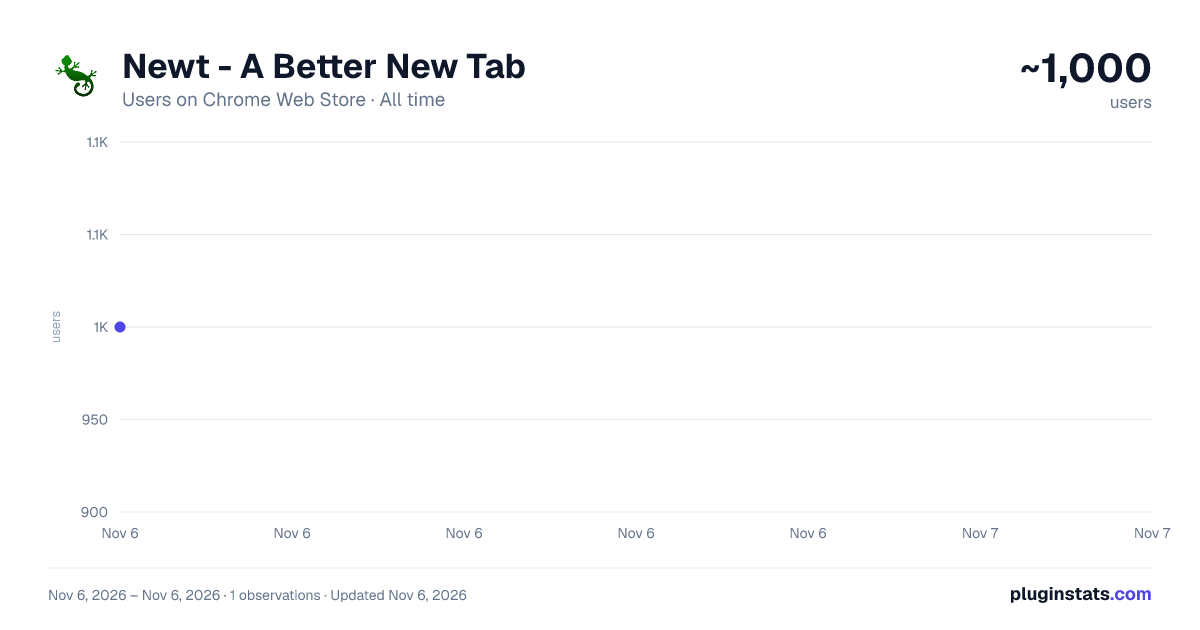
Newt - A Better New Tab has approximately 1,000 recorded users on Chrome Web Store, ranking #2775 of 7,624 tracked listings.
Rating: 4.10 / 5 from 35 ratings
About Newt - A Better New Tab
A replacement for Google Chrome's 'new tab' page that lets you easily access your favorite bookmarks, apps, and more.
Newt was designed to be a simple, lightweight replacement for Google Chrome's New Tab page. It gives you easy access to your favorite websites without any of that other clutter or special effects. Your installed Chrome apps are just a tap away.
Newt uses your a special bookmarks folder to populate your new tab page. This makes it very easy to set up. Another benefit to this method is that your categories and websites will be synced to your Google Account*! This means that you only need to set up Newt once and it will be the same on all your other computers. You'll also be able to easily access these sites from Chrome on your mobile devices. In addition to bookmarks, Newt also displays your installed apps, Most Visited sites, Recently Added bookmarks, Recently Closed tabs, and tabs from Chrome on your other devices.
Theme Builder
Newt uses a custom in-app theme builder that let's you customize all of the colors. To access it, click on the '+' icon next to the theme list in Settings. This will bring up the theme builder on the right side of your screen. You'll see some values already filled in to give you an idea of what to do. You can use any method of defining a color: predefined color words, hex, rgb, rgba. When you enter a color, the respective parts of the app will update. Yes, there is instant feedback with every change. Once you're happy, click 'Save' and it will be added to your list of themes. You can build and add as many as you'd like.
With this freedom, it's possible to create a theme that interferes with your use of the app. If this happens, go to the Newt options page from Chrome's Extensions page and click the reset button. This will change the active theme to the very safe Light theme.
Existing Newt user?
You may have noticed that the old Newt app was renamed 'Newt Classic'. Since this new version is so different from the old, I thought it would be best to not just overwrite the original. Some people may prefer that style to the new one. If you want to import your existing Newt data, just go in to Chrome's Bookmark Manager and rename your 'Newt' folder to 'NewtData'.
Changelog:
5.7.1
- Added: You can now delete cards by right clicking in their title bar.
- Fixed: Sites in the Other Devices tab are now displayed properly.
- Modified: Improved the favicon service.
- Modified: Upgraded to manifest v3 to ensure extension continues to work in future versions of Chrome.
- Recent Tabs and Other Devices tabs now require the 'tabs' permission, but it's optional.
- Transferred ownership to my company, Nothing Special. Don't worry, it's still just me!
5.6.8
- Improve accuracy and image quality of favicons
5.6.6
- Updated favicon service.
5.6.4
- Fixes to ensure this app still works in future versions of Chrome.
5.6.3
- Bug fixes
5.6.2
- Bug fixes
5.6.0
- Added: About card. You can access it from the popup menu.
- Added: Settings sync! Newt now stores your preferences and custom themes using Chrome's storage sync. This means that if you change someting here, it'll be reflected on your other computers running Newt and signed into the same Google account. Please visit the Settings page for more information.
5.5.3
- Better temporary fix for favicon issue that should work for all sites.
5.5.2
- Temporary, partial fix for broken website icons until I can write proper fix.
5.5.1
- Fixed: Device cards were being displayed with a header color.
5.5.0
- Added: You can now rename cards
- Added: New theme options! You can set a background color for each card header, making it easier to organize them. You can set five different color styles for each custom theme. Visit the Theme Builder to define these styles. Right-click a card header to choose a color and/or rename the card.
- Modified: When creating a new theme, the currently selected theme is used as the base. This makes it very easy to make tweaks to existing themes without having to start from scratch.
- Added: New default theme, Basic.
- Fixed: Some style issues, bugs.
5.4.0
- Added: New menu when you right-click a site on the main page with actions like Rename and Delete.
- Added: Rename sites. Right-click a site and then click Rename. Enter the new name and press Enter. The Escape key will cancel this action.
- Added: Delete sites. There is now another way to delete sites from cards. Right-click a site and then click Delete. There is no confirmation prompt, so be sure you want to delete it.
- Added: Middle-click on a site to open it as a new tab in the background. Alt (Option on Mac) + middle-click to open as a new tab and switch to it. 5.3.3
- Added: Drag cards on the main page to reorder them.
- Added: Drag cards or sites to the top right of the screen to delete them. When deleting a card, you'll get a confirmation prompt before it is actually deleted.
- Modified: Changed some curor styles to better represent the action taken when clicking on things.
5.3.2
- Fixes to prevent the app from breaking in a future Chrome update.
- Performance improvements.
5.3.1
- You can now edit themes that you've built.
- Added two new stock themes, Slate and Mocha.
- Improved styling on some elements.
- Bug fixes.
5.3.0
- Added: Theme builder. This update's big feature is a brand new theme builder. Yes, it's back! It works very similarly to the old one, with some nice improvements. In short, better customization and you can build as many as you'd like. Please see above for more information.
- Added: 'Add New Card' button. In the overflow menu, you'll find a new option that will let you add new cards right from the app. No more having to go all the way to Chrome Bookmark Manager.
- Of course, there are a handful of tweaks and fixes behind the scenes to improve your experience.…
Description from the Chrome Web Store listing.
README badge
Show your rank in a README or on your website. The badge updates automatically.
Charts
Images: 30d · 1y · all time · 1600×900 dark
Adoption over time
7/30/90-day growth
Ranking history
Ratings over time
Listing placement
Listing placement
Filled points are observed values; hollow points come from Internet Archive snapshots of the listing page. Dashed segments span periods with no observations — values between points are not interpolated.
Each band is one page of 20. Users on a linear scale. Placement is projected from users, so it can differ from the marketplace's own sort order. Hover a dot to see the listing.
Recent observations
Full history (1)Similar Chrome Web Store Tools plugins
All 20 Newt - A Better New Tab alternatives



Data source
Covers every Chrome Web Store extension with at least 100 users, found through the store's public sitemap. User counts are read from public listing pages. The 10% most-used extensions are refreshed daily, the next 40% weekly and the next 40% monthly; the least-used 10% are not refreshed. Google displays rounded user counts (and caps the display at 10,000,000+), so small changes may not be visible. Rating counts above 1,000 are rounded (e.g. 1.6K).
Listing: https://chromewebstore.google.com/detail/newt-a-better-new-tab/foegdfijkhoodfijcpgpffodjanmdbmh. First seen Nov 6, 2026; last successful collection Nov 6, 2026. See the methodology.