 PluginStats

Transcript Downloader for Google Drive users statistics
By chandradeoarya · Chrome Web Store · Tools
Download or copy the transcript of any Google Drive video as TXT, SRT, VTT, or JSON. No account. Nothing leaves your browser.
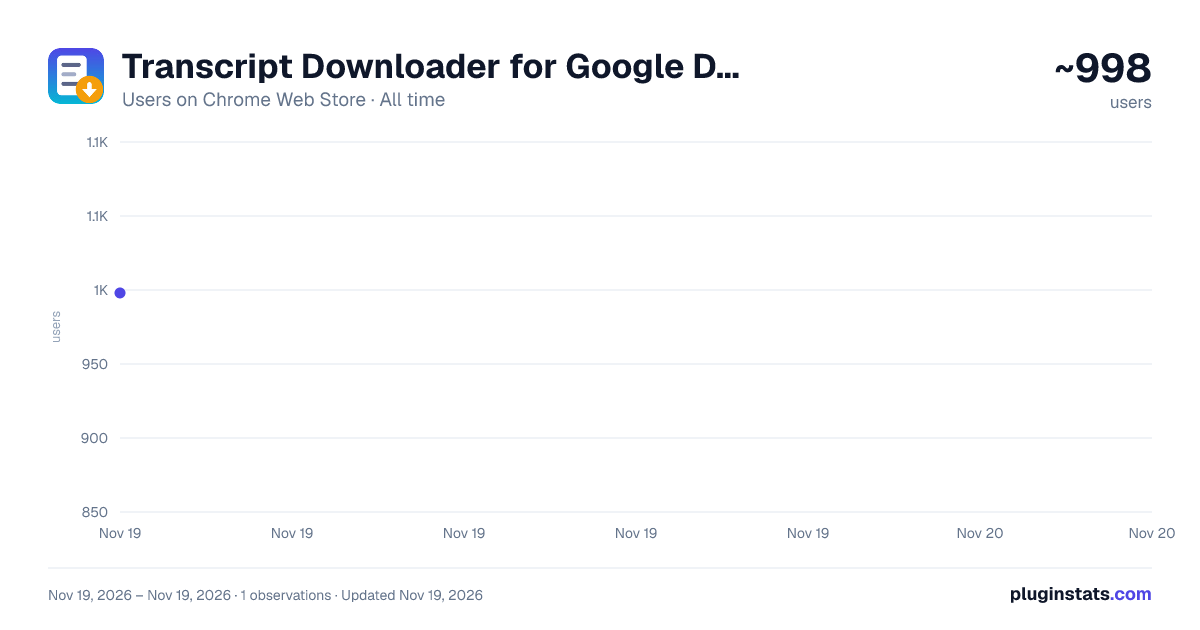
Transcript Downloader for Google Drive has approximately 998 recorded users on Chrome Web Store, ranking #3766 of 10,388 tracked listings.
Rating: 5.00 / 5 from 2 ratings
About Transcript Downloader for Google Drive
Download or copy the transcript of any Google Drive video as TXT, SRT, VTT, or JSON. No account. Nothing leaves your browser.
This extension allows you to download Google Drive video's transcript. Open the transcript panel, click the icon, and the whole thing is a file on your disk or text on your clipboard in about two seconds, with no account, no sign-in, and no upload.
━━━━━━━━━━━━━━━━━━━━━━━━━━━━━━━━━━━━ HOW TO USE IT ━━━━━━━━━━━━━━━━━━━━━━━━━━━━━━━━━━━━
- Open your video in Google Drive.
- Click the settings icon on the video player and choose "Transcript". The transcript panel opens beside the video.
- Click this extension's icon. It reads the panel and tells you how many lines it found.
- Pick a format, then hit Download or Copy. That's it.
⚠️ One thing to remember: the extension reads the transcript that is on screen right now. When you move on to a different recording, open its transcript panel again before clicking the icon — otherwise you will export the previous video's transcript.
━━━━━━━━━━━━━━━━━━━━━━━━━━━━━━━━━━━━ WHAT YOU GET ━━━━━━━━━━━━━━━━━━━━━━━━━━━━━━━━━━━━
📄 TXT — clean, readable lines. Keep the [0:42] timestamps, or switch them off for continuous prose that pastes straight into notes or an AI assistant.
📺 SRT and VTT — real subtitle files, correctly timed and ready for a video editor, YouTube, or any player that takes external captions.
🧩 JSON — { time, seconds, text } per line, for when you are building something on top of it.
📋 Copy, not just download — skip the save dialog entirely. One click puts the whole transcript on your clipboard in whichever format you picked.
✏️ Smart file names — the video's title becomes the file name, and the field stays editable before you save.
⚙️ It remembers — your format and timestamp preference are still set tomorrow.
⌨️ Keyboard — Ctrl/Cmd+Enter downloads, Ctrl/Cmd+C copies.
🌗 Light and dark — follows your system theme.
━━━━━━━━━━━━━━━━━━━━━━━━━━━━━━━━━━━━ PRIVACY, PLAINLY ━━━━━━━━━━━━━━━━━━━━━━━━━━━━━━━━━━━━
No server, no account, no analytics. The extension reads the Drive tab you already have open, only while its popup is open, and formats the text locally in your browser. Nothing is sent anywhere — the code makes no network requests at all. It cannot run on any site other than drive.google.com.
━━━━━━━━━━━━━━━━━━━━━━━━━━━━━━━━━━━━
Not affiliated with or endorsed by Google. "Google Drive" is a trademark of Google LLC, used here only to describe what this extension works with.
Requires a video for which Drive can display a transcript panel.
Description from the Chrome Web Store listing.
README badge
Show your rank in a README or on your website. The badge updates automatically.
Charts
Images: 30d · 1y · all time · 1600×900 dark
Adoption over time
7/30/90-day growth
Ranking history
Ratings over time
Listing placement
Listing placement
Filled points are observed values; hollow points come from Internet Archive snapshots of the listing page. Dashed segments span periods with no observations — values between points are not interpolated.
Each band is one page of 20. Users on a linear scale. Placement is projected from users, so it can differ from the marketplace's own sort order. Hover a dot to see the listing.
Recent observations
Full history (1)Similar Chrome Web Store Tools plugins
All 20 Transcript Downloader for Google Drive alternatives



Data source
Covers every Chrome Web Store extension with at least 100 users, found through the store's public sitemap. User counts are read from public listing pages. The 10% most-used extensions are refreshed daily, the next 40% weekly and the next 40% monthly; the least-used 10% are not refreshed. Google displays rounded user counts (and caps the display at 10,000,000+), so small changes may not be visible. Rating counts above 1,000 are rounded (e.g. 1.6K).
Listing: https://chromewebstore.google.com/detail/transcript-downloader-for/edfjmhnhblealigpcodhpkgjgbppkalf. First seen Nov 19, 2026; last successful collection Nov 19, 2026. See the methodology.