 PluginStats
MailBridge users statistics
By MailBridge · Chrome Web Store · Tools
Check and send mail from other accounts inside Gmail
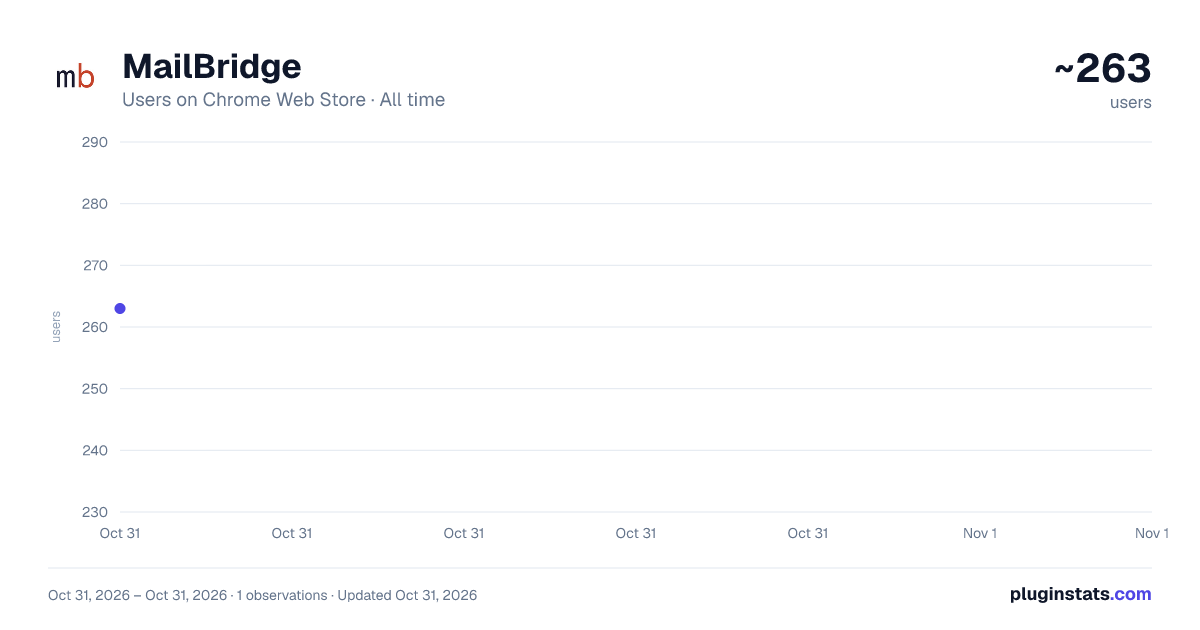
MailBridge has approximately 263 recorded users on Chrome Web Store, ranking #3942 of 5,946 tracked listings.
Rating: 5.00 / 5 from 3 ratings
About MailBridge
Check and send mail from other accounts inside Gmail
Gmail is shutting down "Check mail from other accounts" and "Send as" in Gmail. MailBridge brings them back: it fetches emails from your external mailboxes into your Gmail inbox, and lets you send from those addresses inside Gmail.
This extension is the companion for MailBridge users. It does two things:
- Instant Refresh: Get emailed codes and time-sensitive emails delivered immediately
- Send As: Send from your other addresses without leaving Gmail
Instant Refresh: MailBridge checks your mailboxes every 5 minutes. For time-sensitive mail like sign-in codes, click Refresh and the message arrives in Gmail within seconds.
Send As: Send from your other email addresses without leaving Gmail. Pick your own address (custom domain, Yahoo, iCloud and more) in the From menu of Gmail's compose window. MailBridge sends the message through that mailbox's own mail server, so it arrives from your address and passes the recipient's checks. A copy goes into your Sent folder. Attachments and images in the message are included.
Outlook and Hotmail accounts can receive mail through MailBridge but cannot send this way yet. Gmail access is optional. Turn it on in the extension popup when you want Send As.
Features: • Send As: send from your other addresses without leaving Gmail • By default, reply from the same address the message was sent to • Instant refresh: get 2FA codes and time-sensitive emails delivered immediately • One-click refresh for any connected mailbox, or "Refresh All" at once • Real-time status: see delivery counts as messages arrive • Auto-connect: links to your MailBridge account automatically, no copy-pasting API keys • Fast startup: shows your connections instantly from cache • Privacy: Gmail access is off until you turn it on. The extension only sends the messages you choose, and never stores your emails.
How to set up:
- Install the extension
- Click the MailBridge icon in your toolbar
- Click "Connect to MailBridge". This opens your dashboard
- The extension connects automatically
- Click "Refresh" to check for new mail
- For Send As: click "Turn on Send As" in the popup, then open a new message in Gmail and pick your address in the From menu
Requires a MailBridge account at https://mailbridge.app
Description from the Chrome Web Store listing.
README badge
Show your rank in a README or on your website. The badge updates automatically.
Charts
Images: 30d · 1y · all time · 1600×900 dark
Adoption over time
7/30/90-day growth
Ranking history
Ratings over time
Listing placement
Listing placement
Filled points are observed values; hollow points come from Internet Archive snapshots of the listing page. Dashed segments span periods with no observations — values between points are not interpolated.
Each band is one page of 20. Users on a linear scale. Placement is projected from users, so it can differ from the marketplace's own sort order. Hover a dot to see the listing.
Recent observations
Full history (1)Similar Chrome Web Store Tools plugins
All 20 MailBridge alternatives



Data source
Covers every Chrome Web Store extension with at least 100 users, found through the store's public sitemap. User counts are read from public listing pages. The 10% most-used extensions are refreshed daily, the next 40% weekly and the next 40% monthly; the least-used 10% are not refreshed. Google displays rounded user counts (and caps the display at 10,000,000+), so small changes may not be visible. Rating counts above 1,000 are rounded (e.g. 1.6K).
Listing: https://chromewebstore.google.com/detail/mailbridge/kmjacpckemkiclcbpkkhbmgpkanilbcd. First seen Oct 31, 2026; last successful collection Oct 31, 2026. See the methodology.