 PluginStats

Programmatic SEO Template Inspector users statistics
Select a section on the page, detect dynamic tokens, and generate a programmatic SEO template.
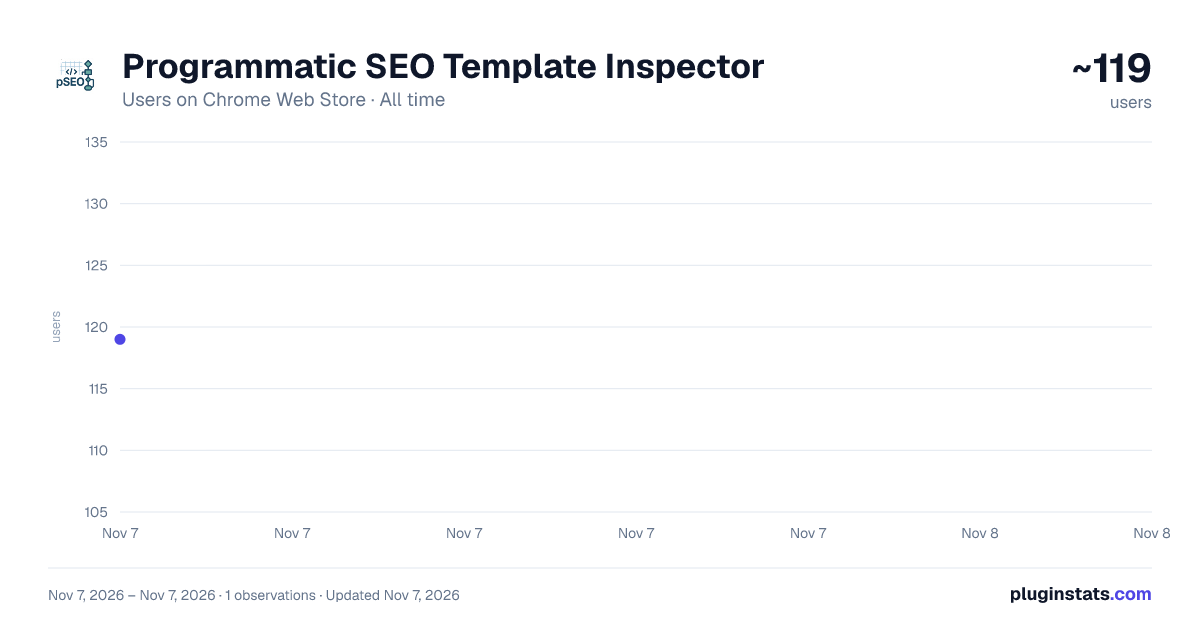
Programmatic SEO Template Inspector has approximately 119 recorded users on Chrome Web Store, ranking #7385 of 7,934 tracked listings.
Rating: 5.00 / 5 from 2 ratings
About Programmatic SEO Template Inspector
Select a section on the page, detect dynamic tokens, and generate a programmatic SEO template.
🔍 PSEO Template Inspector – Analyze Programmatic SEO Content Patterns
The PSEO Template Inspector helps SEO professionals, content strategists, and technical marketers detect programmatic SEO structures directly on any web page.
It identifies whether a section of content is dynamically generated or static, extracts placeholder patterns like {city}, {category}, {number}, {currency}, and creates a template version of the analyzed text — helping SEOs audit large-scale programmatic content deployments with precision.
⚙️ What It Does
The extension inspects visible content on a web page to:
Detect and label dynamic text variables used in programmatic SEO templates.
Highlight entities like:
{url_segment_1}, {url_word}, {h1}, {title}, {breadcrumb_1}
{number}, {currency_amount}, {percent}, {date}
Identify the static vs. dynamic split within any content block.
Generate a clean template preview that represents the content’s programmatic structure.
Display the CSS path of the analyzed section for reference or debugging.
Show verdicts such as “Looks programmatic,” “No dynamic values,” or “Possibly static.”
🧭 SEO Use Cases
Programmatic SEO audits – Detect whether a page’s content is dynamically generated using location, product, or category tokens.
Template mapping – Understand how copy and headings change across templated pages.
Competitor content analysis – Study at scale how other brands structure their city or product templates.
Content quality checks – Identify sections with low dynamic diversity or repetitive placeholders.
Scaling validation – Test new programmatic builds before rollout to ensure template logic renders correctly.
URL pattern insights – Extract dynamic URL segments used for programmatic targeting (/hotels-in-{city}, /best-{keyword}-tools/, etc.).
💡 How It Works
Once activated from the Chrome toolbar:
Click any text area or container on a page.
The extension automatically inspects that DOM section (like a <section> or <article>).
It parses the visible content, replaces dynamic entities with placeholders, and scores how programmatic the block appears.
A sidebar widget displays:
CSS path of the selected container
Word count, placeholders count, and verdict
Detected variable list
The generated content template
You can copy both the template and CSS selector for documentation or analysis.
🧩 Interaction Modes
Click-to-Analyze – One click analyzes any section.
Hover + Click (Alt + P) – Enables visual selection with a blue outline.
Use Text Selection – Highlight text manually, then click “Use text selection.”
Copy Template / Copy CSS – Export cleanly formatted results.
Toggle Highlights – Enable or disable visual highlighting of detected variables.
🧱 SEO-Focused Features
Detects key programmatic SEO variables — numbers, cities, categories, ranges, and metrics.
Recognizes URL-driven tokens ({url_segment_1}, {url_word}, {breadcrumb_1} etc.).
Highlights entity placeholders for faster pattern recognition.
Evaluates dynamic signal density — how many placeholders exist per 100 words.
Outputs a machine-readable template for auditing or content model documentation.
Works on any live webpage (no CMS access needed).
🎨 Interface Features
Solid dark sidebar for better readability on all websites.
Responsive and isolated — built with Shadow DOM so site CSS never interferes.
Clean layout optimized for SEO workflows and content pattern analysis.
Non-transparent background to prevent site overlap or visual noise.
Supports both manual and automated content detection modes.
🧠 Example
Original Content:
The cost of living in Chicago, IL is 15.6% higher than the national average. You can expect to pay $1,574 – $3,007 for rent.
Detected Variables: {url_segment_1}, {number}, {currency_amount}
Generated Template:
The cost of living in {url_segment_1} is {number}% higher than the national average. You can expect to pay {currency_amount} – {currency_amount} for rent.
Verdict: Looks programmatic ✅ Words: 52 Placeholders: 3
🔐 Privacy & Permissions
Runs only when you click the extension icon (uses activeTab permission).
No data is collected, stored, or transmitted — 100% local analysis.
No API calls, network requests, or third-party tracking.
Works offline and never modifies the underlying page source.
Description from the Chrome Web Store listing.
README badge
Show your rank in a README or on your website. The badge updates automatically.
Charts
Images: 30d · 1y · all time · 1600×900 dark
Adoption over time
7/30/90-day growth
Ranking history
Ratings over time
Listing placement
Listing placement
Filled points are observed values; hollow points come from Internet Archive snapshots of the listing page. Dashed segments span periods with no observations — values between points are not interpolated.
Each band is one page of 20. Users on a linear scale. Placement is projected from users, so it can differ from the marketplace's own sort order. Hover a dot to see the listing.
Recent observations
Full history (1)Similar Chrome Web Store Tools plugins
All 20 Programmatic SEO Template Inspector alternatives



Data source
Covers every Chrome Web Store extension with at least 100 users, found through the store's public sitemap. User counts are read from public listing pages. The 10% most-used extensions are refreshed daily, the next 40% weekly and the next 40% monthly; the least-used 10% are not refreshed. Google displays rounded user counts (and caps the display at 10,000,000+), so small changes may not be visible. Rating counts above 1,000 are rounded (e.g. 1.6K).
Listing: https://chromewebstore.google.com/detail/programmatic-seo-template/pfiinnbgblbnloopjdfdpjaacanjpojo. First seen Nov 7, 2026; last successful collection Nov 7, 2026. See the methodology.