 PluginStats

Safe Screen Share | Blur Screen Privacy App users statistics
Chrome Web Store · Privacy & Security
Blur or black out sensitive info while screen sharing on Zoom, Meet, Teams, Loom and OBS. Auto-hide names and words on every site.
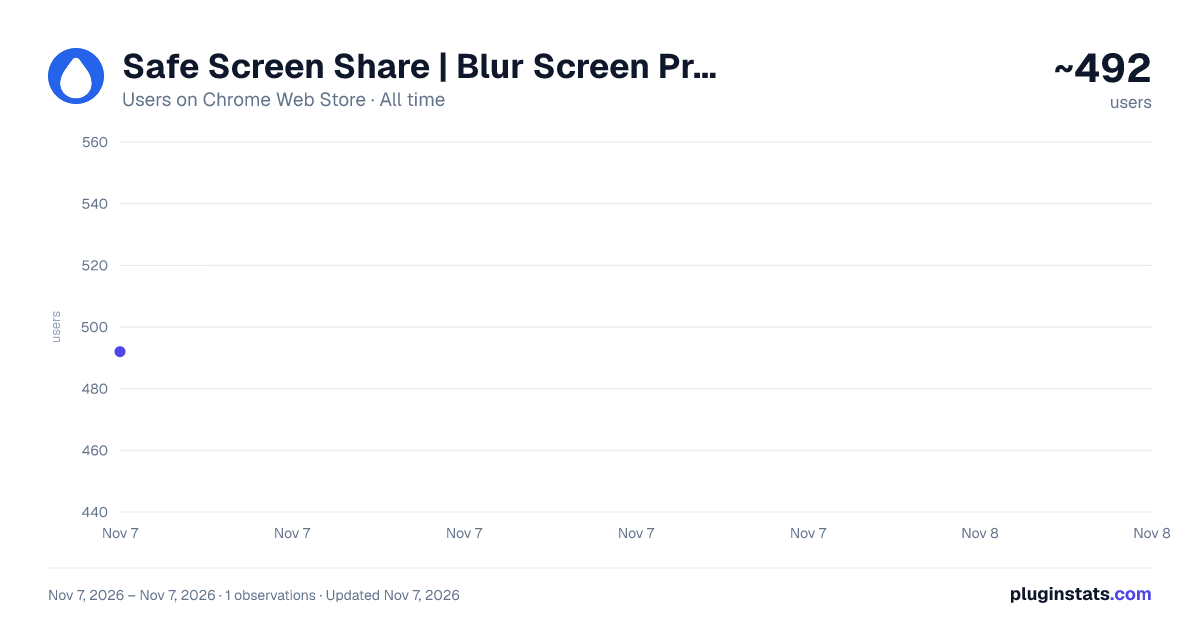
Safe Screen Share | Blur Screen Privacy App has approximately 492 recorded users on Chrome Web Store, ranking #3984 of 7,934 tracked listings.
Rating: 4.00 / 5 from 8 ratings
About Safe Screen Share | Blur Screen Privacy App
Blur or black out sensitive info while screen sharing on Zoom, Meet, Teams, Loom and OBS. Auto-hide names and words on every site.
Blur your screen before you share it. Safe Screen Share is the screen privacy app for live calls, screen recordings, demos, and tutorials.
Every time you share your screen, Zoom, Meet, Teams, Loom, OBS — you risk exposing things you didn't mean to show: inbox previews, client emails, credit cards, API keys, browser tabs you forgot were open. Safe Screen Share blurs them automatically. Zero post-production. Zero stress.
━━━━━━━━━━━━━━━━━━━━━━━━ ⚡ WHAT IT DOES ━━━━━━━━━━━━━━━━━━━━━━━━
🆕 New: Always hide Add a name, account number or keyword once and it stays hidden on every website you open, even when the text is split across the page, inside form fields or in tab titles. Use wildcards, paste an example to hide every similar number, or right-click selected text and choose Always hide. Link words to a blur profile so they only hide when you need them to.
⬛ New: Blackout Prefer solid black boxes to blur? Switch to Blackout and every redaction turns black, including the ones you already made.
🔒 SmartBlur: Auto-detection that finds what you forgot SmartBlur scans your page and hides emails, phone numbers, credit cards, SSNs, IBANs, Secret tokens, API keys and around two dozen other sensitive token formats. Plus inboxes on Gmail, Slack, Notion, and more.
✨ SmartBlur with AI: The AI powered Smartblur provides deeper redaction by understanding the context of the page.
🎯 One-click blur Click any element on the page — a row, a div, a block of text. Hidden instantly. Click again to reveal.
🟦 Area blur Draw a rectangle over anything — a chart, a corner, a row of tabs. Move and resize on the fly.
🔤 Text blur Select just a word or sentence. Only that range blurs.
📑 Hide tab titles Redact every tab title and favicon in a single click. Other tabs stay private — even the ones you're not sharing.
⚙️ Blur intensity Dial it from a subtle fade to completely opaque. Match the blur to the sensitivity.
👤 Blur profiles Save different setups — "demo mode," "streaming," "client calls" — and switch in a single click.
🎥 Meeting Mode — auto-protects you the second a call starts Meeting Mode detects when you join a Google Meet, Zoom, or Microsoft Teams call. Your saved Blur Profile snaps into place across every open tab. Hangs up, drops off. You never think about it.
👀 Peek Hold Alt (Option on Mac) to take a quick look at anything hidden. Turn it on in settings.
⌨️ Keyboard shortcuts Start blurring, pause Always hide on a site, or switch between Blur and Blackout without opening the menu.
🛡️ 100% on your device Nothing is captured, uploaded, or stored. Your blur rules and detected content never leave your browser. Your data is not collected, sold, or shared.
━━━━━━━━━━━━━━━━━━━━━━━━ 💼 WHO IT'S FOR ━━━━━━━━━━━━━━━━━━━━━━━━
• Content creators recording tutorials and walkthroughs • Online educators sharing screens with students on live Zoom or Meet calls • Freelancers and consultants presenting client work • Sales teams running live product demos • Software founders demoing their product • Anyone who's ever had an "uh, wait" moment mid-share
━━━━━━━━━━━━━━━━━━━━━━━━ 🙋 COMMON QUESTIONS ━━━━━━━━━━━━━━━━━━━━━━━━
Does this record or read my screen? No. Everything runs locally in your browser. Nothing is captured, uploaded, or stored.
Will it slow my browser down? You won't feel it. SmartBlur scans on demand — it's idle when you're not sharing.
What if I share a window instead of my whole screen? Still works. The extension blurs the page itself, so whatever framing the call software does, the blur travels with it.
Can it hide the same names on every website? Yes. Add them to Always hide once and they stay hidden everywhere.
Does it work on Loom or OBS, not just video calls? Yes. Tutorials, screencasts, Loom recordings, OBS streams, even screenshot-and-DM moments — anywhere your screen is in front of someone else.
I don't see my browser listed. Does it work in Edge / Brave / Arc? Yes. Anywhere Chromium runs.
━━━━━━━━━━━━━━━━━━━━━━━━
Stop worrying. Start sharing.
→ Website: https://safescreenshare.com → Support: support@safescreenshare.com → Privacy: https://safescreenshare.com/privacy → Terms: https://safescreenshare.com/terms
Get a license at https://safescreenshare.com to unlock the full toolkit.
Description from the Chrome Web Store listing.
README badge
Show your rank in a README or on your website. The badge updates automatically.
Charts
Images: 30d · 1y · all time · 1600×900 dark
Adoption over time
7/30/90-day growth
Ranking history
Ratings over time
Listing placement
Listing placement
Filled points are observed values; hollow points come from Internet Archive snapshots of the listing page. Dashed segments span periods with no observations — values between points are not interpolated.
Each band is one page of 20. Users on a linear scale. Placement is projected from users, so it can differ from the marketplace's own sort order. Hover a dot to see the listing.
Recent observations
Full history (1)Similar Chrome Web Store Privacy & Security plugins
All 20 Safe Screen Share | Blur Screen Privacy App alternatives



Data source
Covers every Chrome Web Store extension with at least 100 users, found through the store's public sitemap. User counts are read from public listing pages. The 10% most-used extensions are refreshed daily, the next 40% weekly and the next 40% monthly; the least-used 10% are not refreshed. Google displays rounded user counts (and caps the display at 10,000,000+), so small changes may not be visible. Rating counts above 1,000 are rounded (e.g. 1.6K).
Listing: https://chromewebstore.google.com/detail/safe-screen-share-blur-sc/pfgkolcnoohmebddcmlfjjlgbbodelja. First seen Nov 7, 2026; last successful collection Nov 7, 2026. See the methodology.