 PluginStats

Steam 100 users statistics
By balcetul · Chrome Web Store · Tools
Free Steam, Epic Games & GOG offers with a 100% discount.
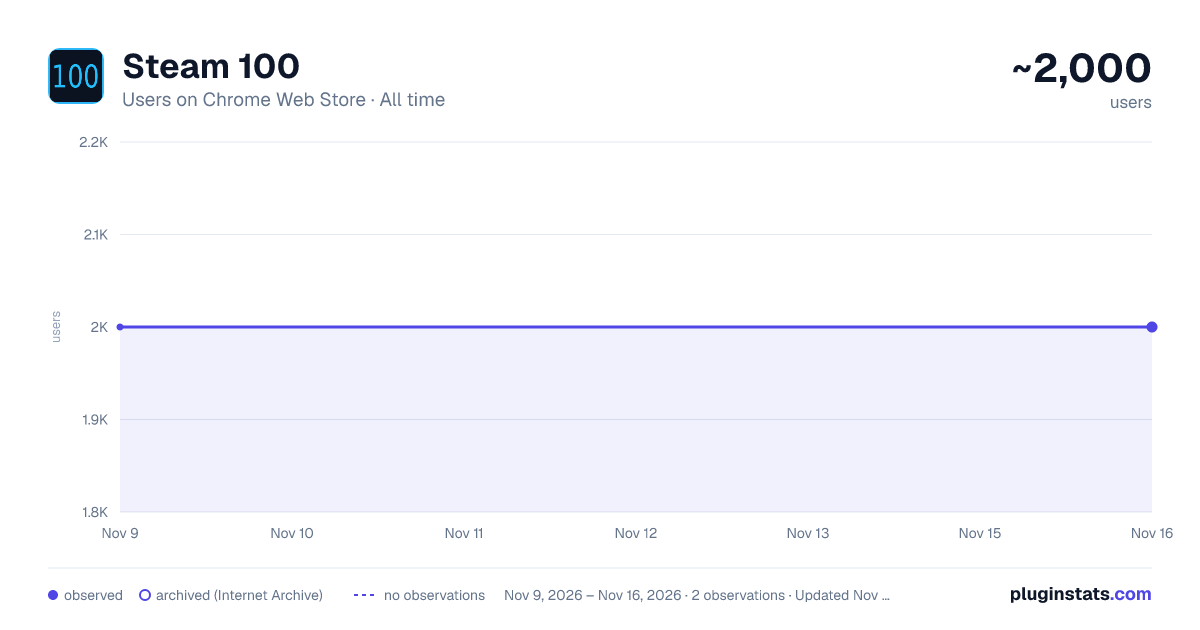
Steam 100 has approximately 2,000 recorded users on Chrome Web Store, a change of 0.0% over the past 7 days, ranking #2598 of 10,388 tracked listings.
Rating: 5.00 / 5 from 10 ratings
About Steam 100
Free Steam, Epic Games & GOG offers with a 100% discount.
The extension was tested and developed only on Windows 10/11.
Steam 100 is a Chrome extension that helps you never miss free Games and DLC giveaways on Steam, the Epic Games Store, and GOG. It automatically tracks 100% discount offers and free giveaways and instantly notifies you about new ones.
This extension is especially useful for people who love collecting games.
How it works:
The extension directly queries Steam, the Epic Games Store, and GOG, processing data about free Games and DLC locally without intermediaries.
Features:
🔎 Automatic search for free Games and DLC giveaways on Steam, Epic Games, and GOG.
📌 Handy popup window with covers, titles, and direct links to the game page.
🔔 Customizable desktop notifications about new giveaways.
🔔🔊 Optional sound notifications with adjustable volume and repeat option.
🟩 Badge on the icon showing the number of active offers (new ones highlighted in green).
🕒 Customizable automatic checks - choose an interval of 5, 10, 15, 30, or 60 minutes (15 minutes or longer recommended). Opening the extension immediately checks for new giveaways without waiting for the next scheduled check.
📱 Flexible settings - choose platforms (Steam / Epic Games / GOG), notifications, badge, and interface language.
🌍 Multilingual support: English, Russian, Ukrainian.
🧠 Remembers viewed Games to avoid showing repeated notifications.
Modules:
🎯 Search for games on Steam, Epic Games, and GOG
Quickly find games directly from your browser's context menu. Simply highlight a game title on any web page, right-click, and choose the Steam, Epic Games, or GOG search option.
The extension opens the corresponding game page or search results in your browser. All three search options can be enabled or disabled independently in the extension settings.
🎮 Open games in desktop clients
Open Steam, Epic Games, and GOG giveaway pages directly in their installed desktop applications.
Enable this optional module to display a small button on supported game cards inside the extension. Steam, Epic Games, and GOG buttons can be enabled or disabled independently.
Click the button to open the selected game directly in the Steam client, Epic Games Launcher, or GOG GALAXY instead of your browser.
This feature supports Steam games, Epic Games PC offers, and supported GOG game pages. Mobile giveaways for Android and iOS continue to open in your browser.
Regular clicks on game cards will continue to open pages in your browser as usual.
The corresponding desktop application must be installed. Your browser may ask for permission to launch it.
Benefits:
💡 Saves time - no need to manually search for giveaways.
🎮 Never miss a free Game - get notified instantly.
⚡ Direct access - open the game page with a single click.
🔒 Easy to use - everything you need in one extension.
Description from the Chrome Web Store listing.
README badge
Show your rank in a README or on your website. The badge updates automatically.
Charts
Images: 30d · 1y · all time · 1600×900 dark
Adoption over time
7/30/90-day growth
Ranking history
Ratings over time
Listing placement
Listing placement
Filled points are observed values; hollow points come from Internet Archive snapshots of the listing page. Dashed segments span periods with no observations — values between points are not interpolated.
Each band is one page of 20. Users on a linear scale. Placement is projected from users, so it can differ from the marketplace's own sort order. Hover a dot to see the listing.
Recent observations
Full history (2)Similar Chrome Web Store Tools plugins
All 20 Steam 100 alternatives



Data source
Covers every Chrome Web Store extension with at least 100 users, found through the store's public sitemap. User counts are read from public listing pages. The 10% most-used extensions are refreshed daily, the next 40% weekly and the next 40% monthly; the least-used 10% are not refreshed. Google displays rounded user counts (and caps the display at 10,000,000+), so small changes may not be visible. Rating counts above 1,000 are rounded (e.g. 1.6K).
Listing: https://chromewebstore.google.com/detail/steam-100/holmnldkhdakgaghhfgdjigbcnggnbmk. First seen Nov 9, 2026; last successful collection Nov 16, 2026. See the methodology.