 PluginStats
URL Incrementer - A Next Page Incrementer users statistics
Chrome Web Store · Workflow & Planning
Increment a URL or go to the next page. Supports auto, multi, and advanced incrementing functions.
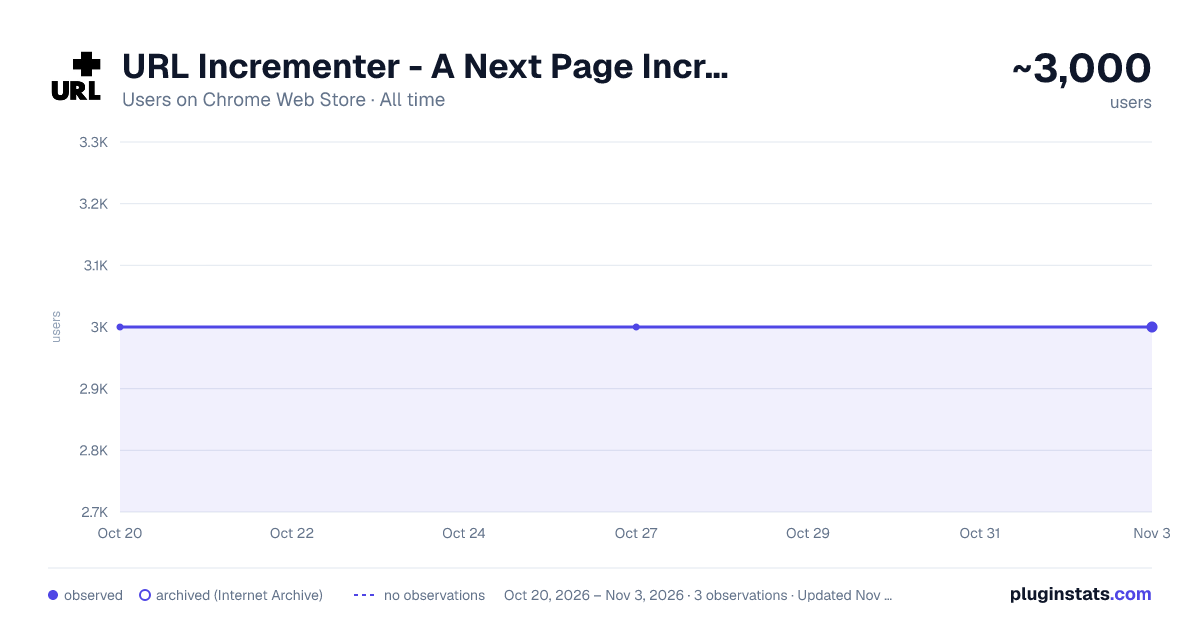
URL Incrementer - A Next Page Incrementer has approximately 3,000 recorded users on Chrome Web Store, ranking #732 of 3,404 tracked listings.
Rating: 4.30 / 5 from 63 ratings
About URL Incrementer - A Next Page Incrementer
Increment a URL or go to the next page. Supports auto, multi, and advanced incrementing functions.
Important I want you to be 100% happy with URLI! If something isn't working right, or if there's a feature you think is missing, please open an issue on GitHub and give me a chance to help before leaving a review: https://github.com/sixcious/url-incrementer/issues
About URL Incrementer can let you increment URLs and can get to the next page in a variety of ways using four different actions. URLI supports customizable shortcuts including keyboard shortcuts, mouse shortcuts, and context menu shortcuts. It can also try and auto detect the next link on the page for you using two unique algorithms.
Features • 4 Actions: Increment URL, Next Link, Click Element, and URL List • 3 Types of Shortcuts: Keyboard, Mouse (Multi-Click & Rocker) and Context Menu • Advanced Incrementing: Multi Incrementing, Date Time, Custom Base (Base 2-36), and Error Skipping • Auto Incrementing with Pause, Resume, and Slideshow capabilities • Auto Detect Algorithms: Features two unique algorithms to help try and find the next link (Pattern and Keyword) • Shuffle URLs: Make it fun and randomize the next pages you see • Element Picker (Powered by ElemPick): To help you find the next link or click element, pick an element on the page and generate its Selector or XPath expression automatically or use the EP's buttons to traverse the DOM in any direction (May not work on complex websites) • Save settings for your favorite URLs • Toolkit: Generate Links, Open Tabs, and Crawl URLs (Requires Special Mode) • User Interface: A simple UI made with Material Design and Lit
Permissions Justification "Read and change all your data on the websites you visit" - URLI needs to request this permission so that its content script can auto-activate on any URL you want to increment or have it work on.
Privacy Policy URL Incrementer does not track you. It does not use analytic services. It does not collect any data from your device or computer. All your data is stored locally on your device. Your data is your data.
Description from the Chrome Web Store listing.
README badge
Show your rank in a README or on your website. The badge updates automatically.
Charts
Images: 30d · 1y · all time · 1600×900 dark
Adoption over time
7/30/90-day growth
Ranking history
Ratings over time
Listing placement
Listing placement
Filled points are observed values; hollow points come from Internet Archive snapshots of the listing page. Dashed segments span periods with no observations — values between points are not interpolated.
Each band is one page of 20. Users on a linear scale. Placement is projected from users, so it can differ from the marketplace's own sort order. Hover a dot to see the listing.
Recent observations
Full history (1)Similar Chrome Web Store Workflow & Planning plugins
All 20 URL Incrementer - A Next Page Incrementer alternatives



Data source
Covers every Chrome Web Store extension with at least 100 users, found through the store's public sitemap. User counts are read from public listing pages. The 10% most-used extensions are refreshed daily, the next 40% weekly and the next 40% monthly; the least-used 10% are not refreshed. Google displays rounded user counts (and caps the display at 10,000,000+), so small changes may not be visible. Rating counts above 1,000 are rounded (e.g. 1.6K).
Listing: https://chromewebstore.google.com/detail/url-incrementer-a-next-pa/hjgllnccfndbjbedlecgdedlikohgbko. First seen Oct 20, 2026; last successful collection Oct 20, 2026. See the methodology.