 PluginStats

JSON Prettier users statistics
By Arktavia · Chrome Web Store · Developer Tools
Use JSON Prettier online application as your json formatter, validator and editor to see json beautify instantly in the browser.
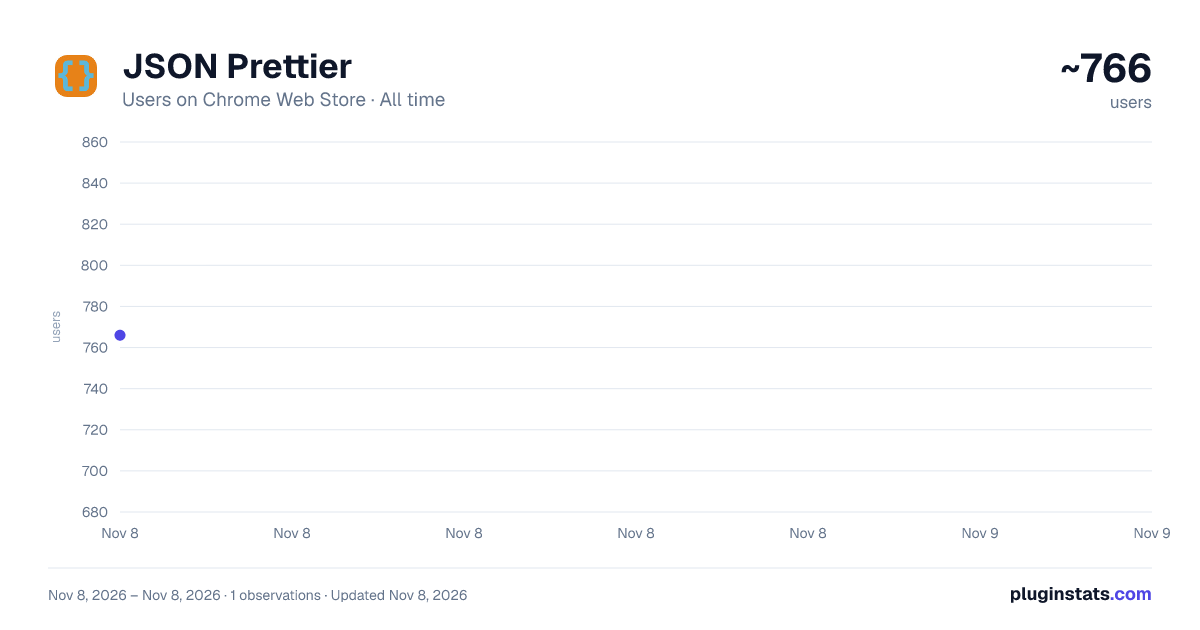
JSON Prettier has approximately 766 recorded users on Chrome Web Store, ranking #3369 of 8,189 tracked listings.
Rating: 4.90 / 5 from 8 ratings
About JSON Prettier
Use JSON Prettier online application as your json formatter, validator and editor to see json beautify instantly in the browser.
🚀 JSON Prettier is your all in one helper for working with JSON in Google Chrome. It turns tangled API responses into clean, readable structures so you can understand data faster, debug errors, and share examples with your team. With one click the extension transforms any raw payload into a pretty output that feels like reading normal text instead of noise.
🖥️ This tool works like an JSON formatter but without switching tabs. It provides format and editor capabilities directly inside Chrome. Developers often need to check API responses. With the extension, you see JSON instantly. Powerful features help you inspect and edit with speed.
📖 The extension gives you clear structure and reliable validation. Work faster with JSON Prettier and enjoy organized data every time.
👁️ JSON Prettier shows pretty json with clear indentation and coloring so you always see where objects end, which fields change, and how data is structured.
⚙️ You get several core utilities in JSON Prettier: • Formatter to reformat messy strings in seconds • Viewer that lets you expand and collapse nested objects • Editor for quick fixes and experiments with payloads • Validator that checks structure while you type and highlights problems
💎 The extension also has these additional features: ► Offers tree and text display options ► Allows expanding and collapsing tree structures ► Maintains your expanded nodes even after page reloads ► Lets you open a new editor for creating new objects ► Allows opening an editor from selected text via right-click menu ► Handles very large numeric values such as BigInt and BigFloat ► Includes light and dark modes with syntax highlighting
👀 Together these tools keep your json format consistent across projects and help reduce mistakes before they reach production.
🎯 JSON Prettier behaves like a full featured online json formatter, but lives directly in your browser. Use it whenever you need: ➤ JSON formatter online without opening another site ➤ JSON editor online for longer sessions of data tweaking ➤ JSON pretty print online when you want instant readable output from any raw payload
🧾 Use json pretty printer options whenever you need to print for logs, tickets, or documentation pages. Behind the scenes the engine runs pretty printing json and online pretty print json routines so your output is always tidy.
🎨 For presentation and readability you can choose how the formatted data should look. Different modes let you:
- Make json pretty when you receive compressed blobs from remote services
- Generate pretty format json for screenshots, slides, and wiki pages
- Convert ugly API responses into pretty json online samples for teammates
- Use json prettify whenever you want to reindent files from legacy systems
- Apply json beautify to clean exports from third party dashboards
🤝 These features ensure that JSON Prettier is not only a technical tool but also a great assistant for communication with non technical colleagues.
✅ Validation is just as important as formatting. JSON Prettier gives you a fast safety net before you send data anywhere: ▸ Validate json in one click and stop broken payloads early ▸ Rely on json verify to confirm that brackets and commas are all in the right place ▸ Combine json validator checks with format cleanup so your structure and style stay in sync
🔍 In everyday development you constantly open responses from REST APIs, log files, and browser tools. With JSON Prettier you can see json clearly, even in very large objects. The compact panel lets you collapse sections you do not need, search through keys, and focus only on the parts that matter for the bug or feature you are working on.
👥 This makes JSON Prettier useful for many roles: 1️⃣ Backend, frontend and full stack engineers who want json viewer and formatter shortcuts next to the code 2️⃣ QA specialists who must validate test data repeatedly during automated and manual testing 3️⃣ Data analysts who prefer online json viewer experiences instead of plain text logs 4️⃣ Technical writers who need to make json pretty before adding it into how to guides and API references
🧳 JSON Prettier acts like a portable toolbox that combines online json pretty, editor, and viewer features, ready whenever you inspect a network request or copy data from another tab.
🤝 During code review and collaboration the formatted output becomes a common language for the whole team. Instead of arguing about indentation, simply rely on JSON Prettier to produce the standard view:
- Show pretty json examples
- Attach json print pretty snippets
- Share links to json pretty online
✨ Install JSON Prettier today and turn your browser into a complete workspace for working with structured data. From json beautifier to json editor, validator, and pretty print, you always have the right tool close to your code.
Description from the Chrome Web Store listing.
README badge
Show your rank in a README or on your website. The badge updates automatically.
Charts
Images: 30d · 1y · all time · 1600×900 dark
Adoption over time
7/30/90-day growth
Ranking history
Ratings over time
Listing placement
Listing placement
Filled points are observed values; hollow points come from Internet Archive snapshots of the listing page. Dashed segments span periods with no observations — values between points are not interpolated.
Each band is one page of 20. Users on a linear scale. Placement is projected from users, so it can differ from the marketplace's own sort order. Hover a dot to see the listing.
Recent observations
Full history (1)Similar Chrome Web Store Developer Tools plugins
All 20 JSON Prettier alternatives



Data source
Covers every Chrome Web Store extension with at least 100 users, found through the store's public sitemap. User counts are read from public listing pages. The 10% most-used extensions are refreshed daily, the next 40% weekly and the next 40% monthly; the least-used 10% are not refreshed. Google displays rounded user counts (and caps the display at 10,000,000+), so small changes may not be visible. Rating counts above 1,000 are rounded (e.g. 1.6K).
Listing: https://chromewebstore.google.com/detail/json-prettier/ilchhhjghkeicagiabpcndnkifhfkcnc. First seen Nov 8, 2026; last successful collection Nov 8, 2026. See the methodology.