 PluginStats

Simple Auto Clicker users statistics
Free auto clicker for Chrome. Pick an element or click at the cursor, from 50 ms. No tracking, three permissions.
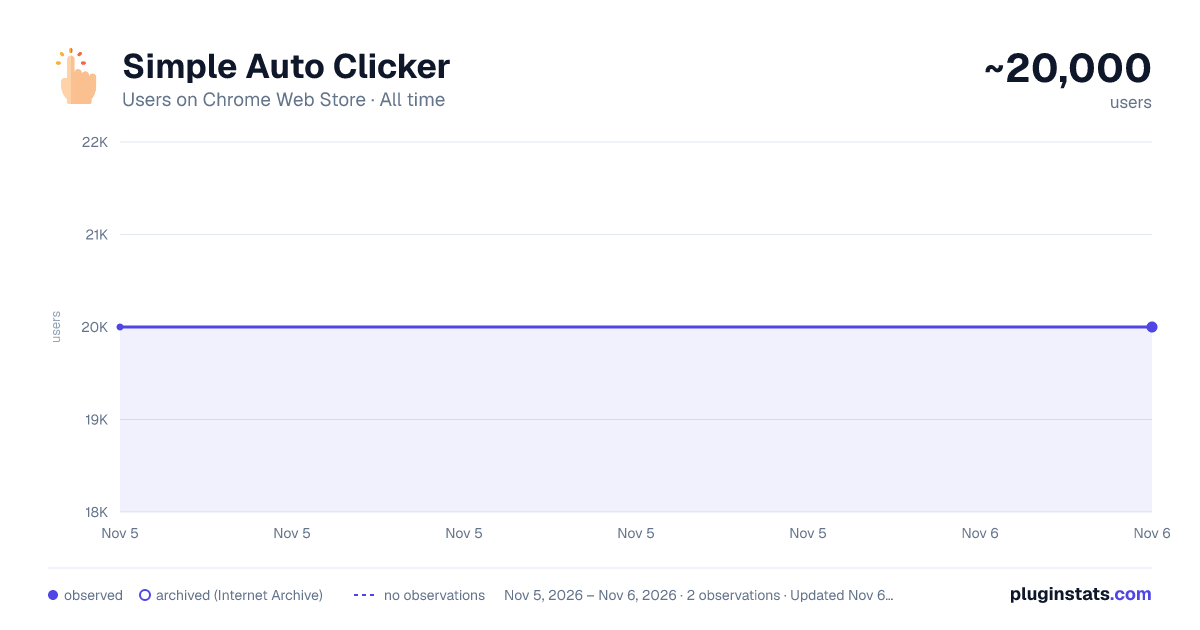
Simple Auto Clicker has approximately 20,000 recorded users on Chrome Web Store, ranking #579 of 7,342 tracked listings.
Rating: 4.40 / 5 from 17 ratings
About Simple Auto Clicker
Free auto clicker for Chrome. Pick an element or click at the cursor, from 50 ms. No tracking, three permissions.
Simple Auto Clicker is a free auto clicker extension for Chrome. Pick a button and it keeps clicking it, even if the page moves. Or use Cursor mode as an auto mouse clicker wherever your pointer rests. No download, no account, no tracking.
HOW TO USE
- Click the extension icon.
- Choose Element (pick a button) or Cursor.
- Set the interval, from 50 ms (up to 20 clicks per second).
- Press Start, or Alt+Shift+K.
FEATURES • Left, right or double click • Natural timing: 10, 20 or 30% random variation • Stop after a number of clicks or minutes • Keeps its speed in background tabs • Clicks inside iframe games (frames from other sites need Allow) • Optional: keep running after a reload on the same site • One loop per tab, with a live click count and a Stop button • Settings are remembered • Chrome, Edge and Brave on Windows, Mac, Linux and Chromebook
GOOD FOR • Repeated clicks in dashboards and web apps • Refresh or "load more" buttons • Idle and clicker games in the browser. Some limit scripted clicks: Cookie Clicker counts about 3 per second, so use 350 ms there.
PRIVACY No data collected and no network requests. Three permissions at install: activeTab, scripting and storage. Site access is asked for only if you turn on "Keep running after reload" or press Allow for embedded content. Privacy policy: https://simpleautoclicker.com/privacy-policy
LIMITS • Web pages only: no desktop apps, key presses or mobile • Cannot pass captchas or sites that require real input • Does not run on Chrome's own pages, the Web Store or PDFs • Stops on reload, unless "Keep running after reload" is on
Please follow each site's rules. Many online games do not allow auto clickers.
NEW IN 0.3.0 Full speed in background tabs, right and double click, natural timing, stop limits, Alt+Shift+K, iframe clicks, live click count and keep running after reload.
Guides and a free CPS test: https://simpleautoclicker.com Questions or bugs: use the Support tab.
Description from the Chrome Web Store listing.
README badge
Show your rank in a README or on your website. The badge updates automatically.
Charts
Images: 30d · 1y · all time · 1600×900 dark
Adoption over time
7/30/90-day growth
Ranking history
Ratings over time
Listing placement
Listing placement
Filled points are observed values; hollow points come from Internet Archive snapshots of the listing page. Dashed segments span periods with no observations — values between points are not interpolated.
Each band is one page of 20. Users on a linear scale. Placement is projected from users, so it can differ from the marketplace's own sort order. Hover a dot to see the listing.
Recent observations
Full history (1)Similar Chrome Web Store Tools plugins
All 20 Simple Auto Clicker alternatives



Data source
Covers every Chrome Web Store extension with at least 100 users, found through the store's public sitemap. User counts are read from public listing pages. The 10% most-used extensions are refreshed daily, the next 40% weekly and the next 40% monthly; the least-used 10% are not refreshed. Google displays rounded user counts (and caps the display at 10,000,000+), so small changes may not be visible. Rating counts above 1,000 are rounded (e.g. 1.6K).
Listing: https://chromewebstore.google.com/detail/auto-clicker/aljpppgbdpdjekfbgppppjoakabmkodo. First seen Nov 5, 2026; last successful collection Nov 5, 2026. See the methodology.