 PluginStats

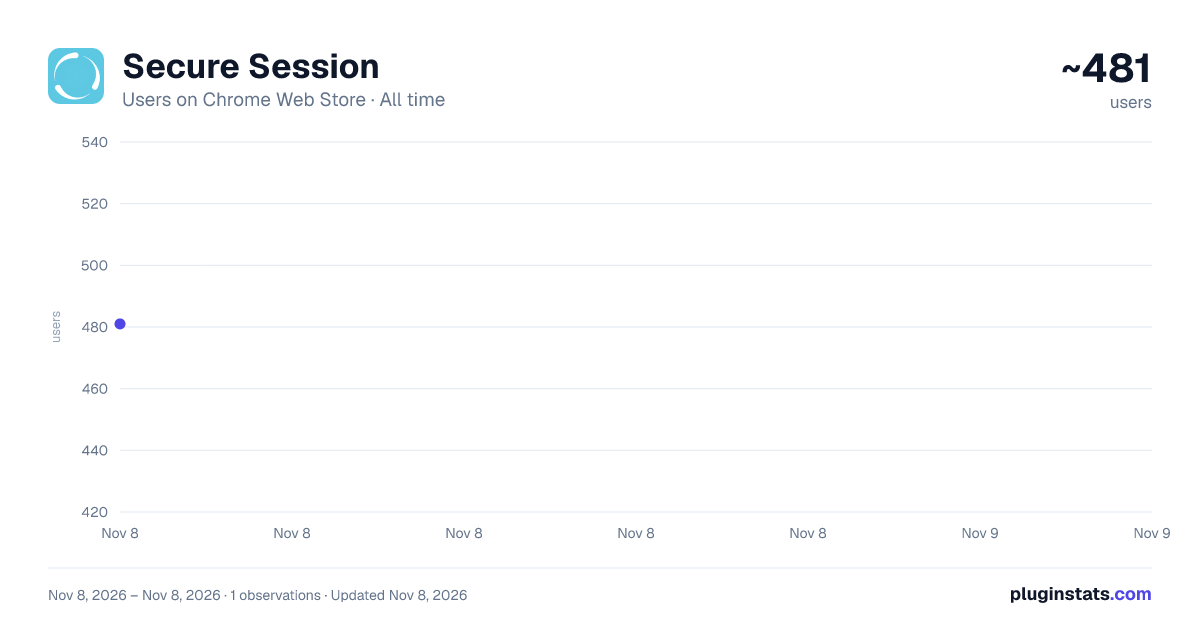
Secure Session has approximately 481 recorded users on Chrome Web Store, ranking #4164 of 8,189 tracked listings.
About Secure Session
Your Digital Fortress for Public Browsing
In today's connected world, your digital safety shouldn't be compromised just because you're using a shared computer. SecureSession is your personal digital fortress, transforming any public PC into a secure, private browsing environment with just one click. Whether you're at a library, internet cafe, hotel business center, or any shared space, SecureSession ensures your online activities remain confidential and protected. Key Features: 🛡️ Instant Armor: Activate a fully secure browsing environment in seconds. 🕵️ Trace Eraser: Automatically wipes all your data when you're done. ⏱️ Time Guardian: Set session durations to match your needs. 🔒 File Fortress: View and manage documents without leaving traces on public PCs. 🌐 SafeNet: Browse with enhanced security protocols. Whether you're a student researching at the library, a professional checking emails at a business center, or simply someone who values privacy while using shared computers, SecureSession provides peace of mind with every click. Download SecureSession today and turn any public computer into your personal, secure workspace!
Perfect for: ⦿ Students using campus computers ⦿ Professionals on-the-go ⦿ Library patrons ⦿ Internet cafe visitors ⦿ Anyone using shared or public computers
SecureSession: Your bubble of security in a public digital world. Disclaimer: Important: SecureSession is designed to enhance your privacy and security while using public computers, but it is not a complete anonymity solution. While we clear your browsing data from the local machine, your internet service provider, websites you visit, and potential network observers may still be able to track your online activities.
SecureSession does not make you anonymous online, nor does it encrypt your internet connection. For full anonymity and encryption, consider using a VPN in addition to SecureSession. We strive to provide the highest level of security, but we cannot guarantee complete protection against all potential threats. Users are responsible for their online activities and should always exercise caution when accessing sensitive information on public networks.
Description from the Chrome Web Store listing.
README badge
Show your rank in a README or on your website. The badge updates automatically.
Charts
Images: 30d · 1y · all time · 1600×900 dark
Adoption over time
7/30/90-day growth
Ranking history
Ratings over time
Listing placement
Listing placement
Filled points are observed values; hollow points come from Internet Archive snapshots of the listing page. Dashed segments span periods with no observations — values between points are not interpolated.
Each band is one page of 20. Users on a linear scale. Placement is projected from users, so it can differ from the marketplace's own sort order. Hover a dot to see the listing.
Recent observations
Full history (1)Similar Chrome Web Store Tools plugins
All 20 Secure Session alternatives



Data source
Covers every Chrome Web Store extension with at least 100 users, found through the store's public sitemap. User counts are read from public listing pages. The 10% most-used extensions are refreshed daily, the next 40% weekly and the next 40% monthly; the least-used 10% are not refreshed. Google displays rounded user counts (and caps the display at 10,000,000+), so small changes may not be visible. Rating counts above 1,000 are rounded (e.g. 1.6K).
Listing: https://chromewebstore.google.com/detail/secure-session/anogccaklodipomojdlabeemphfniend. First seen Nov 8, 2026; last successful collection Nov 8, 2026. See the methodology.