 PluginStats

Shopify Scraper & Parser - Shopify Spy users statistics
Chrome Web Store · Workflow & Planning
Shopify Spy extract product listing from Shopify stores to CSV and Excel
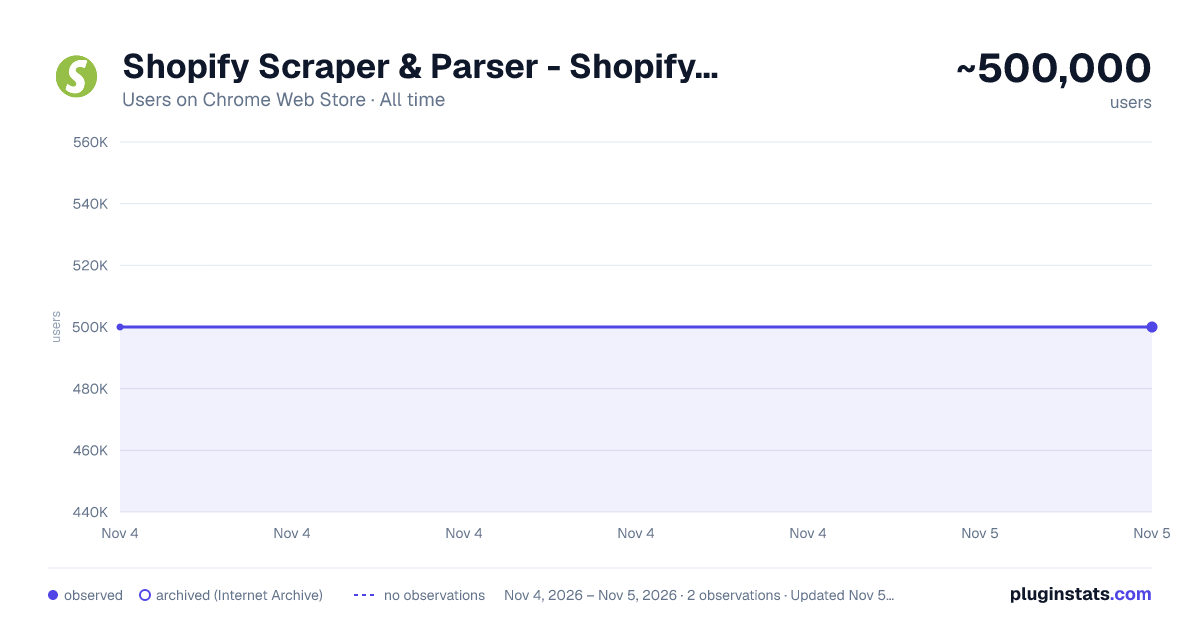
Shopify Scraper & Parser - Shopify Spy has approximately 500,000 recorded users on Chrome Web Store, ranking #89 of 7,072 tracked listings.
Rating: 4.40 / 5 from 53 ratings
About Shopify Scraper & Parser - Shopify Spy
Shopify Spy extract product listing from Shopify stores to CSV and Excel
Shopify Spy scrapes products from Shopify powered stores and saves as an Excel document or CSV file.
2025 Q1 changes:
- Support multi-language stores
2024 Q3 changes:
- Download a single product
- Display some store metadata
- Better handling if errors
2024 Q2 changes:
- Highly requested feature: Downloading images.
- Slow mode: Extract more fields but slower: Variant Barcode, Image Alt Text, Variant Tax Code, Variant Weight Unit
- Old "Excel" format has been renamed to "Excel (Legacy)" and will be removed in further releases
- Option to manually specify a collection handle if the list of collections is too large.
- Enhanced error handling with clearer explanations
2024 Q1 changes:
- Resolved "Out of memory" error for large stores; now, CSV/Excel files are automatically split for efficient data handling.
- Improved status messages for enhanced clarity and precision.
2023 Q3-Q4 changes:
- Undock popup: you can use browser while the scraping is in progress and even scrape several store simultaneously
- Renewed login flow
Shopify Spy features: ✓ Can extract thousands of products within minutes ✓ Filter by a specific collection ✓ All fields from Shopify product listing are included (see below) ✓ All product images are added to the CSV ✓ Download images along with CSV ✓ Export to CSV format compatible with Shopify import format (https://help.shopify.com/en/manual/products/import-export/import-products) ✓ Save as XLSX (Excel document) with proper data types - dates, prices ✓ Does not require excessive permissions
Why Shopify Spy:
For e-commerce store owners, Shopify Spy allows you to keep track of your competitors' products, pricing, and promotions. With this tool, you can quickly and easily extract thousands of products from Shopify-powered stores and filter them by specific collections.
For digital marketers, Shopify Spy provides accurate and reliable product data to help you analyze market trends and identify potential opportunities for your clients.
For product researchers, Shopify Spy makes it easy to gather data on a large number of products quickly and efficiently. This means you can identify trends and insights in your field of research with ease.
For dropshippers, Shopify Spy is an essential tool for finding new products to add to your store, and monitor pricing and product availability for your existing products.
For data analysts, Shopify Spy's ability to extract product data from Shopify stores and save it in a CSV or Excel format makes it an attractive tool for processing large amounts of data quickly and efficiently.
So, whether you're an e-commerce store owner, digital marketer, product researcher, dropshipper, or data analyst, Shopify Spy has everything you need to stay on top of the latest product trends and insights. Try it out today and take your business to the next level!
Supported Fields:
- Handle: The unique identifier for the product.
- Title: The name of the product.
- Body (HTML): The HTML description of the product.
- Vendor: The name of the product's vendor.
- Product Type: The category or type of the product.
- Tags: Keywords associated with the product.
- Published: Indicates whether the product is published or unpublished.
Options:
- Option Name
- Option Value
Variants:
- Variant SKU: The stock keeping unit for the variant.
- Variant Grams: The weight of the variant in grams.
- Variant Price: The price of the variant.
- Variant Compare At Price: The original price of the variant, used for comparison.
- Variant Inventory Qty: Inventory quantity, where 0 indicates out of stock and 1 indicates in stock.
Slow Mode Additional Fields for Variants:
- Variant Barcode: The barcode for the variant.
- Variant Tax Code: The tax code associated with the variant.
- Variant Weight Unit: The unit of weight measurement for the variant.
Images:
- Image Src: The source URL of the image.
Slow Mode Additional Fields for Images:
- Image Alt Text: The alternative text for the image.
Description from the Chrome Web Store listing.
README badge
Show your rank in a README or on your website. The badge updates automatically.
Charts
Images: 30d · 1y · all time · 1600×900 dark
Adoption over time
7/30/90-day growth
Ranking history
Ratings over time
Listing placement
Listing placement
Filled points are observed values; hollow points come from Internet Archive snapshots of the listing page. Dashed segments span periods with no observations — values between points are not interpolated.
Each band is one page of 20. Users on a linear scale. Placement is projected from users, so it can differ from the marketplace's own sort order. Hover a dot to see the listing.
Recent observations
Full history (1)Similar Chrome Web Store Workflow & Planning plugins
All 20 Shopify Scraper & Parser - Shopify Spy alternatives



Data source
Covers every Chrome Web Store extension with at least 100 users, found through the store's public sitemap. User counts are read from public listing pages. The 10% most-used extensions are refreshed daily, the next 40% weekly and the next 40% monthly; the least-used 10% are not refreshed. Google displays rounded user counts (and caps the display at 10,000,000+), so small changes may not be visible. Rating counts above 1,000 are rounded (e.g. 1.6K).
Listing: https://chromewebstore.google.com/detail/shopify-scraper-parser-sh/injdgfhiepghpnihhgmkejcjnoohaibm. First seen Nov 4, 2026; last successful collection Nov 4, 2026. See the methodology.