 PluginStats

Copy All Urls Pro users statistics
By anyask.top · Chrome Web Store · Tools
Copy all tab URLs to clipboard in multiple formats. Features: floating ball, URL cleaning, batch operations, cloud sync.
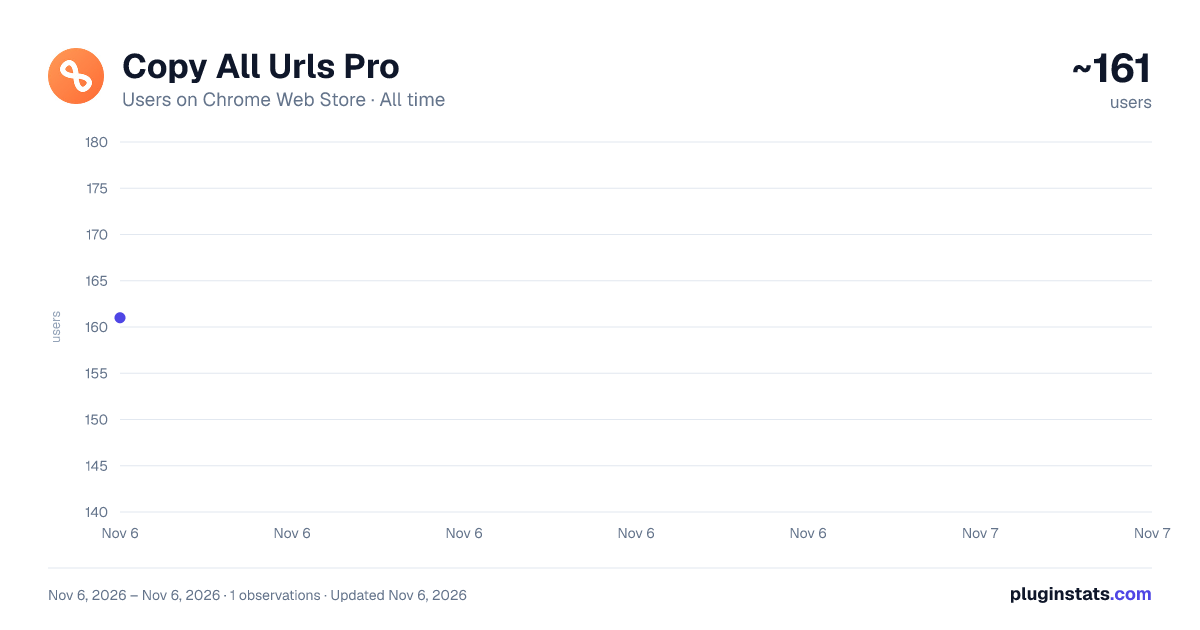
Copy All Urls Pro has approximately 161 recorded users on Chrome Web Store, ranking #6271 of 7,624 tracked listings.
Rating: 5.00 / 5 from 3 ratings
About Copy All Urls Pro
Copy all tab URLs to clipboard in multiple formats. Features: floating ball, URL cleaning, batch operations, cloud sync.
Copy All Urls Pro - Professional Web Information Manager
Copy all tab URLs to clipboard in one click (Text, HTML, JSON, or custom formats). Paste to open multiple URLs at once.
Key Features
📋 One-click Copy — Batch copy all open tab URLs in 4 formats
📂 Batch Open — Paste URLs to open all links in new tabs instantly
🧹 Smart Cleaning — Auto-remove UTM/tracking parameters
⌨️ Quick Actions — Keyboard shortcuts for selected tabs
Perfect For
🔬 Researchers — Literature management, data collection
💼 Office Workers — Meeting notes, project materials
👨💻 Developers — Documentation, code references
✍️ Content Creators — Asset collection, inspiration tracking
Why Choose Us
⚡ Boost Efficiency — Batch processing saves time
🧹 Auto-Clean — Removes tracking parameters automatically
🔧 Flexible Formats — Switch between Text, Markdown, JSON
⌨️ Hotkey Support — Keyboard shortcuts for power users
Copy All Urls Pro - 专业网页信息管理助手
一键复制标签页 URL 到剪贴板(支持文本、HTML、JSON 或自定义格式),粘贴即可批量打开多个链接。
#核心功能
📋 一键复制
- 批量复制所有打开的标签页 URL
- 支持 4 种格式:文本、HTML、JSON、自定义
📂 批量打开
- 粘贴 URL 即可一次性在新建标签页中打开
🧹 智能清理
- 自动移除 UTM 等追踪参数,生成干净链接
⌨️ 快捷操作
- 支持键盘快捷键,仅复制选定的标签页
#适用人群
🔬 研究人员 — 文献管理、资料收集、引用整理
💼 办公人士 — 会议记录、项目资料整理
👨💻 开发者 — 技术文档管理、代码参考收集
✍️ 内容创作者 — 素材收集、灵感记录
#核心优势
⚡ 效率倍增 — 批量处理,告别重复操作
🧹 智能清理 — 自动去除追踪参数
🔧 多格式支持 — 文本、Markdown、JSON 一键切换
⌨️ 快捷键支持 — 键盘操作更流畅
Description from the Chrome Web Store listing.
README badge
Show your rank in a README or on your website. The badge updates automatically.
Charts
Images: 30d · 1y · all time · 1600×900 dark
Adoption over time
7/30/90-day growth
Ranking history
Ratings over time
Listing placement
Listing placement
Filled points are observed values; hollow points come from Internet Archive snapshots of the listing page. Dashed segments span periods with no observations — values between points are not interpolated.
Each band is one page of 20. Users on a linear scale. Placement is projected from users, so it can differ from the marketplace's own sort order. Hover a dot to see the listing.
Recent observations
Full history (1)Similar Chrome Web Store Tools plugins
All 20 Copy All Urls Pro alternatives



Data source
Covers every Chrome Web Store extension with at least 100 users, found through the store's public sitemap. User counts are read from public listing pages. The 10% most-used extensions are refreshed daily, the next 40% weekly and the next 40% monthly; the least-used 10% are not refreshed. Google displays rounded user counts (and caps the display at 10,000,000+), so small changes may not be visible. Rating counts above 1,000 are rounded (e.g. 1.6K).
Listing: https://chromewebstore.google.com/detail/copy-all-urls-pro/ikoblbopecolcmfodligfdpnjfdkpkkc. First seen Nov 6, 2026; last successful collection Nov 6, 2026. See the methodology.