 PluginStats
URL to QR Code users statistics
Generate a QR code for the current tab's URL.
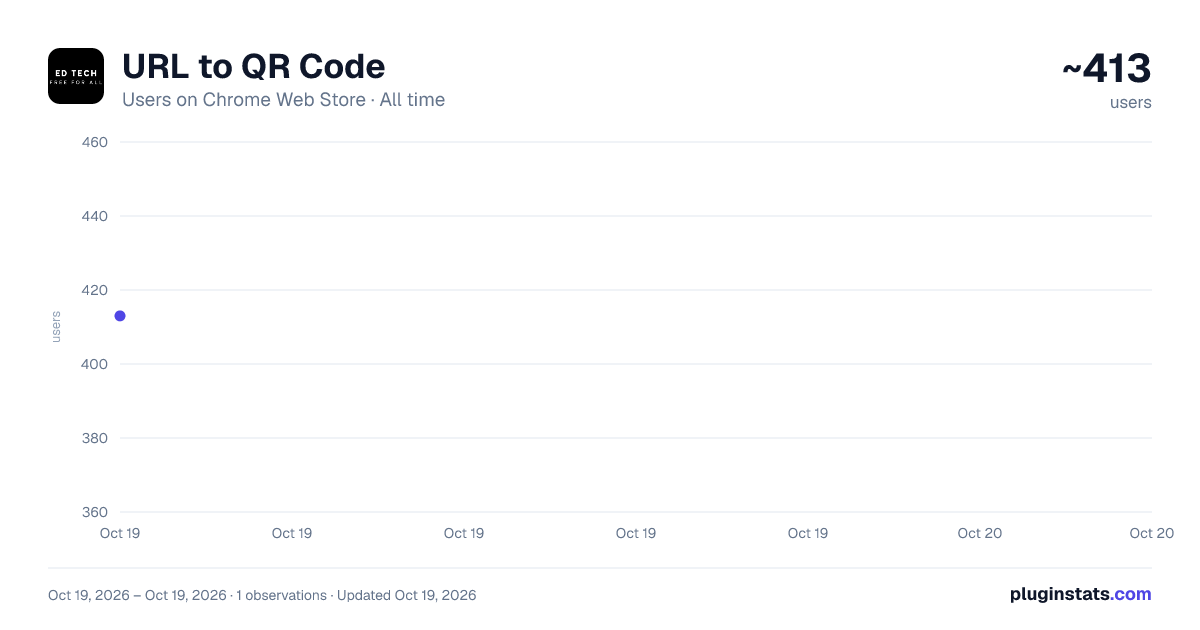
URL to QR Code has approximately 413 recorded users on Chrome Web Store.
It ranks #1116 of 2,033 tracked Chrome Web Store listings by users.
PluginStats has 1 daily observations since Oct 19, 2026; the latest is from Oct 19, 2026.
About URL to QR Code
Generate a QR code for the current tab's URL.
Introducing the QR Code Generator Chrome Extension
Our new Chrome extension makes generating QR codes for URLs simpler and more efficient than ever. With just a click, you can convert the current tab's URL into a QR code and open it in a new tab for easy access or sharing. Here are some key uses and benefits of this tool:
Uses for the QR Code Generator Extension
1. Seamless Sharing Across Devices
Have you ever needed to quickly open a webpage from your laptop on your smartphone or tablet? With this extension, you can generate a QR code for the current tab and scan it using your mobile device to instantly access the same page. This eliminates the need for manual typing or emailing links to yourself.
2. Enhanced Productivity
For professionals who frequently juggle between devices, this extension streamlines the workflow. Whether you’re presenting a webpage in a meeting or quickly sharing a resource with colleagues, a QR code ensures instant access without interruptions.
3. Simplifying Classroom Technology
In educational settings, teachers can use this extension to share online resources with students. By displaying the QR code on a projector or screen, students can scan and access the content on their devices in seconds.
4. Fast Integration with Printed Materials
Content creators and marketers can use this extension to easily generate QR codes for web pages they want to include in printed materials like flyers, brochures, or business cards. This bridges the gap between physical and digital content.
5. Convenient for Developers and Testers
Developers testing responsive web designs or mobile apps can quickly transfer URLs to mobile devices via QR codes. This speeds up the testing process and eliminates the need for extra tools.
Why Choose This Extension?
User-Friendly: Simple interface requiring minimal effort.
Time-Saving: Generate and access QR codes in seconds.
Versatile: Suitable for a variety of professional, educational, and personal uses.
Free and Lightweight: No unnecessary features or costs.
How It Works
Open the Chrome extension from your browser toolbar.
Click the “Generate QR Code” button to instantly create a QR code for the current tab’s URL.
The QR code will open in a new tab, ready to be scanned or saved.
Conclusion
The QR Code Generator Chrome Extension is a practical tool for anyone looking to enhance productivity and streamline URL sharing. Whether you’re a professional, educator, developer, or casual user, this extension is designed to simplify your digital interactions. Download it today and experience the convenience firsthand!
This is non commercial and free to use.
Description from the Chrome Web Store listing.
Charts
Images: 30d · 1y · all time · 1600×900 dark
Adoption over time
7/30/90-day growth
Listing placement
Filled points are observed values; hollow points come from Internet Archive snapshots of the listing page. Dashed segments span periods with no observations — values between points are not interpolated.
Each band is one page of 20. Users on a log scale. Placement is projected from users, so it can differ from the marketplace's own sort order. Hover a dot to see the listing.
Recent observations
Full history (1)Similar Chrome Web Store Education plugins
All 20 URL to QR Code alternatives




Data source
Covers every Chrome Web Store extension with at least 100 users, found through the store's public sitemap. User counts are read from public listing pages. The 10% most-used extensions are refreshed daily, the next 40% weekly and the next 40% monthly; the least-used 10% are not refreshed. Google displays rounded user counts (and caps the display at 10,000,000+), so small changes may not be visible. Rating counts above 1,000 are rounded (e.g. 1.6K).
Listing: https://chromewebstore.google.com/detail/url-to-qr-code/ahfgedlflojggdfilecpidfdadainikj. First seen Oct 19, 2026; last successful collection Oct 19, 2026. See the methodology.