 PluginStats

WebPult users statistics
Use your phone as a remote and trackpad for your laptop browser: control video playback, volume, scrolling, mouse and keyboard.
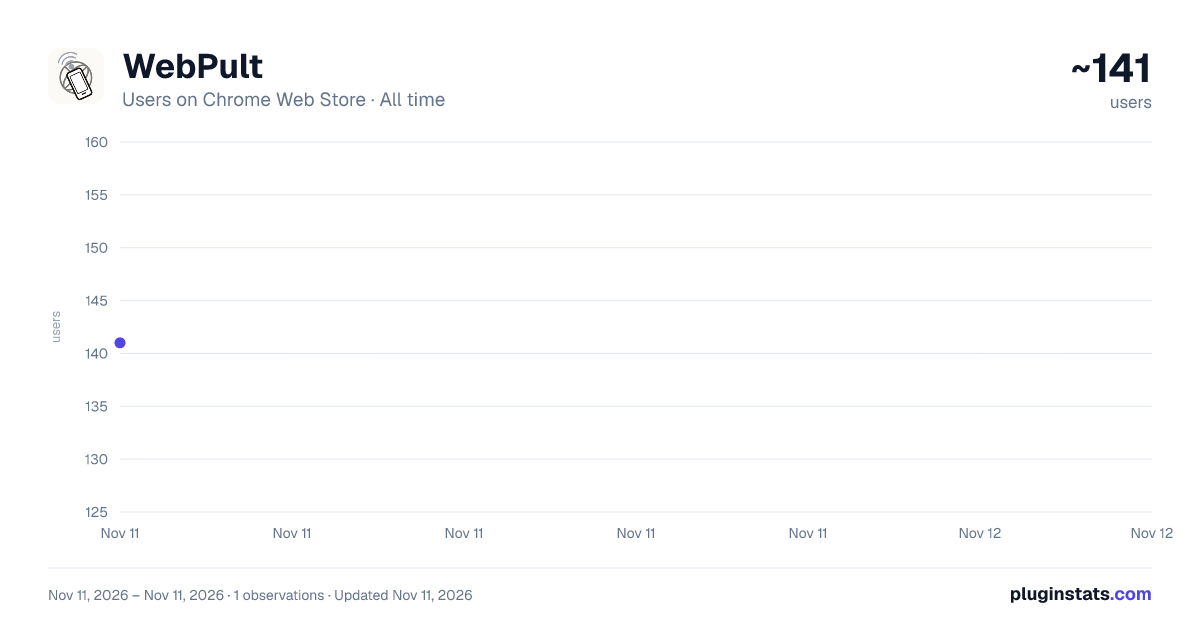
WebPult has approximately 141 recorded users on Chrome Web Store, ranking #9004 of 10,388 tracked listings.
About WebPult
Use your phone as a remote and trackpad for your laptop browser: control video playback, volume, scrolling, mouse and keyboard.
Your laptop is the TV. Your phone is the remote.
If you watch movies, series, YouTube, Twitch or any browser video on your laptop — or project it onto a wall — you know the problem: you're on the couch, the laptop is across the room, and there's no remote. WebPult is that remote.
How it works:
- Click the WebPult icon in Chrome — you'll see a short-lived pairing code and a QR code.
- On your phone, point the camera at the QR (or open webpult.com/join and type the code).
- Tap buttons on your phone. Video on your laptop reacts instantly (<200 ms).
No app to install on the phone. No account. No setup.
What you can control: • Play, pause, seek ±10 s, fullscreen • Volume slider (0–100) and mute (remembers and restores your volume) • Playback speed — 0.5× to 2× (stays put across YouTube navigation) • Picture-in-Picture — pop the video out into a floating, always-on-top window • Next / previous track — playlist and radio/mix navigation on YouTube • Subtitles & quality on YouTube — toggle captions (incl. auto-translated), pick resolution • Scroll up / down • Switch tabs, open a new tab with a URL or search query, reload the current tab • Trackpad mode — move the cursor, left / right / double-click, scroll wheel, adjustable speed • Keyboard mode — type text from your phone into the focused input on the laptop
WebPult only remote-controls playback and browser controls that are already on the page you have open — it doesn't host, stream, download, or provide access to any video itself.
Snap a shot: • Capture the current video frame straight to your phone with one tap — a single still image, not a recording. Save it or share via the OS share sheet. Keeps a local gallery of your last 5 shots.
Reconnect & install: • Trusted devices — paired laptops reconnect silently, no code needed after the first time • Install it — "Add to Home Screen" on iPhone or Android; the remote opens like a native app
Works with any HTML5 video. Optimized adapters for YouTube, Twitch and Vimeo. DRM-protected video (Netflix, some streaming services) may partially or fully fail — that's a platform restriction we can't bypass.
Privacy first: • No account, no email, no tracking cookies, no analytics. • Pairing codes are short-lived and single-use. • Session state is ephemeral. No browsing history is recorded. • Learn more at https://webpult.com.
Made by WD-Studio (https://wd-studio.com.ua). Questions: support@webpult.com or @WebPult_Bot on Telegram.
Description from the Chrome Web Store listing.
README badge
Show your rank in a README or on your website. The badge updates automatically.
Charts
Images: 30d · 1y · all time · 1600×900 dark
Adoption over time
7/30/90-day growth
Ranking history
Ratings over time
Listing placement
Listing placement
Filled points are observed values; hollow points come from Internet Archive snapshots of the listing page. Dashed segments span periods with no observations — values between points are not interpolated.
Each band is one page of 20. Users on a linear scale. Placement is projected from users, so it can differ from the marketplace's own sort order. Hover a dot to see the listing.
Recent observations
Full history (1)Similar Chrome Web Store Tools plugins
All 20 WebPult alternatives



Data source
Covers every Chrome Web Store extension with at least 100 users, found through the store's public sitemap. User counts are read from public listing pages. The 10% most-used extensions are refreshed daily, the next 40% weekly and the next 40% monthly; the least-used 10% are not refreshed. Google displays rounded user counts (and caps the display at 10,000,000+), so small changes may not be visible. Rating counts above 1,000 are rounded (e.g. 1.6K).
Listing: https://chromewebstore.google.com/detail/webpult/ninebomgjoapofgiicjkjadaheaekimg. First seen Nov 11, 2026; last successful collection Nov 11, 2026. See the methodology.